
When building software, you need to determine if your software works before you get into the semi- and full-fledged testing cycle.
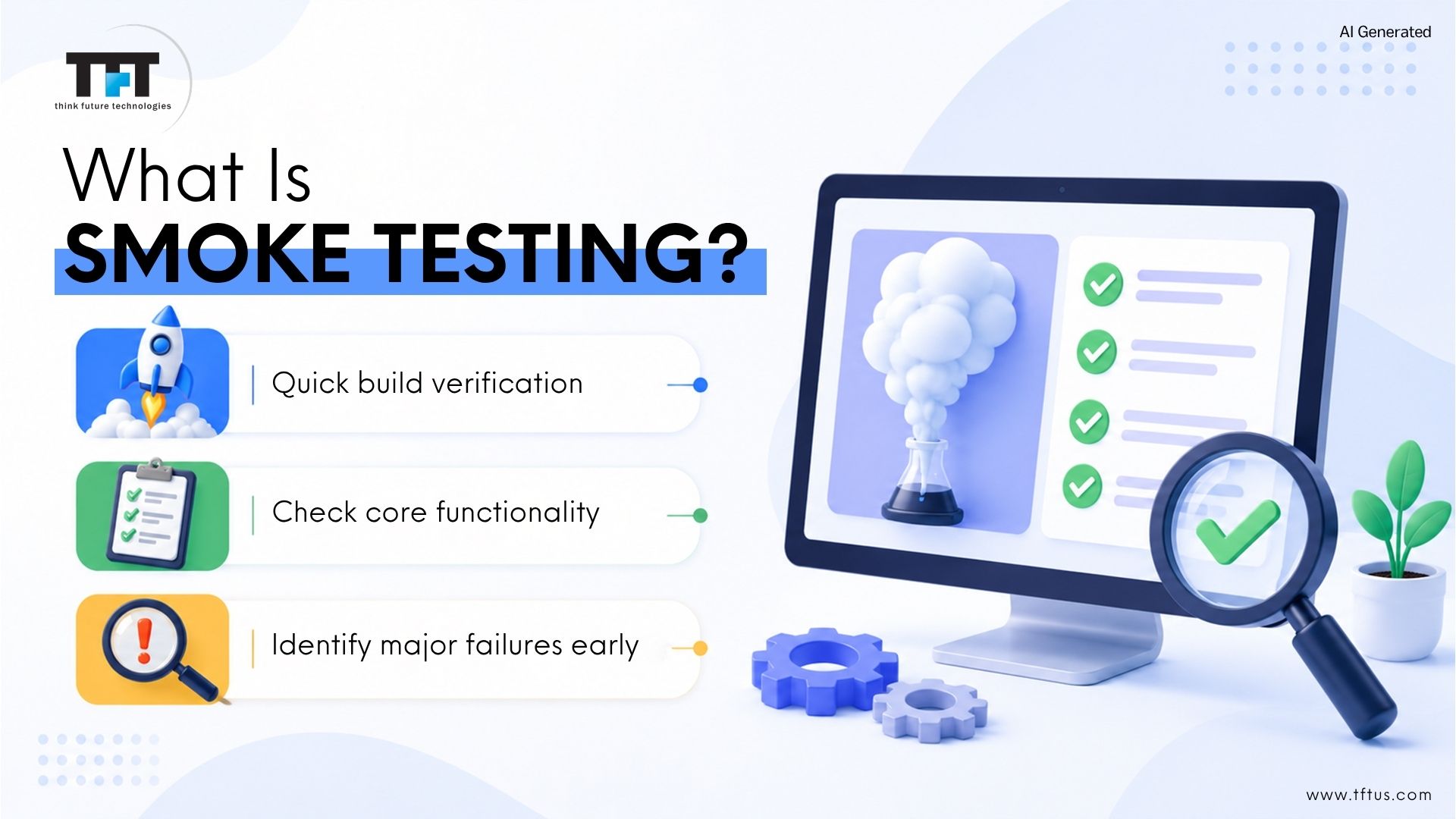
This is the reason for smoke testing, also known as build verification testing and confidence testing. Smoke testing serves as a preliminary testing step to quickly check if the core features of a software build are functioning properly.
You could think of it along the lines of turning on a new electronic device for the first time and making sure it works before the device overheats and catches fire. The term originates from hardware testing, where initial functional checks are performed to ensure devices operate safely and correctly. If it smokes when you turn on the device, there is a significant problem.
Smoke testing is a technology to gauge if your software’s primary functions are correct. The essence of smoke testing is simple: it allows testers to quickly identify any massive problems before wasting more time testing. Smoke testing is a form of verification testing that checks if the software is ready for more detailed testing.
What Does Smoke Testing in software testing Really Mean?
The literal term comes from testing hardware services. Software testers would turn on a powered-up circuit board, and they would either encourage smoke or power consumption to check if a failure occurred.
In hardware testing, these initial functional checks were performed to quickly identify major issues before proceeding further, which parallels the purpose of smoke testing in the software development process.
If smoke occurred, then they knew they had a failure. The same concept can be applied to software; however, these same test objectives can also be applied to the hardware, memory, and functionality of the application, which supports and delivers regular use of the software.
To be clear, you are checking to make sure the application is stable for continued testing. That is, if the application cannot pass a smoke test and demonstrate basic functionality, it would, in some limited sense, not be applicable for advanced testing.
Smoke testing serves as an early quality gate in the development cycle, ensuring that only stable builds move forward to more detailed testing phases.
Why Smoke Testing Matters in Software Development?
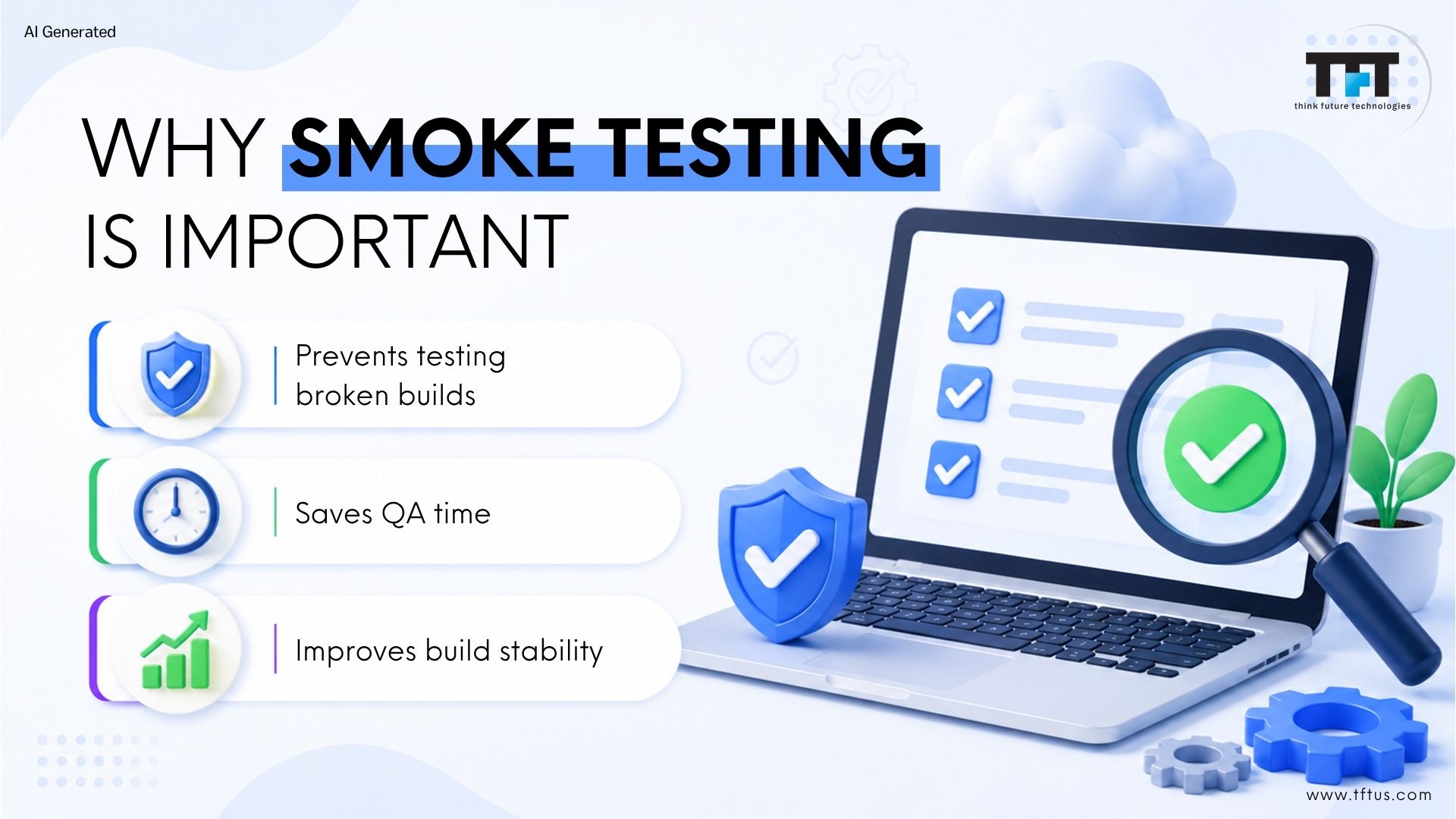
Smoke testing is crucial for preserving build stability and saving time. Without smoke testing, QA teams could spend hours regression testing or performance testing a broken build. Skipping smoke testing can lead to critical issues being identified later in the development process, increasing development costs.
All software development projects have time constraints, and your development team is under pressure to ship builds as quickly as they can. But if you push a broken build to your testers, it’s a waste of time for everyone on your QA team to test the broken build.
Smoke testing enables early defect detection, which is crucial for an efficient software development process by identifying major flaws early and ensuring only stable builds proceed to further testing stages.
Smoke testing provides a solution to this problem. Smoke testing is a gatekeeper for quality assurance to block unstable builds from consuming any more of your testing resources.
Smoke Testing in the Development Process
Smoke testing plays a critical role in the overall development process. It acts as a quality gate between development and deeper testing stages.
In a typical workflow, developers complete a feature or sprint and generate a build. Before the QA team begins detailed validation, smoke testing ensures the build is stable. This prevents wasted effort and keeps the development process efficient.
In Agile and DevOps environments, smoke testing is tightly integrated into the development process through CI/CD pipelines. Every time new code is merged, automated smoke tests verify stability before the build progresses further.
By embedding smoke testing into the development process, teams improve collaboration, reduce risk, and maintain consistent delivery quality.
What Smoke Tests in software testing Actually Check?
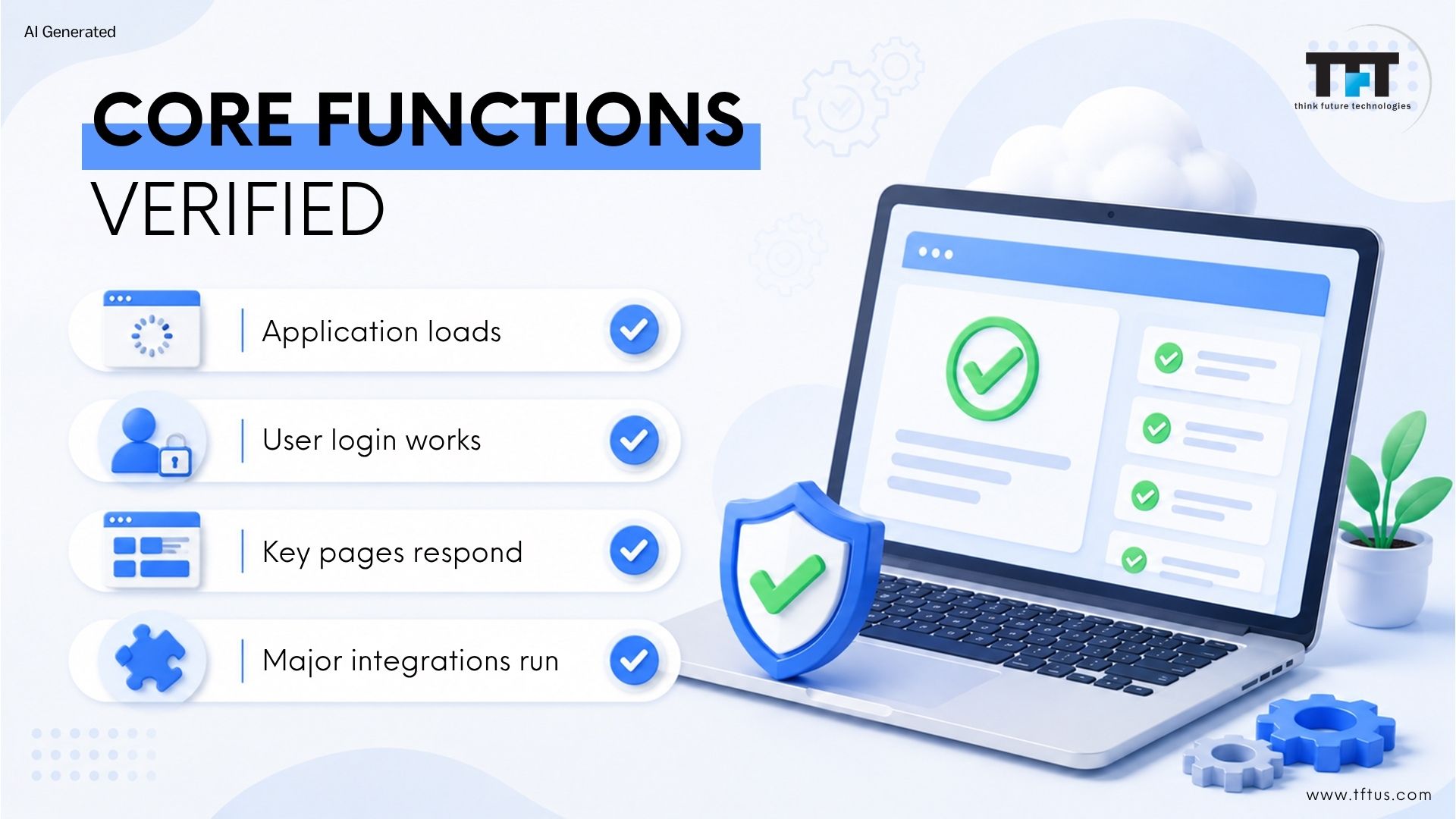
When teams discuss smoke tests in software, they’re talking about a type of scripted testing that outlines a predetermined list of critical test cases designed to verify the core functions and key features of the application.
For example:
Does the application load properly?
Does the user get signed in and signed out?
Do the main web pages or dashboards load?
Do any major integrations – like payment gateways, APIs, etc. – work?
These tests test the most important workflows. If they do not pass, there is no point in continuing with testing.
When to Run a Smoke Test?
Smoke tests are regularly performed immediately after a new software build is deployed to a testing or staging environment. After the developers write the code and create a build, the QA teams run the smoke tests to ensure that the build is healthy.
The initial smoke test is performed immediately after a new build to validate core functionalities and catch basic issues before more comprehensive testing begins.
If the smoke tests pass, then the build will progress to deeper testing such as regression testing, integration testing, or user acceptance testing (UAT).
In modern CI/CD scenarios, smoke tests, which are automated, are run every time that there is a new build is deployed, meaning that no unstable code will ever reach production. This approach provides rapid feedback to the development team, helping quickly identify regressions and defects after each build.
Comprehensive Testing
Smoke testing is only the first checkpoint in a larger quality assurance strategy. Once a build passes smoke testing, it moves into in-depth testing, where deeper validation begins.
It includes regression testing, performance testing, security testing, integration testing, and user acceptance testing. While smoke tests verify that core features work at a high level, it evaluates the system in detail, covering edge cases, error handling, data validation, and system behavior under load.
In simple terms, smoke testing answers “Is this build stable?” while this answers “Does this build fully meet requirements?”
What is the Core Purpose Behind Smoke Testing in software testing?
All testing methodology has a specific purpose, and the purpose of smoke testing is simple: Is this build stable enough to undergo further testing? Smoke testing ensures the fundamental functionality of the application before more detailed testing is performed.
The overall premise is defect detection at the earliest possible production phase; if you identify major issues within a build, developers have the opportunity to fix them before continuing to work on the build and others.
Smoke testing also limits the risk of producing broken software by discovering showstopper bugs at the earliest phase possible.
What are the Types of Smoke Testing Approaches?
Software teams utilize a variety of methodologies according to their needs, and part of being a good software engineer is knowing the different types of smoke testing, and how this knowledge may influence your choice of approach in your project.
Smoke testing is a software testing method and a testing method used as a preliminary check to ensure the basic functionality and stability of a software build before moving on to more detailed testing. After smoke testing, extensive testing is performed to thoroughly evaluate the software.
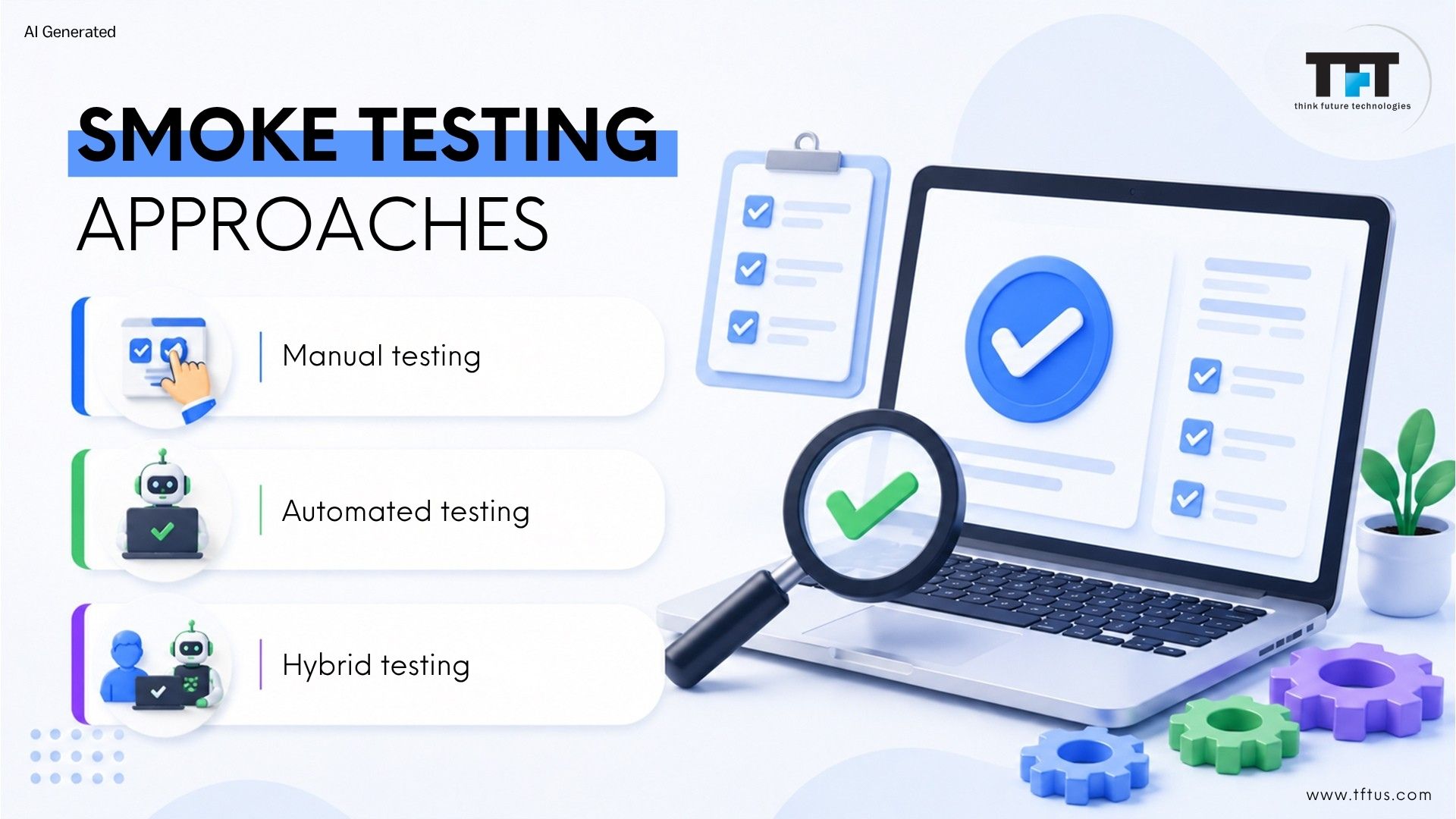
1. Manual Smoke Testing
Manual smoke testing is performed when testers run test cases manually. A tester opens the application and checks the critical functions manually. This has the benefit of human observation and intuition.
2. Automated Smoke Testing
Automated smoke tests are run completely without manual execution. You write a set of tests once, and then you can run it without being in control of the action each time you need to verify the build. This is the most efficient method of testing.
3. Hybrid Testing Methods
Some teams are blending manual and automated approaches. Hybrid smoke testing uses automation for repetitive checks while tracking human- judged areas of testing through manual testing.
When to Perform Smoke Tests in Your Workflow?
The timing of smoke tests in testing is critical. Smoke testing is performed at key stages of the software development life cycle to ensure build stability before further testing. You want to maximize the value of running smoke tests at just the right times.
Below are four key points in the software development lifecycle in which smoke tests add the greatest value.
After Integration Testing Stage
Integration testing verifies the codebase’s several parts work together. After this integration testing stage, smoke tests are there to ensure the integrated system behaves in a stable manner.
During Continuous Integration Pipelines
Modern development methodologies promote continuous integration to merge code frequently, and those methods have automated smoke tests run each time the developer commits a new bit of code.
Prior to the Expected System Testing Begins
In the planned testing strategy, system testing is planned to evaluate a complete application to deep levels of testing. Before any effort is invested in the system testing phase, run smoke tests to ensure the application is behaving in a stable manner before spending time based on a very inaccurate build.
Prior to User Acceptance Testing Scheduled to Occur
User acceptance testing expects end-users to validate the software. Prior to users spending their time validating software, smoke tests should have been run in order to communicate that the application is expected to work as designed.
Integration and Execution of Smoke Testing
Integrating smoke testing into your software development lifecycle is essential for maintaining high software quality and ensuring that only stable builds progress to more extensive validation stages.
The smoke testing process acts as a critical checkpoint, allowing development and testing teams to quickly verify that the core functionality of a new build is intact before investing time and resources in further testing.
What is the Complete Smoke Testing process?
Smoke testing is an effective process that follows a systematic approach. To effectively verify basic functionality, smoke testing requires a stable build and well-crafted test scripts. Learning the process enables you to systematically smoke test within your organization.
Below are the five steps for Smoke testing process:
Identifying Critical Test Cases
To begin, review your application so you can identify critical test cases. Critical test cases are scenarios that must work in order for your software to be usable. You should prioritize core workflows that users need most.
Prioritizing Your Test Suite
Not all critical test cases have the same degree of importance. It is important to prioritize these cases to ensure the most important functions have been tested first.
Executing Tests Efficiently
Run a priority test against all new builds. This part is very important. The faster you can get through smoke tests, the sooner developers will receive problems.
Analyzing Test Results Carefully
Once the tests have been run, analyze the results. Tracking failing tests over multiple runs can help identify patterns and improve early defect detection. Determine which test cases failed and where problems may have existed. Problems discovered in the failed test case could indicate a larger issue that needed to be addressed immediately.
Reporting Defects Clearly
In all smoke testing, it is necessary to document all defects identified and describe defects in detail, clearly explaining the steps to reproduce the defect or provide screenshots, log files, etc.
How to Run Smoke Tests?
To run smoke tests effectively, teams should follow a structured approach:
Deploy the latest build to a testing or staging environment.
Execute a predefined set of critical test cases that validate core functionality.
Review results immediately and determine whether the build is stable.
If failures occur, reject the build and send it back for fixes.
If the smoke test passes, allow the build to proceed to further testing stages.
Teams can run smoke tests manually or automate them as part of a CI/CD pipeline. In modern development environments, automated smoke tests are preferred because they provide rapid feedback and consistent execution.
The goal when you run smoke tests is not to validate everything — it is to validate enough to confidently move forward.
Building an Effective Smoke Test Suite
To begin with, your smoke test suite is the set of all the test cases that you run to perform any smoke testing. Smoke tests focus on verifying the core functions of the application, ensuring that the most critical workflows and major features are stable before moving on to more detailed testing.
Moreover, creating an effective smoke test suite takes thoughtful planning and ongoing management.
Initially, start with a small set of absolutely essential test cases. Smoke tests verify that these essential features are working as expected before proceeding to more comprehensive testing, helping to catch critical issues early.
Subsequently, as your application grows, and your smoke test suite needs additional test cases to cover new essential features/behavior/changes, add to it gradually and only as needed.
Furthermore, focus the smoke test suite on testing core functionality rather than problematic behaviour or test cases on the edge of passing/failing.
Importantly, you need to find a balance. On one hand, a smoke test suite that is too small will inevitably miss important problems. On the other hand, a suite that is too large will take too long to execute losing the quick feedback purpose of smoke tests altogether.
In practice, most effective teams try to keep their smoke test suite executable in 15-30 minutes, depending on the number and complexity of the overall tests.
Automated Smoke Tests: Best Practices and Tools
Automation changes smoke testing from a choke point to a positive point. Automated smoke tests run all the time, every time, without human labour.
Smoke testing tools are essential for verifying the stability of critical functionalities in an application, and unit tests are often used alongside smoke tests to ensure application quality before deployment. Popular tools for automated smoke testing include Selenium and PhantomJS.
Here are a few best practices that are followed:
Popular Automation Tools
There are several automation tools that lend themselves to smoke testing. Selenium is the most common tool for web app testing. Appium allows you to write your tests once and run them on both Android and iOS platforms.
Maintaining Automated Tests
Automated tests need regular maintenance. When the features for an application change, the test cases should be updated as applicable. If you do not maintain tests, you risk false failures by spending time investigating things that are not issues.
Plan for some regularly scheduled suite reviews. Remove tests that are no longer relevant. Create or update smoke tests that reflect the current application behavior.
Overcoming Common Automation Challenges
There are challenges that come with automation. If you have brittle tests and minor UI changes cause them to fail, it is frustrating for teams. If possible, implement patterns (e.g., page object model) that insulate tests from changes in UI.
As your test suite matures, execution speed can become an issue. If you have a giant test suite running, try to run in parallel and see if any tests can be removed.
How can you measure the effectiveness of the Smoke Testing process?
You can’t improve what you can’t measure. You should have a baseline of measurements to understand how effective smoke testing is for your team.
Time to Execute Tests
Time your smoke test suite to measure how long it takes to run. In general, faster execution means faster feedback, but you must consider execution time against adequate coverage of core functionality.
If your tests are taking a long time, determine your bottlenecks. Can some tests run in parallel? Are there tests checking redundant features or conditions? Optimizing your execution time will make smoke testing a more feasible solution for more frequent use.
Defects Found Over Time
In each build, track how many defects your smoke testing is finding. More defects may mean that the quality of the build is decreasing, or it may mean that the smoke tests are working well.
Examine trends over multiple builds. What does this suggest about the quality? This data can help your development team understand how changes are affecting stability.
Test Coverage Numbers
What percentage of critical functionality is covered by your smoke tests? More coverage usually means more thorough testing, but this often comes at the cost of longer execution time.
Most teams strive to integrate testing all critical paths while keeping the tests as quick as possible. This again is subjective, since every team has a different idea of what exactly should test as critical.
Pass Rate Analysis
On each build, what is the percentage of smoke tests that pass? A high percentage means that the build is stable enough to conduct further testing. If the smoke test passes, the build is promoted for further testing stages.
However, if the smoke test fails, the build is rejected and sent back to developers for fixes before any detailed testing can proceed.
If you see a sudden dip in some tests passing, be sure to investigate. Most often this is a telltale sign that one code change has broken several different features.
Smoke Testing vs Sanity Testing
It is seen that Smoke Testing and Sanity Testing are often mistaken for one another. Although they sound similar, they fulfill different needs.
Smoke Testing is broad and shallow. It verifies that major functionalities operate normally before performing in-depth testing to check whether the build is stable enough to conduct formal testing.
Sanity Testing is narrow and deep. Sanity testing checks specific functionalities after updates or bug fixes. Sanity testing verifies that recent changes or bug fixes work correctly, often focusing on stable builds. It verifies that a specific bug has been correctly fixed, or that a new functionality has been implemented correctly.
To put it simply: “Smoke testing asks, ‘Does this build meet the minimal tests to be declared stable enough for testing?” While sanity testing asks, “Are these changes working as expected?”
Smoke Testing vs Regression Testing
Another area of confusion is smoke testing vs regression testing.
Smoke tests confirm if the software build is fundamentally stable at a high level. However, regression testing tests, assumes the build to be stable and checks, modifies previously completed tests to confirm that new code changes do not affect existing functionality.
Regression testing ensures the stability of existing software functionalities after modifications. Regression testing is more in-depth than smoke testing and targets specific functionalities.
A smoke test, on the other hand, can take only a few minutes to complete and acts like a gate. If the build does not pass the smoke test, it does not proceed to regression testing. Smoke testing is a lightweight evaluation that detects major defects, while regression testing provides detailed validation after smoke testing.
Understanding a UAT Smoke Test
A UAT smoke test takes place at the beginning of the User Acceptance Testing (UAT) process. Before any testing is completed by clients or end users, Quality Assurance (QA) teams execute a short smoke test of the UAT environment.
The tests confirm that the build is stable enough to engage with client end-users. There is no reason to have a client testing a web application if they cannot even login or load the key dashboards.
These were just a couple of examples of how smoke testing focuses on limited core features instead of extensive test coverage.
Key Metrics to Track
To assess effectiveness, valuable smoke testing involves a few simple metrics:
Execution Time: How long does it take to run the entire smoke test? The shorter, the better.
Pass/Fail Rate: How many builds successfully pass smoke tests? If there’s frequent failure, one can assume there is an ongoing stability issue.
Defects Found: How many critical defects do you find and report during the smoke test?
Coverage of Core Features: Are your most important workflows being tested?
These metrics allow QA leaders to assess smoke testing value and continue improving their processes.
The Challenges of Smoke Testing
Although smoke testing is simple, it’s not without its methodical issues. Since the scope covers critical workflows only, there may be bugs lurking in secondary workflows.
Selecting which widgets fall under “critical” also tends to be subjective, as each tester may put a priority on several different workflows. Smoke testing is assurance that the flow is stable enough to continue testing.
5 Best Practices for Effective Smoke Testing
In order to get the full benefits of smoke testing, you should follow a few best practices:
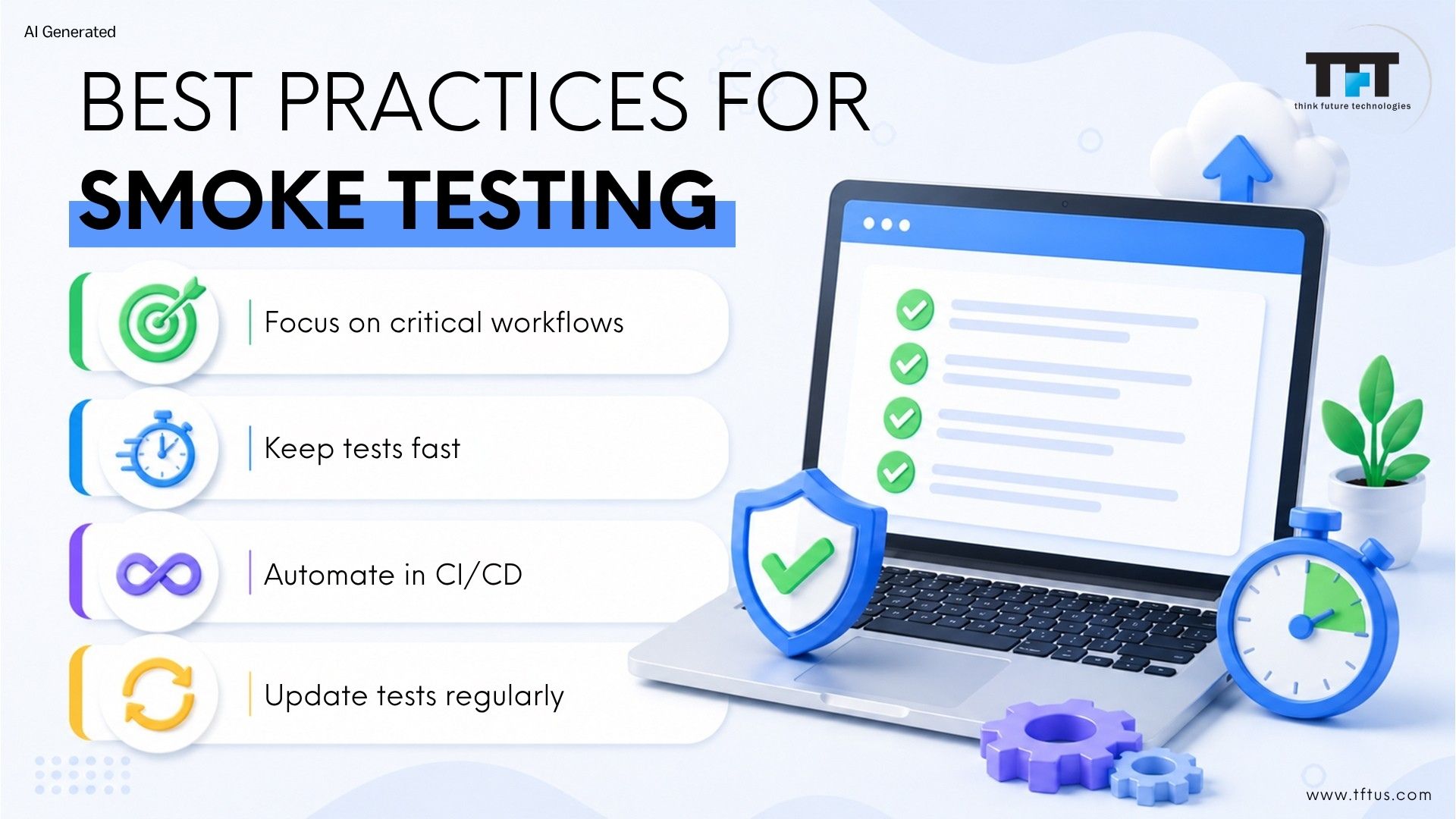
Keep your smoke test suite small but meaningful, only focusing on the workflows that really matter for your product’s success.
Automate when you can. Automation guarantees reliability and efficiency, which is particularly important in CI/CD pipelines.
Keep your smoke tests up to date with new or modified core features.
If smoke tests fail, first fix the build before proceeding further.
Run smoke tests in an environment that most closely resembles production so that you can capture issues early.
By adhering to these best practices, you will ensure your smoke testing remains relevant, focused, and productive in advancing your development goals.
Final Word
In a nutshell, smoke testing is an incredibly valuable element of your software quality toolbox for identifying fundamental issues quickly for early feedback and an efficient use of resources.
Smoke testing guarantees that you establish robustness in each build, create stronger software development processes, and maintain your developer workflow health in CI/CD pipelines.
In SaaS and agile teams, smoke tests should be automated and offer a ton of value in terms of faster releases, higher quality, and fewer surprises at the last second before release.