

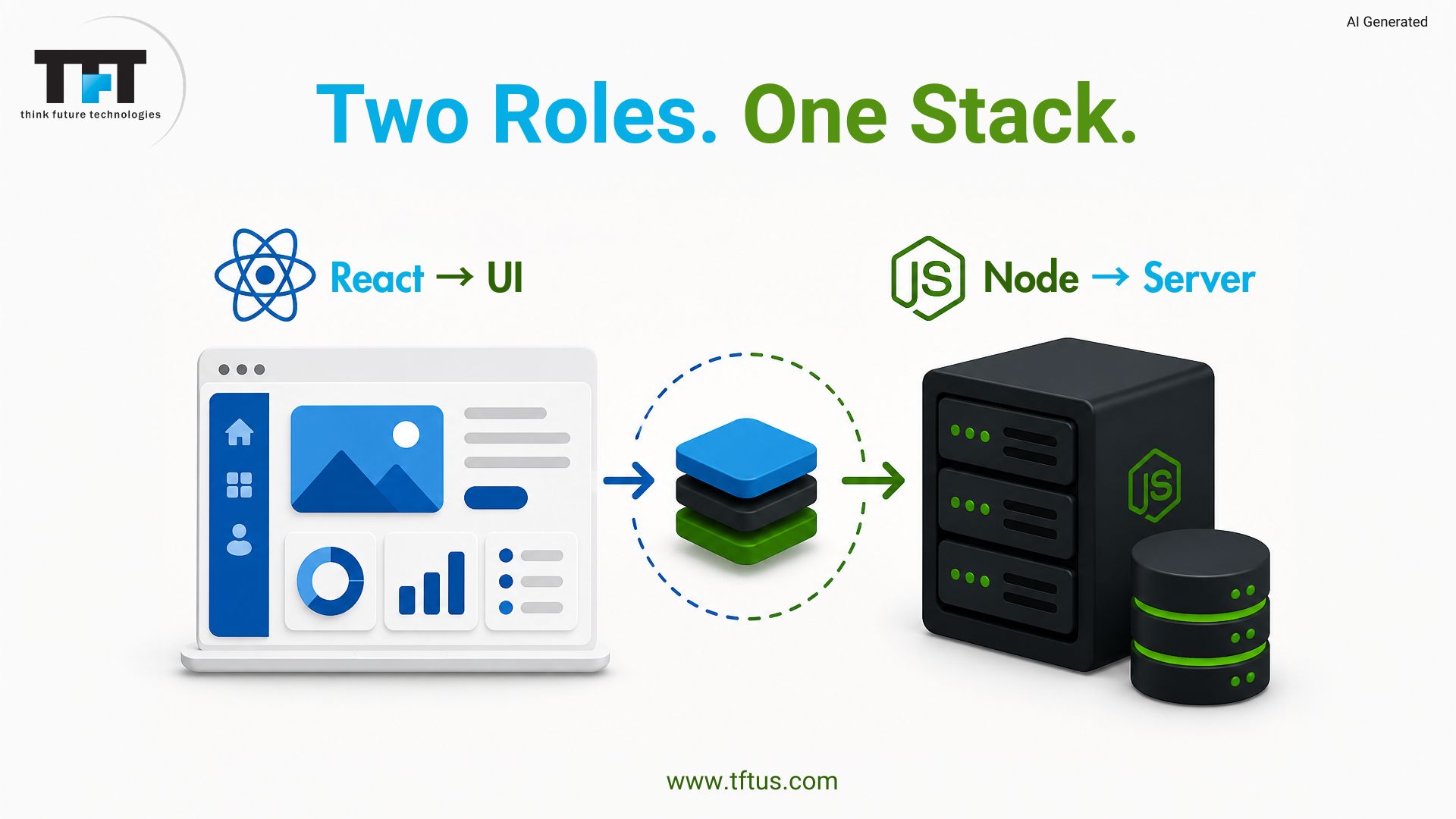
The knowledge of ReactJS and NodeJS will guide you in the selection of the appropriate tools in web development. Both are written in JavaScript and serve different purposes. ReactJS is a user interface library. NodeJS is used in the backend logic. They are used together to drive modern apps. The stack is used today by many developers and companies to build fast, scalable applications.
According to ArticlEdge Technology Research, React holds a 42.62% market share among JavaScript frameworks as of 2026, making it one of the most widely used technologies for modern frontend development.
What Is ReactJS?
ReactJS is a JavaScript library developed by Facebook to develop user interfaces for websites and applications. It is all client-oriented when the users view and engage with content. React simplifies the process of developing interactive user interfaces by providing reusable UI components that act as building blocks.
The library is based on a component-based architecture that splits large interfaces into smaller, more manageable components. Each component has its own logic and appearance, making the code easier to maintain. These components can be used by developers in other areas of the application to save time.
React was released in 2013 and has grown to become the most popular front-end library worldwide. React is being used by major corporations such as Netflix, Airbnb, and Instagram to drive their user-facing applications. The vibrant community offers thousands of ready-to-use libraries and tools to developers.
What is Node.js?
NodeJS is a runtime environment that enables developers to execute JavaScript code outside web browsers on servers. It turns JavaScript into an efficient server-side development platform. Node.js uses the same V8 engine as Google Chrome to run JavaScript.
It is an open-source, cross-platform technology that has enabled developers to build scalable network applications supporting thousands of connections. The event-driven architecture makes it ideal for real-time applications such as chat systems and live updates. Node.js is great at handling multiple requests without blocking other processes.
The Node Package Manager is installed with NodeJS and provides access to more than 2 million packages. These pre-built modules enable developers to add functionality to their applications very quickly. The rich ecosystem saves time during development and helps teams deliver products more rapidly.
How Does ReactJS Work?
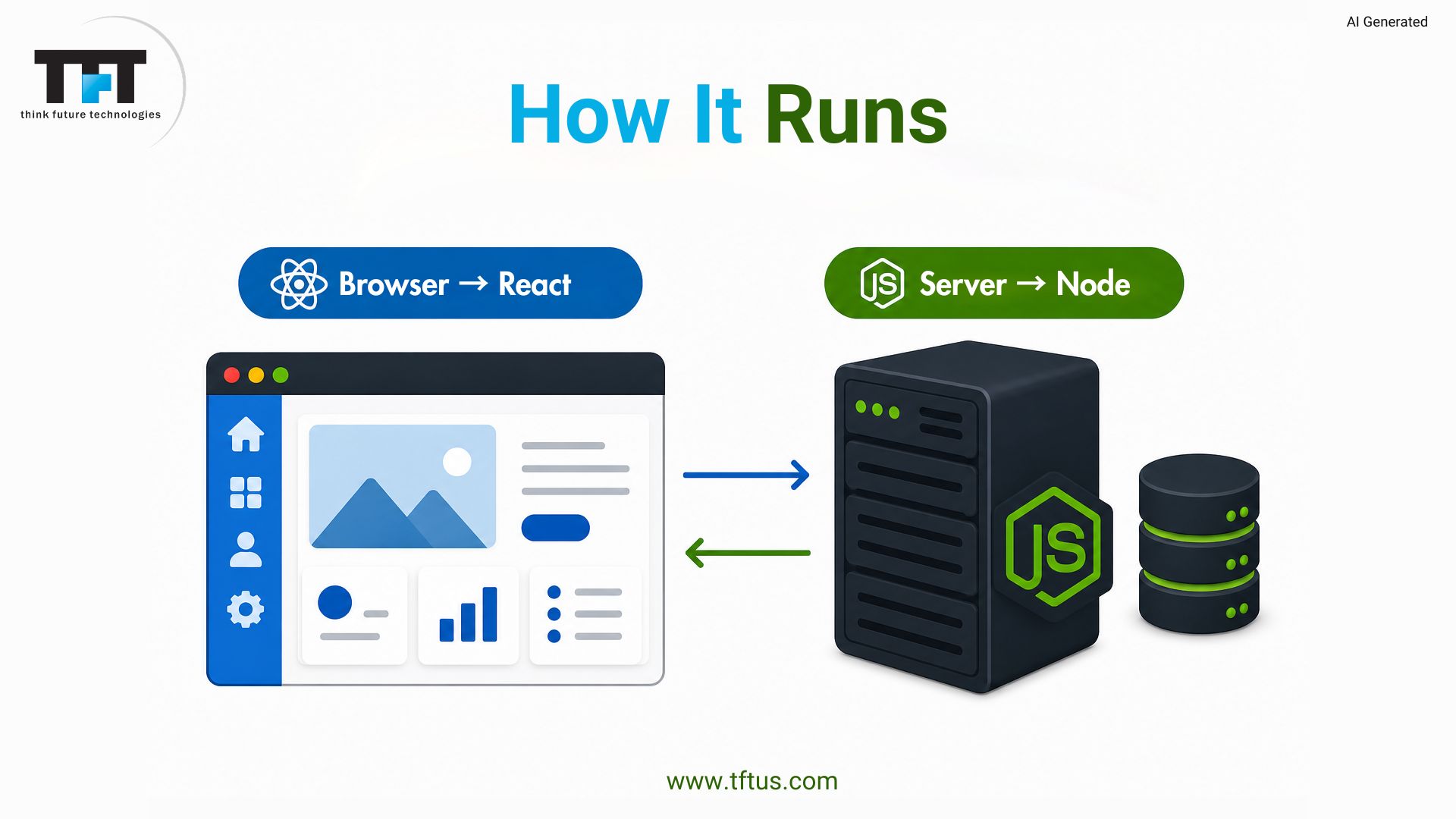
ReactJS uses a virtual DOM to enhance performance. It synchronizes the virtual DOM before making the necessary adjustments to the real DOM. Hooks can be used to classify components or to group them by function. Parent-to-child data flows are done via props. State manages changes. Redux is used to manage data in large, complex applications.
How Does NodeJS Work?
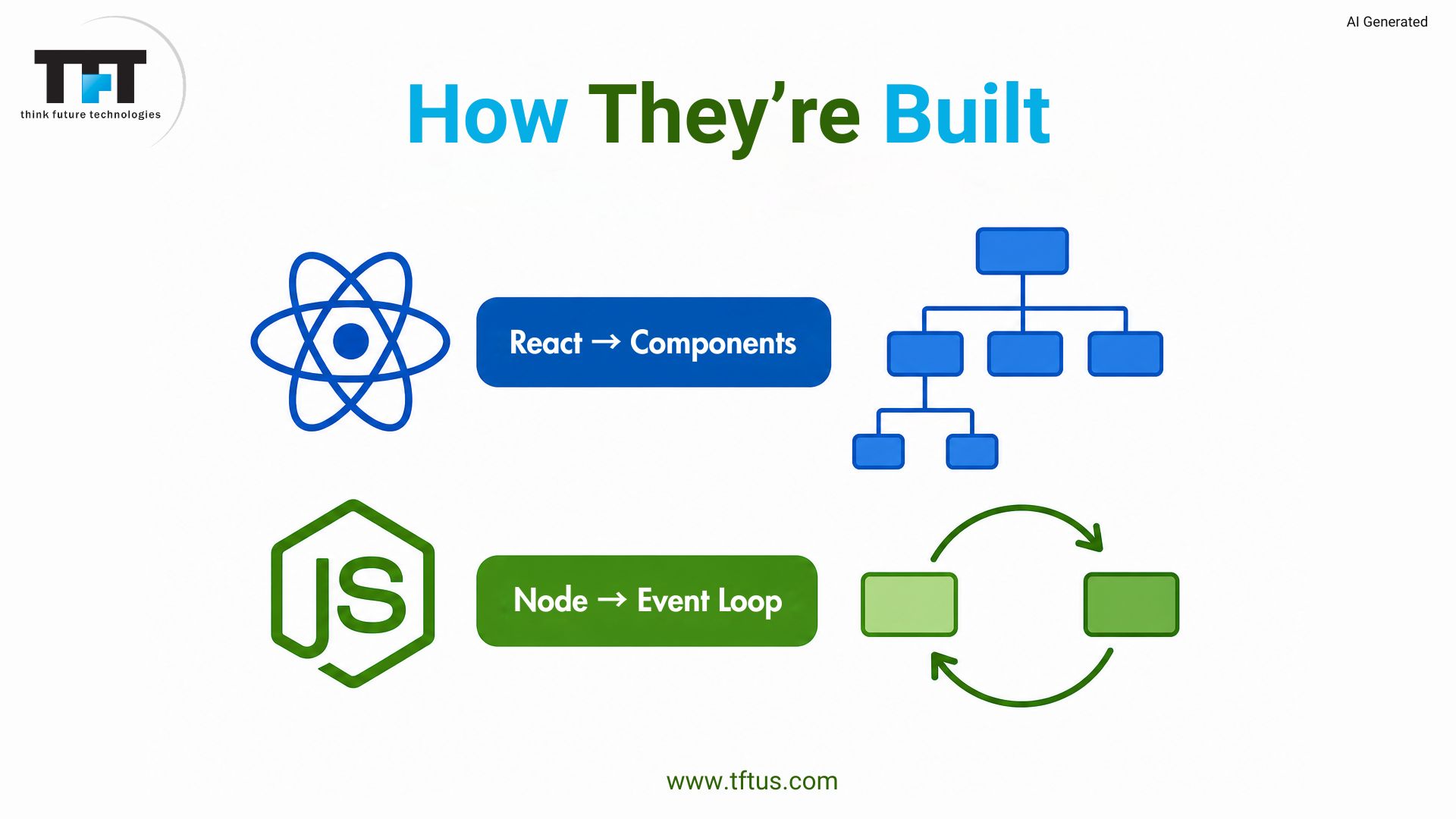
NodeJS supports an event loop to handle asynchronous work without blocking the main thread. It serves numerous requests in a thread. It gets event listeners and executes event calls. This is appropriate in files and databases. ‘Require’ or ‘import’ can be used to import modules. CLTs can be used to automate and enhance workflow.
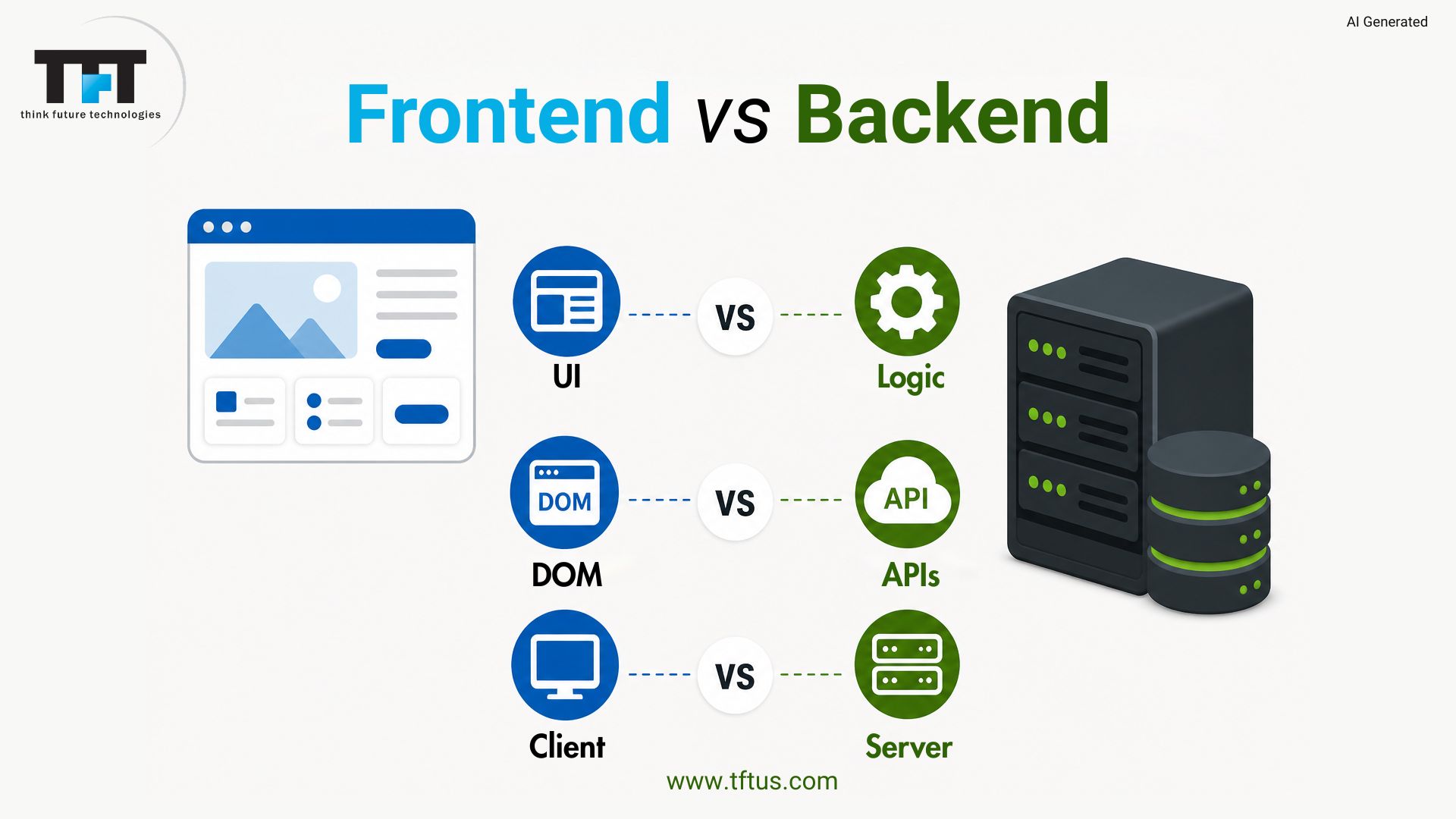
Key Differences Between ReactJS and NodeJS
Basis of Difference | ReactJS | NodeJS |
Type | JavaScript library | JavaScript runtime environment |
Purpose | Used for building user interfaces (UI) | Used for building server-side applications |
Execution Environment | Runs in the browser | Runs on the server |
Primary Use Case | Creating interactive frontend components | Handling backend logic, APIs, servers |
Architecture | Component-based architecture | Event-driven, non-blocking I/O architecture |
Learning Focus | Focuses on UI, state, props, lifecycle | Focuses on server, file system, networking |
Performance | Uses Virtual DOM for efficient UI updates | Handles multiple requests efficiently with async processing |
Dependencies | Needs additional tools (like routing, state management) | Has built-in modules (fs, http, etc.) |
Created By | Developed by Meta Platforms | Developed by Ryan Dahl |
Common Pairing | Often used with NodeJS for full-stack apps | Often used with ReactJS for backend services |
Output | Produces UI components (HTML elements) | Produces server responses (JSON, APIs, etc.) |
When to Use ReactJS
ReactJS can be used to build a dynamically changing interface without refreshing the page. It is appropriate for single-page apps and interactive designs. It promotes reusability of elements in projects. Teams can share code with React Native. It provides excellent neighborhood assistance, powerful instruments, and educational materials. It helps find developers and solve issues easily.
When to Use NodeJS
The API services are built with NodeJS and process requests from numerous clients. It is appropriate in real-time applications such as chat programs. It is responsible for numerous relationships. It helps in server-side rendering to enhance SEO. It fits microservices. It assists in developing scalable applications and command-line applications. It facilitates rapid growth.
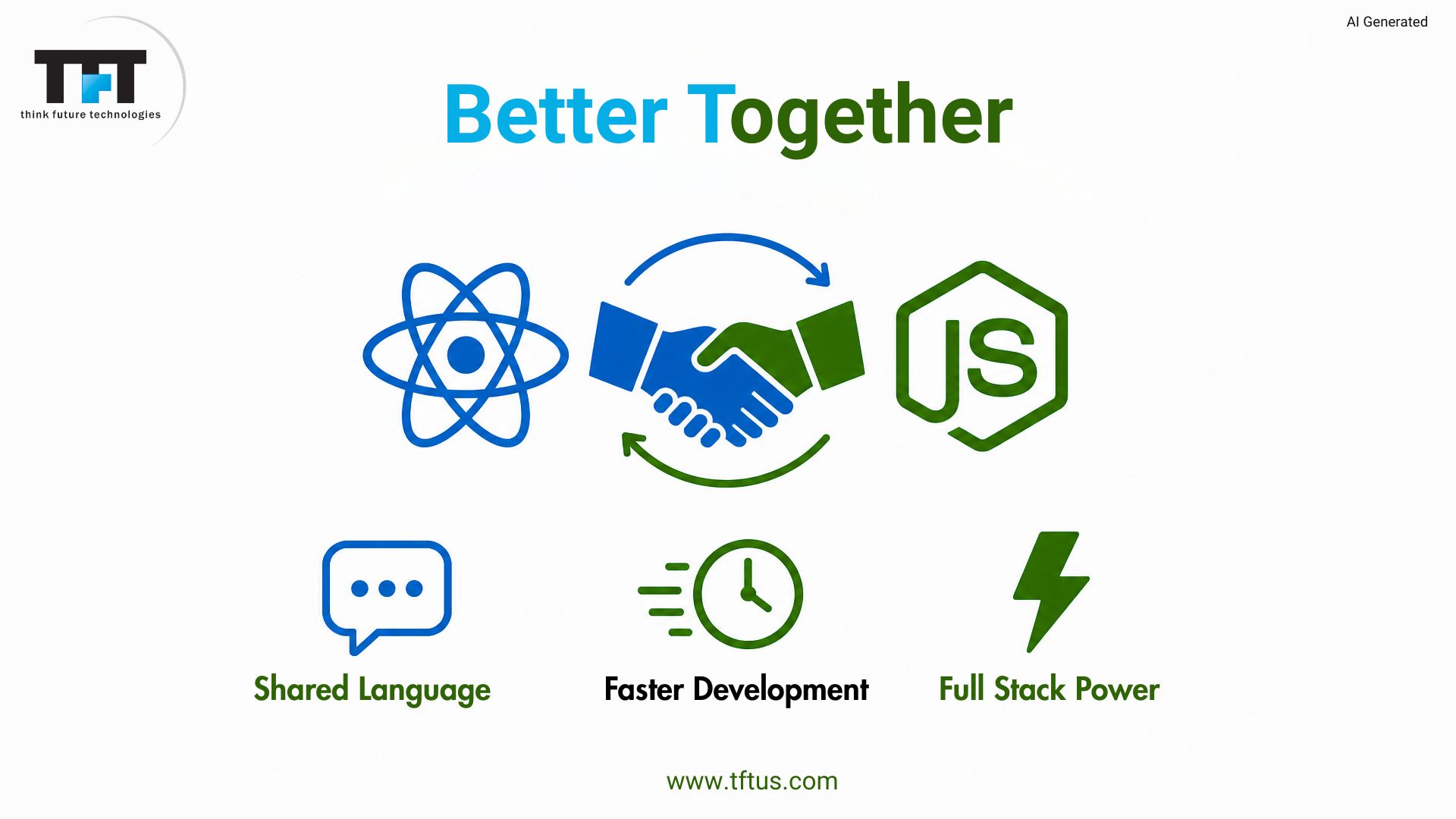
Using ReactJS and NodeJS Together
Pairing React with Node is like giving your team a universal language. Node manages the heavy lifting for things like databases and security, while React handles the interface. Since both use JavaScript code, sharing logic is a breeze. This is why the MERN stack is so popular, as it is a seamless way to build.
According to the 2026 development guides by Codism, combining ReactJS and NodeJS enables developers to build fast, scalable full-stack MERN applications using a single JavaScript ecosystem.
This full-course walkthrough explains how ReactJS frontend applications connect with NodeJS backend services in real-world full-stack development.
ReactJS Component-Based Architecture
Components in ReactJS are small, reusable units. Components have their own logic and UI. This facilitates easier management and maintenance of apps. Data between a parent and a child is passed via props. State contains information that is altered within a component. Hooks such as useState and useEffect make the code simpler and easier to read.
According to a 2025 React Working Group survey, developers using component-based architecture report 25–40% fewer bugs and 35% faster development speed in modern applications.
NodeJS Event-Driven Architecture
NodeJS is based on an event-driven architecture. Task handling and callback execution are handled by the event loop. It handles numerous connections over a single thread. Events include requests and file tasks. Async results are handled via callbacks. This avoids blocking. It is appropriate for real-time applications. WebSockets work well. Other users are not affected by slow tasks.
Case Study: Real-Time Analytics Platform Built with React and NodeJS
Global Trade Alert developed a real-time trade monitoring platform using React.js and Node.js to track legislative changes across countries and industries.
The platform provides interactive charts, large-scale data visualization, and real-time analytics trusted by organizations including the World Bank, WTO, and United Nations.
This highlights how React and NodeJS can support complex enterprise and government-scale applications requiring real-time processing and scalability.
(Source: Global Trade Alert Case Study)
State Management in React App
ReactJS relies on state to provide data that changes over time and triggers re-renders. Small apps make use of useState in components. Big apps require state at the global component level. Redux and the Context API are useful for sharing data and preventing prop drilling. UseContext hook simplifies sharing. Selecting the appropriate solution depends on the app’s size and complexity.
Building APIs with NodeJS
A RESTful API built using NodeJS will receive and send out HTTP requests and respond with JSON. Express eases routing and middleware. Endpoints are developed by developers. NodeJS is an asynchronous request processor. Authentication, validation, and logging are handled by middleware. It is linked to databases such as MongoDB, PostgreSQL, and MySQL with regular patterns of asymmetry.
Performance Considerations
ReactJS is a better virtual DOM with smart diffing. React.memo prevents additional re-renders. useMemo and useCallback memoize work. NodeJS is good at I/O and not CPU-intensive. Clustering and worker threads. Apps remain fast with code-splitting, monitoring, and profiling.
Learning Path for Beginners
Basics First
JavaScript is a good starting point, then learn ReactJS or NodeJS. Study variables, functions, and patterns of asynchronousness. These fundamentals form a solid base. With free tutorials, everyone can learn with ease.
Learning ReactJS
Select ReactJS if you prefer to create user interfaces. Make small projects, such as weather apps and to-do apps. This assists you in comprehending elements. The documentation provides easy instructions to every learner.
Learning NodeJS
Select NodeJS when you want to work on the back-end. Create simple REST endpoints and CLI tools. This helps you study server logic. Having knowledge of frontend and backend enhances your skills.
What Common Mistakes to Avoid ?
ReactJS Mistakes
State is frequently abused by new ReactJS developers, leading to additional re-renders and performance problems. Understanding the use of state or props helps to avoid bugs. Memory leaks and bizarre behavior are caused by not cleaning up the effects.
NodeJS Mistakes
Beginners to NodeJS are likely to block the event loop with sync tasks, which negatively affects performance. Lacking error handling in promises and callbacks can cause apps to crash. Not validating user input creates security risks.
General Mistakes
Both require good async knowledge. The chain of Callbacks can become unruly. Async/await simplifies code and makes it easy to read. Educating at an early age saves time and effort later.
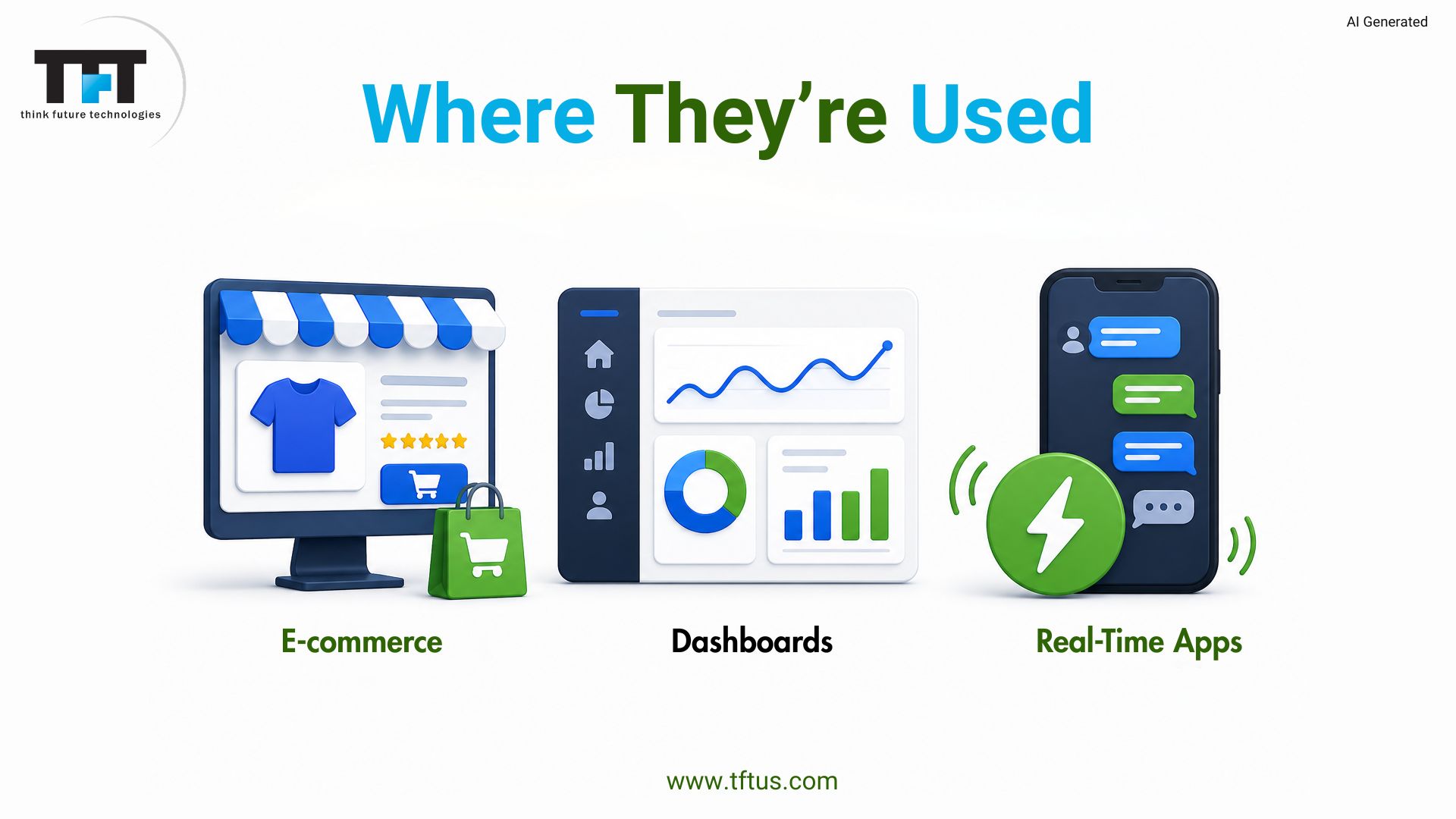
Real Life Use Cases of React and NodeJS
React is used on e-commerce sites, including product catalogs and shopping carts, and payments and inventory are done with NodeJS. React and NodeJS are used in social media applications as feeds and real-time notifications, respectively. Streaming services utilize both responsive interfaces and content delivery.
Enterprise dashboards are a combination of data visualization in React and NodeJS processing on the back-end. IoT applications are implemented using NodeJS to gather sensor data and React to present it in real time. Lobby systems and matchmaking services are both used on gaming platforms.
This stack may be used by restaurant management systems to process orders and display kitchen screens. Multi-location businesses benefit from centralized Node.js servers and React frontends across locations. The flexibility allows scaling down to small operations and up to 100+ locations effectively.
Case Study: Building a Full-Stack Travel Platform with React and NodeJS
A UK travel company developed a travel marketplace and CRM platform using React.js and Node.js to automate booking and customer management processes.
The system achieved 63% repeat bookings, supported 50,000+ offers, and managed over 25,000 subscribers through an integrated full-stack architecture.
This demonstrates how React and NodeJS work together to support scalable, real-time business applications.
(Source: UK Travel Company Case Study)
Development Tools and Ecosystem
React Troubleshooting and Development.
Create React App offers a zero-configuration setup with best practices. Dev servers with hot-reloading speed up development. React DevTools assists with debugging components and state.
Packages and Build Tools
NPM and Yarn offer reusable modules. Code is optimized in Webpack and Vite. Jest and React Testing Library ensure code quality.
Development Environment
Visual Studio Code is more productive with debugging and autocomplete. Git and GitHub are for teamwork. The tools provide an effective development stack.
Security Best Practices
React Security
ReactJS applications need to sanitize user data to avoid cross-site scripting. Never believe user or API data. DOMPurify cleans unsafe content in a safe way.
NodeJS Security
NodeJS apps must prevent SQL injection using queries or ORMs. Stores environment variables with secrets. Run audits and update dependencies to fix risks.
Authentication and Protection
Employ robust server authentication and authorization. JSON Web Tokens aid in access control. The HTTPS encryption secures data between a client and a server.
Conclusion
ReactJS and NodeJS play complementary yet distinct roles in current web development stacks. React is great at creating dynamic user interfaces, whereas NodeJS is great at handling server-side operations. Knowledge of the two technologies will provide you with the full picture of full-stack development today.

Leave a Reply