

The software testing market was huge already and has now become over 55 billion dollars in 2024. Testing tools have become a necessity among organizations across the globe to ensure the quality of their products. The software testers have to decide which tool to use among the hundreds of options available.
Testing tools have turned out to be a part of the software development life cycle. Finding bugs and validating functionalities are some of the main reasons companies apply these tools. If the appropriate testing tools are selected, then it is possible to reduce costs and save time.
Over 150 main software testing tools are already available in the market today, and they are divided into various categories. Every tool has a specific role to play in the testing process. The guide brings you through the different kinds of tools and their functions.
What are Software Testing Tools?
Software testing tools are the applications that assist developers in the software testing process. These tools make the tedious and long testing process easier and faster by automating repetitive activities. The manual testing tools are also capable of supporting automation testing methods.
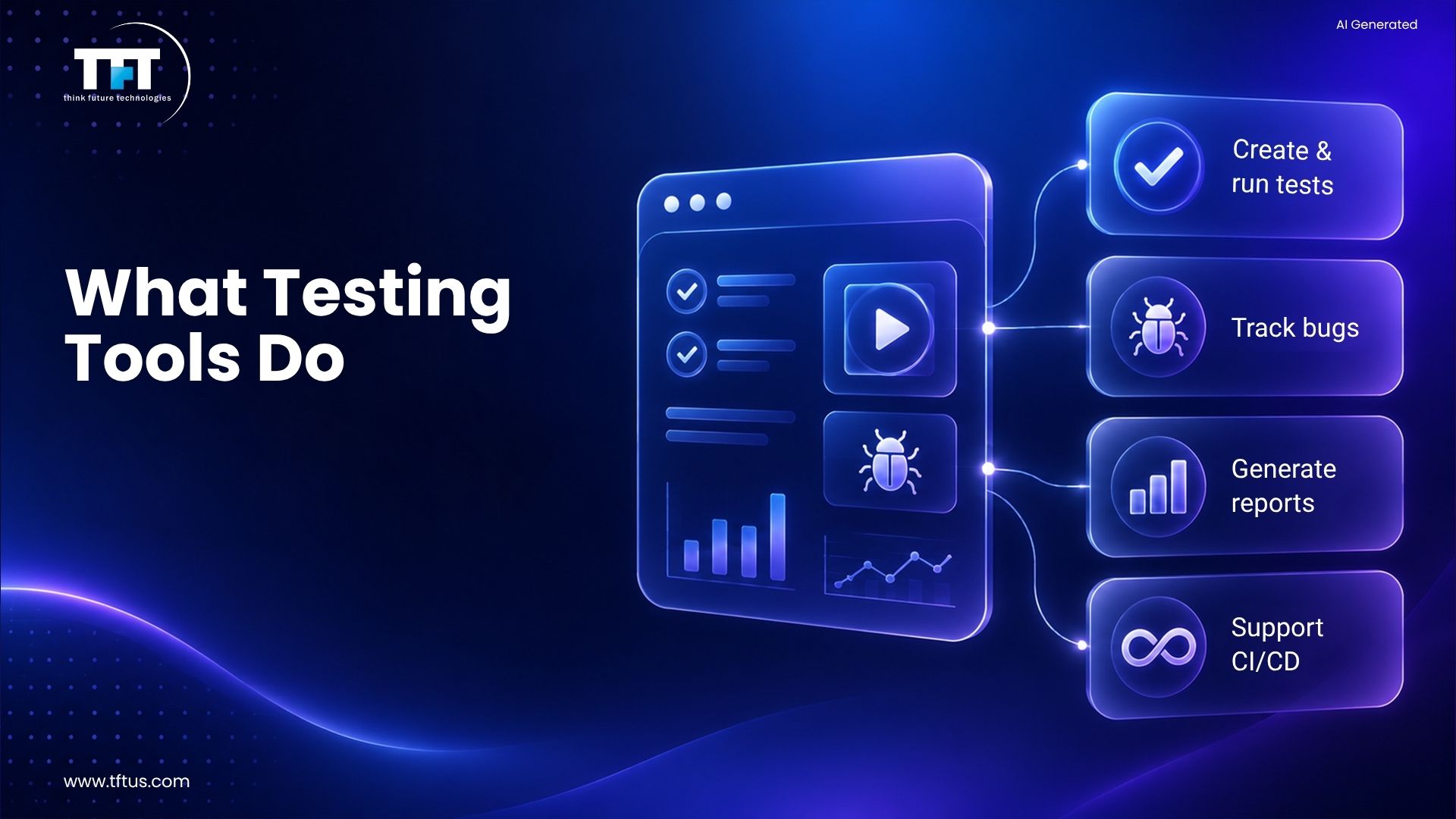
Tools help the testers in the software by creating tests and running them effectively. In addition, they report the bugs and produce reports. The software testing tools are compatible with various operating system platforms.
Today’s testing tools work with CI/CD pipelines professionally. They allow testing to be done non-stop during the development process. These tools bring about a more rapid and reliable software testing process.
Why Do Testing Tools Matter?
The software testing tools quality control process has been significantly enhanced. By employing them, the teams can detect the bugs that exist in the product before it reaches the consumers. Testing tools are also credited with shortening regression testing time considerably.
Multiple times of executing the same test without the involvement of the manual process is possible for teams. This means less waste of resources, and at the same time, it increases the precision level. The testing tools also come with very informative test analysis reports.
The organizations that invest in good software testing tools will have faster product deliveries. The production of bugs in the software will be fewer. These tools are suitable for both small and large companies.
Types of Software Testing Tools
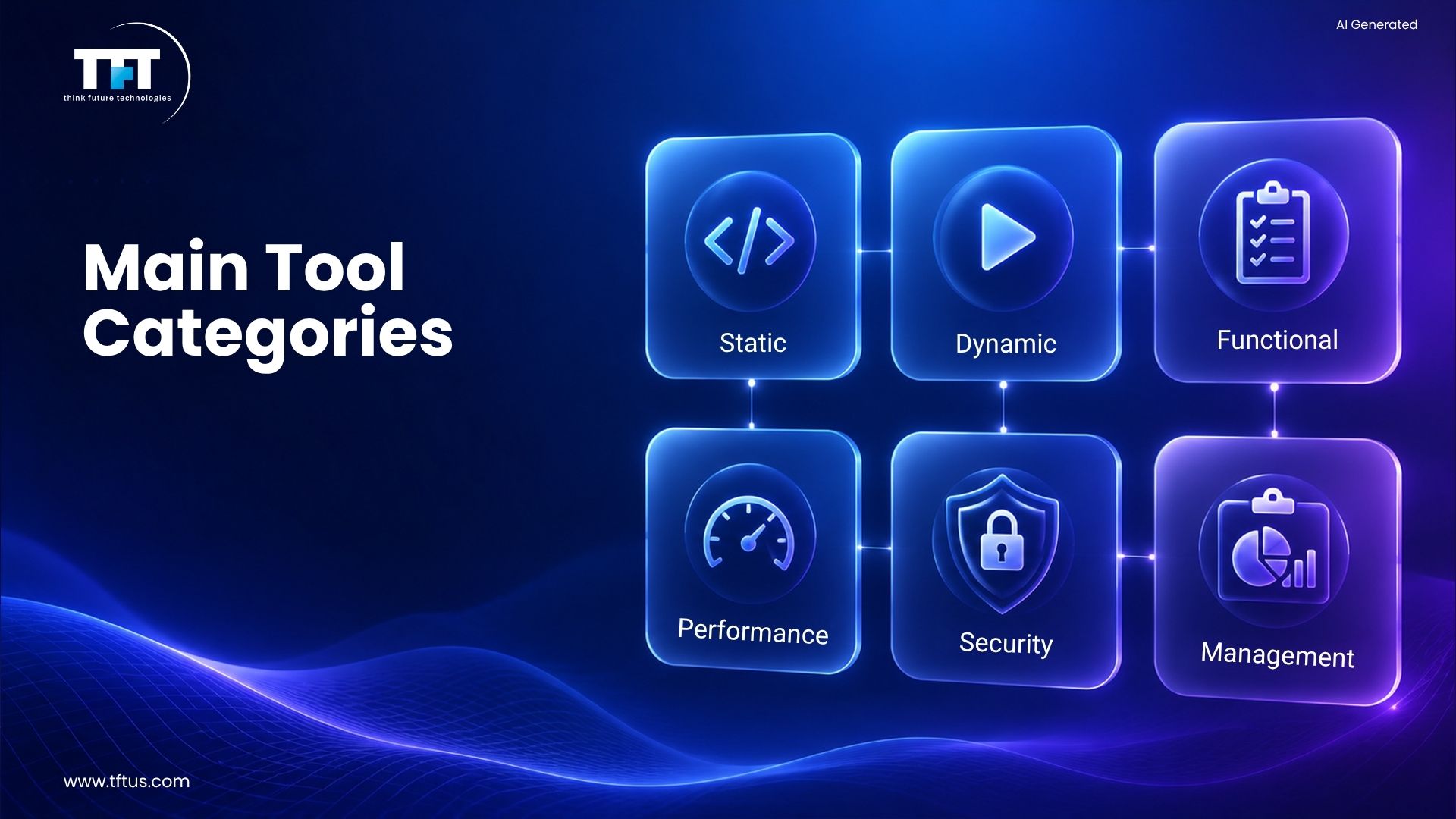
Industry analysis shows that there are over 10 distinct categories of software testing tools, ranging from automation and performance testing to security and AI-driven testing solutions (Source: Testomat.io, 2026).
Static Testing Tools
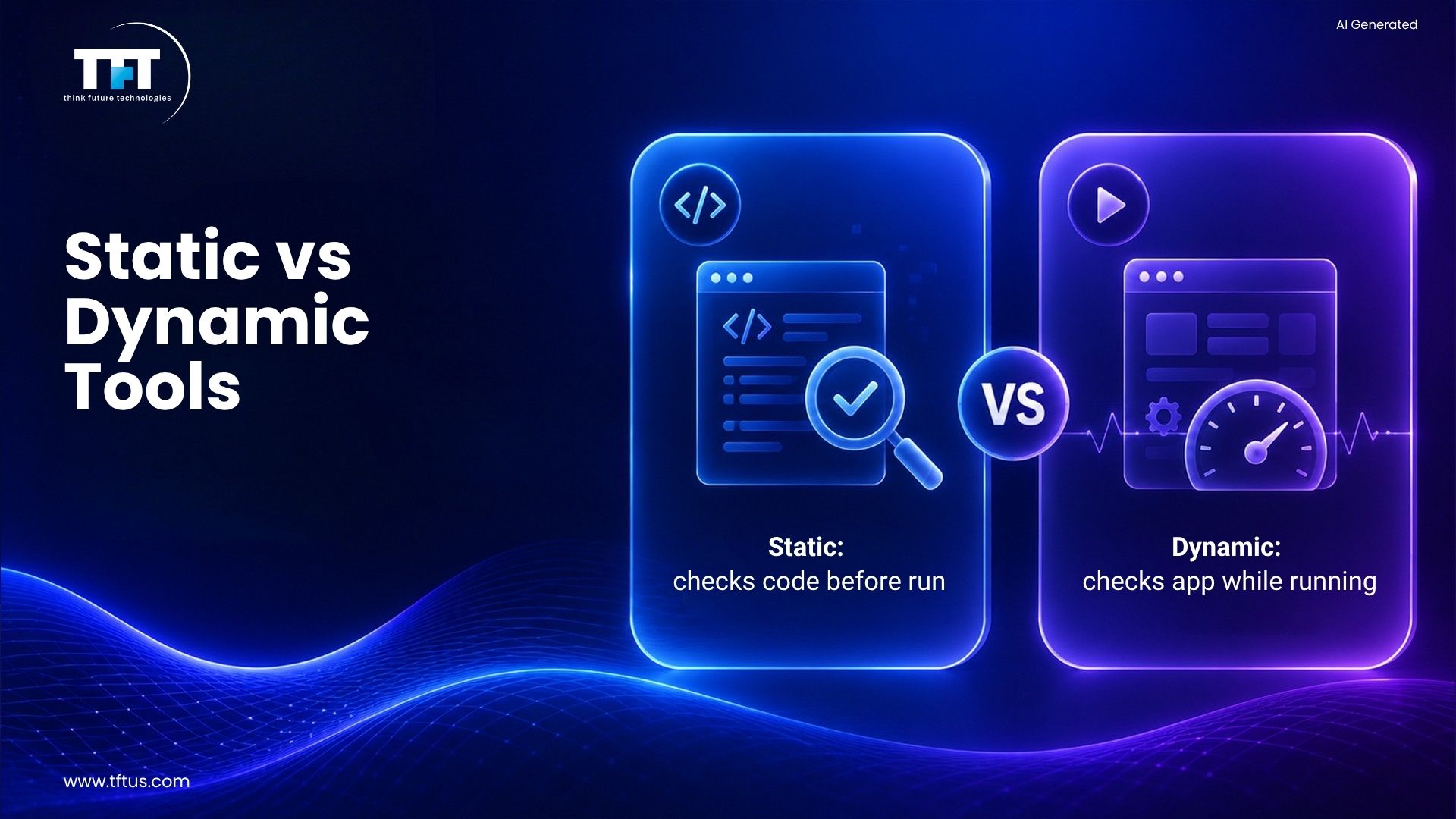
Static testing tools include analyzers that review the code without execution. These tools examine syntax and neaten coding according to standards. Static testing helps the team to detect faults at an early stage.
Flow analyzers monitor data in and out of the application. Path tests mark the parts of the code that are not used. Coverage analyzers ensure that all the paths in the code are tested.
Moreover, static testers include code review tools. They assist the team in keeping the coding quality up to the mark. These tools operate when the actual testing has not started yet.
Dynamic Testing Tools
Dynamic testing tools validate working software with practical data. A test driver supplies the input data to the modules that are being tested. These tools run the code and observe the behaviors.
Test beds have the source code in view while the program runs. Emulators imitate the parts of the whole system that are still in the process of development. Dynamic test tools are the source of feedback during runtime.
These tools help discover performance issues. They present the different application scenarios based on changing conditions. Dynamic test tools are a perfect match for static test processes.
Functional Testing Tools
Automation Testing Tools
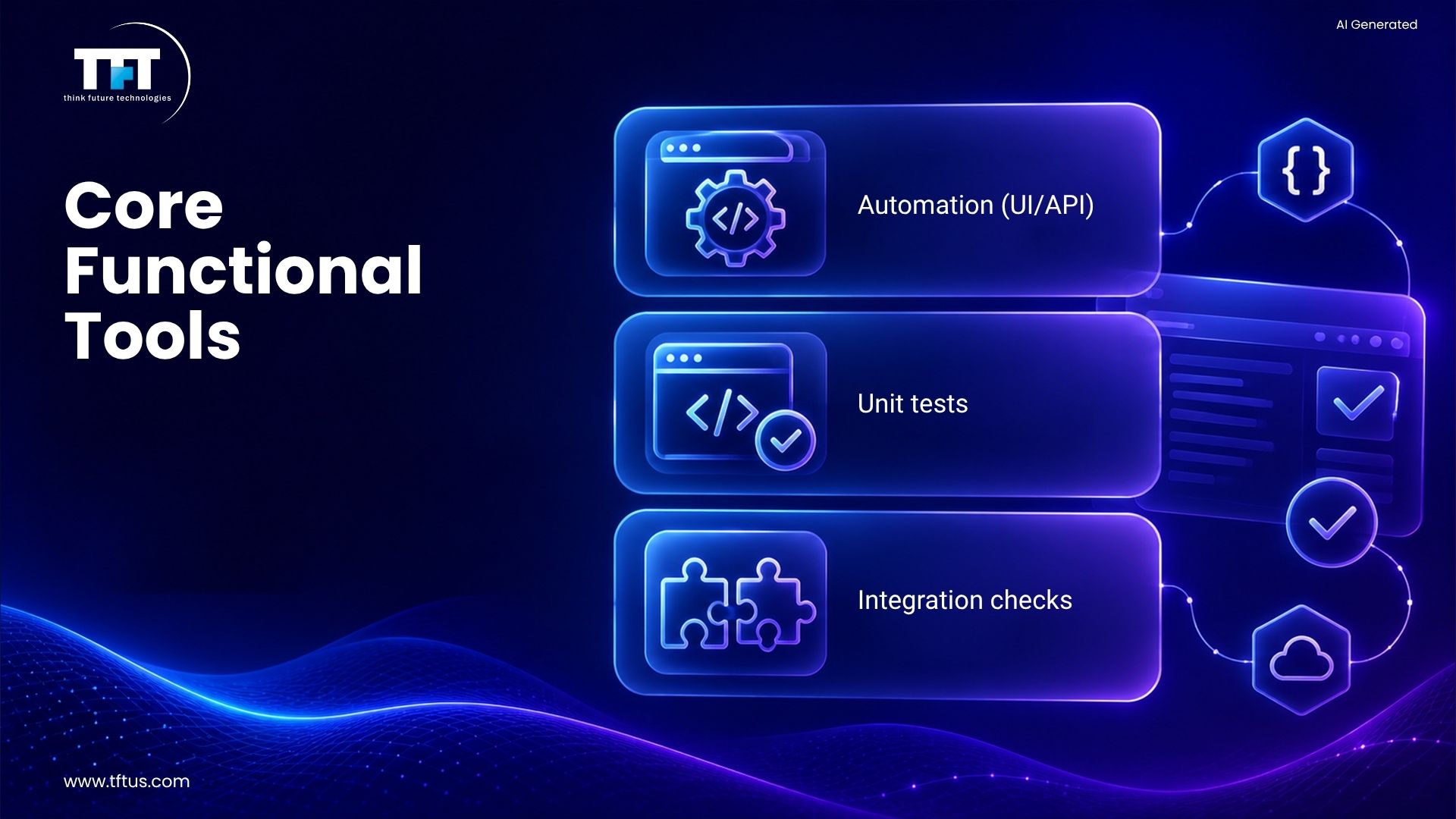
Automation testing tools execute testing scripts automatically. They also eliminate the need for a manual tester to apply their skills to time-consuming repetitive tasks. Test automation sharply cuts down the time required for regression testing.
Selenium is one of the most popular tools for web applications. Quality online tools offer cross-browser testing. They are able to operate on various OS.
Automation testing frameworks dictate the way test scripts are organized. The individual scripts can be written once and utilized many times. Automation testing tools are integrated with CI CD tools.
Academic research shows that automated software testing tools significantly improve efficiency, test coverage, and accuracy while reducing overall testing costs (Source: ResearchGate, 2024).
Unit Testing Tools
Unit testing tools are used to validate the functionality of individual code components. Developers create unit tests for the functions they want to verify. The unit testing tools take care of running the tests after every change made to the code.
JUnit and TestNG are the most common unit testing frameworks. They reveal the bugs at an early stage of development. Alongside unit test tools, test automation is a supported activity.
The reporting generated by these tools as to test coverage is the very thing that indicates the whereabouts of the poorly tested sections in the code. The role of unit testing is that of a solid ground upon which quality assurance is built.
Integration Testing Tools
Integration testing tools validate the working of the modules together. They confirm the data flow between the components. Also, they are used for API testing and database interaction testing.
Integration testing can discover the problems that unit testing did not catch. The tools allow teams to test a large and complex application’s many parts. They facilitate both automated testing and manual approaches.
The tools are in use by teams throughout the development cycle. Just like unit testing, integration testing makes use of the automation frameworks. They work on the assumption that all the parts are working fine together.
Performance Testing Tools
Load Testing Tools
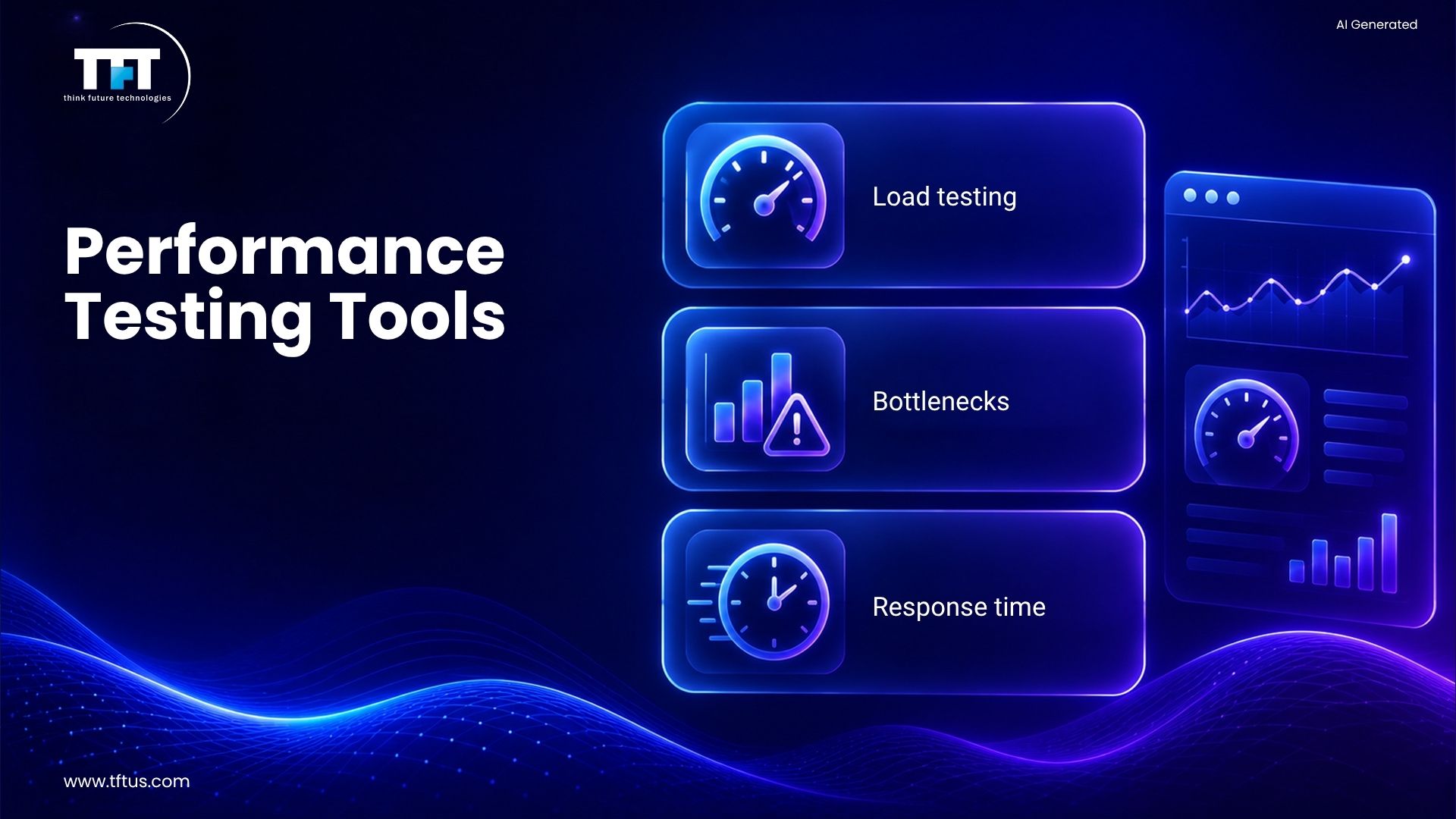
One type of load testing tool is one that simulates the scenario of a large number of users accessing an application. They are also known for the performance areas where the systems are being stressed. The tools are also capable of indicating the areas that might become bottlenecks after going to production.
One tool that has gained wide acceptance in load testing is Apache JMeter. It is used for web applications as well as API testing. Load testing prepares teams for the capacity that they might need.
Moreover, these tools create reports that detail the times it takes to respond. They are the reason why the application is slow in certain places. Load testing is inconceivable without the help of performance testing.
Performance Monitoring Tools
Performance testing Tools are used to check the speed and stability of an application. They calculate the time it takes to reply and the amount of resources that are being used. The tools make application performance better and faster.
The testing is done by the team members under different conditions. The applications are verified to be compliant with performance requirements. Performance testing tools enable the practice of continuous testing.
These tools are part of the CI CD pipeline. The teams get notified about the performance drop. The performance testing performed regularly helps in keeping the users satisfied.
Mobile Testing Tools
Mobile Apps Testing Platforms
Mobile app testing instruments put the apps to the test on actual devices. They assist native mobile app testing on all platforms. These tools are compatible with both iOS and Android operating systems.
LambdaTest and BrowserStack provide mobile testing as a service through the cloud. The team can test across thousands of devices. This method is far less expensive than buying physical devices.
Mobile testing tools make it possible to test on different devices. They check and confirm that the applications work well on different screen sizes. Mobile testing guarantees similar user experiences.
Native Mobile App Testing
Native mobile app testing confirms the apps created for specific platforms. These tools are for testing iOS apps on Apple devices only. They also test Android apps on different manufacturers.
Tools like Appium help perform tests on mobile applications. Moreover, they even automate testing across platforms. Native mobile app testing is a specialized area that requires experts to work on it.
These tools do the testing of platform-specific features. They check the gestures and the device sensors. Mobile application testing presents unique challenges.
Web Application Testing Tools
Cross-Browser Testing Tools
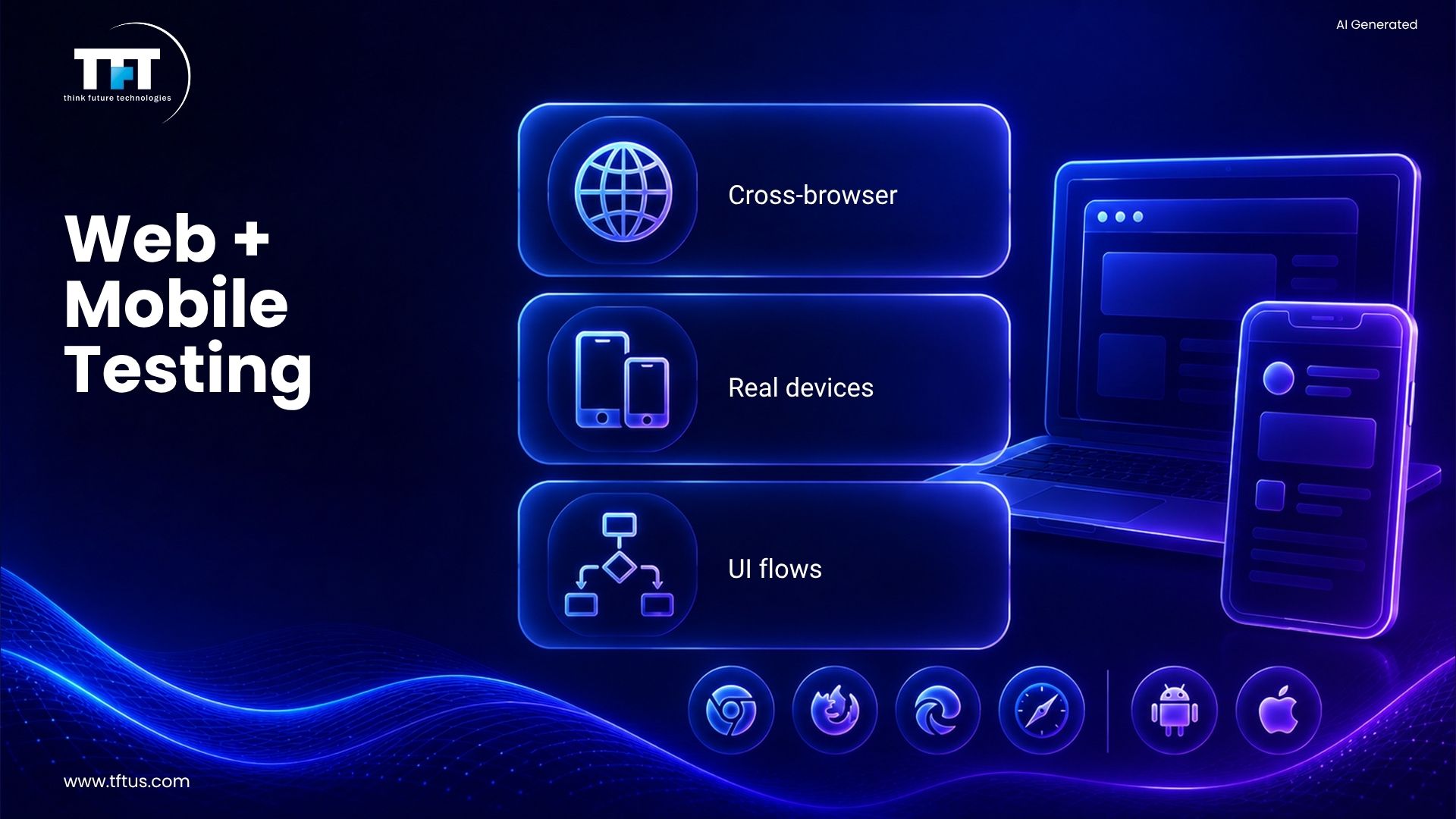
Cross-browser testing tools ensure the compatibility of web applications everywhere. They perform tests on Chrome, Firefox, Safari, and Edge. These tools also mark web elements uniformly.
Selenium offers cross-browser testing for all operating systems. It enables teams to detect web elements automatically. Testing on different browsers guarantees wider compatibility.
Testing tools are capable of executing multiple tests on various browsers simultaneously. They are quicker than manual testing. Cross-browser testing is a must for web applications.
Functional UI Testing Tools
Functional UI testing tools confirm that user interfaces work properly. They can communicate with web elements like buttons and forms. Such tools imitate user activities.
Cypress and Playwright are contemporary functional UI testing tools. They offer rapid test execution. These tools allow for automated testing of web applications.
Functional testing tools play a part in quality assurance. They prevent UI bugs from reaching the users by catching them first. Testing web applications requires trustworthy tools.
API Testing Tools
REST API Testing
API testing tools check the functionality of the software interfaces between systems. They validate data interchange and also the correctness of response codes. API testing is an integral part of the whole life cycle of modern applications.
Postman is the topmost tool when it comes to API testing. It is a tool that lets teams do testing without writing a single line of code. API testing tools are so powerful that they even support test automation.
The various teams make use of these tools for checking the correctness of the backend functions. They do the testing before the user interfaces are finally ready. One of the main reasons why API testing is done is that it finds the integration issues in the first place.
API Automation
Test scripts that run automatically can perform API tests non-stop. The tools work in combination with CI/CD pipelines. This, in turn, allows for the continuous testing of the APIs.
API testing tools are compatible with many different protocols. They are REST, SOAP, and GraphQL. These tools ensure the correctness of data and track response times.
Different programming languages can be used to write the tests. API automation implies less effort in using the manual testing method. These tools are really important in microservices architectures.
Security Testing Tools
Vulnerability Scanning
The purpose of security testing tools is to detect application cracks. They run scans for typical vulnerabilities and also some other, less common ones. The usage of these tools is a good way of securing the system from attacks.
OWASP ZAP is one of the best-known tools for security testing. It works on its own in finding the weak spots in the software. Besides, security testing is a major factor in saving the company from a data breach.
These tools are incorporated within the development process. Whenever there is a security threat, the teams get notified. The need for security testing on a regular basis is very important.
Penetration Testing
Security testing tools imitate hacking on software applications. Thereby, they allow developer teams to discover weak points that can be attacked. However, penetration testing is more thorough than vulnerability scanning.
Manual security testing is made possible by tools such as Burp Suite. Experts are needed for these. Security testing tools ensure that the security testing software products are safe.
Security testing should be done by teams regularly. It is a fact that new vulnerabilities get discovered every day. These tools are, in fact, the ones that assist in keeping the applications secure.
Test Management Tools
Test Case Management
Test management tools are responsible for the orderly arrangement of test cases and the testing scripts. They keep track of what is supposed to be tested. These tools are applicable to both manual and automated test cases.
TestRail and qTest are two of the most widely used test case management tools. They are beneficial in the planning of testing activities by the teams. Test management tools lead to better organization.
Moreover, these tools establish a link between test cases and requirements. They can identify the areas of testing. Test case management plays a role in the prevention of testing gaps.
Test Execution Tracking
Test management tools are constantly monitoring the progress of the execution of tests. They maintain a record of test outcomes and errors. These tools also prepare reports that are intended for stakeholders.
The teams will be able to tell which tests were successful and which ones were not. They will also keep track of the defects that were detected during the testing process. Quality assurance processes will benefit from the use of management tools.
In addition, these tools can work together with other testing tools. They serve as a central point for all testing activities. Ultimately, test execution tracking is the process of ensuring that nothing has been overlooked.
CI/CD Tools for Testing
Continuous Integration Tools
CI/CD tools facilitate the testing process in pipelines. Among the available options, Jenkins stands out as the most widely used CI CD tool. The tools conduct tests automatically on the code modifications made.
The integration of CI/CD results in testing being done continuously. The tests are carried out every time a developer commits code. This method is bug-free because it captures bugs instantly.
CI/CD tools permit the execution of tests in parallel. Testing duration is reduced remarkably. Teams are able to have a faster feedback loop on code quality.
Continuous Deployment
CI/CD tools unleash the code into production once the tests are passed. They are responsible for the entire release process, which is automated. This consequently leads to a reduction in the manual effort, along with mistakes.
The likes of GitLab CI and CircleCI are among the tools that support testing. They work hand-in-hand with testing automation frameworks. The role of CI/CD tools in modern-day development is pivotal.
Due to these tools, it is possible to have several deployments in a day. They are in line with the practices of continuous testing. CI/CD tools are a major contributor to the increase in speed of software development.
Test Automation Frameworks
Famous Testing Frameworks
Testing frameworks are the backbone of automation testing. Nowadays, Selenium is by far the most widely accepted framework. It works on web apps for all browsers.
Besides, Appium is an extension of Selenium for mobile testing, and it is a great tool. Cypress is introducing a new way to do testing. The use of testing frameworks simplifies the process of test automation.
These frameworks are language-agnostic. Development and QA teams can implement test scripts in Java, Python, or JavaScript. The testing framework is the backbone of test automation.
Exploratory Testing Tools
Manual Testing Support
Exploratory testing identifies defects that automation inadvertently misses. Nevertheless, manual testing remains the king under all circumstances. Software testers rely on their wit to find issues.
TestRail and similar tools assist exploratory testing. They aid in recording the discoveries. Exploratory testing pairs up with automated testing.
Testers of the software take a free ride through the applications and give a shot at unexpected inputs and scenarios. This way, usability issues are unearthed.
Session-Based Testing
The tools for exploratory testing are keeping an eye on the testing sessions. The testers’ investigations are recorded. Session-based testing gives a framework for exploration.
The testing tools aid the teams in planning exploratory testing. They write about and capture the bugs. Exploratory testing tools are ways to increase the quality of manual testing.
The team’s tag time for exploratory testing. and skim the high-risk areas. This kind of testing still stays useful.
Visual Testing Tools
Screenshot Comparison
Visual testing tools bring to light the UI changes without human involvement. They take screenshots across test runs for comparison. The tools catch visual regressions.
Applitools and Percy are enabling visual testing. They detect layout shifts and color changes. Visual testing can be the one that hides an issue from humans’ view.
The tools under discussion are capable of integrating with the test automation frameworks. They are good at cross-browser testing as well. Visual testing becomes the one that takes care of the consistency in user interfaces.
The AI-Poised Visual Testing
The classic visual testing tools are now all giving one thing: AI. They distinguish between the changes that are meant and the bugs. AI is the one that cuts down the false alerts in the visual testing process.
The tools in the spotlight are updating themselves based on previous tests. They gradually become more precise. The AI-conquered tools are a great help in carrying out thoughtful testing.
Visual testing tools are the ones that put UI testing on a fast track. The most delicate changes are also detected. The future is seeing these tools becoming a standard.
Exploratory Testing Tools
Automation Testing Support
Exploratory testing detects bugs that were not detected by automation. Manual testing is still a necessity, although there is an increase in automation. The manual software tester exerts its authority to uncover the issues.
TestRail is one of the tools that assist in exploratory testing. They keep the documentation of the findings. Exploratory testing is combined with automated testing.
Software testers interact with applications without any restrictions. They put in any kind of input and use any scenario. This strategy uncovers the problems related to the user-friendliness of the product.
Session-Based Testing
Exploratory testing tools are used to keep a record of testing sessions. They note what the testers are looking at. Session-based testing gives a framework to the free activity of testing.
The very same tools allow the teams to schedule exploratory testing. They also take the notes and report the bugs. Exploratory testing tools help make manual testing more efficient.
The teams set aside a certain amount of time for exploratory testing. They direct their efforts to the areas that carry the most risks. This type of testing still remains useful.
Visual Testing Tools
Screenshot Comparison
Visual testing tools recheck UI changes automatically. They do it via a comparison of screenshots taken during various stages of tests. The visual testing tools, in particular, can detect regressions in the visuals.
Visuals of Applitools and Percy allow the same visual testing capabilities. They show movement of layouts and changes in colors. Visual testing is the process of detecting issues that are hard for even humans to notice.
The usability of these tools extends to integration with automated testing frameworks. They also cater to testing across different browsers. Visual testing is a way to ensure that user interfaces are always uniform.
AI-Powered Visual Testing
The cutting-edge visual testing tools are integrated with AI. The artificial intelligence discerns the user-friendly changes from the bugs. The AI is the one to thank for the reduction of false alarms in visual testing.
The tools are trained using previously hidden mistakes. They become progressively more accurate. AI tools are deemed to be the best when it comes to complete testing.
Visual testing tools are an expediting factor in UI testing. They detect and report even minor changes. The use of these tools is on the rise and is becoming standard practice.
Accessibility Testing Tools
WCAG Compliance Tools
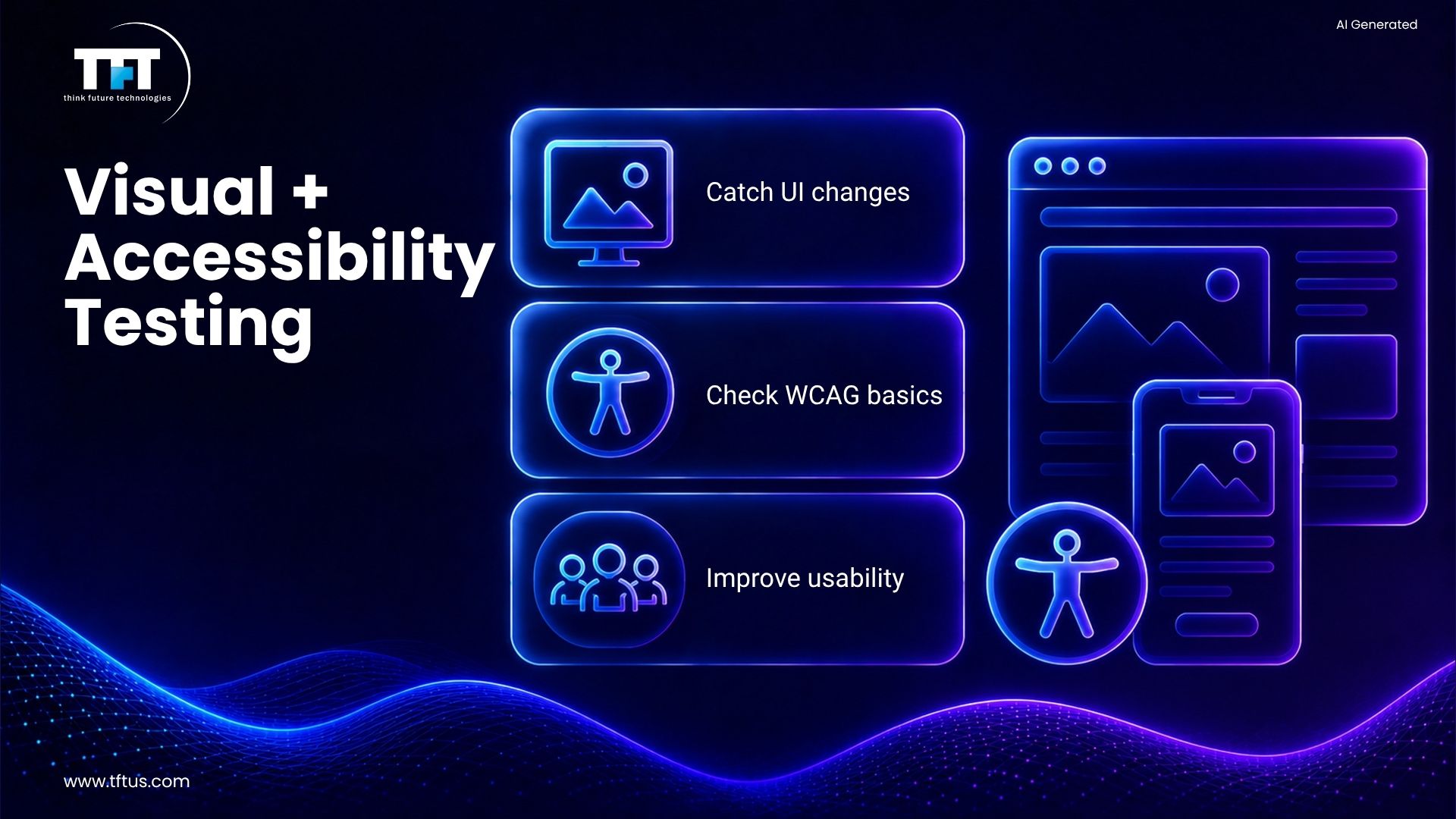
Accessibility testing is a process that ensures that the applications are usable by every single person. First of all, it entails the use of tools that check whether the application is in compliance with the WCAG standard. These tools also detect and report the problems that might affect users with disabilities negatively.
Among the accessibility tools, Axe and WAVE are the most favored ones. They are capable of conducting automatic scans of the web apps. In fact, accessibility testing has gained momentum as a requisite process in the application development phases.
From the range of issues flagged by these tools, missing alt text and contrast issues take the front row. They also check the keyboard navigation, and that’s why accessibility testing should prevail over every project.
Manual Accessibility Testing
Manual testing is the only method that can help in spotting some of the accessibility issues. Human testing is still required for screen readers. The accessibility testing tools are there to guide the testers.
The disabled ones should always be part of the testing team. Their feedback is invaluable. Accessibility testing brings about a better user experience.
On top of that, these tools come in very handy when it comes to testing complex applications. They guarantee that the applications conform to the standards. Accessibility is a quality assurance requirement.
Usability Testing Tools
User Experience Testing
The usability testing tools are the ones that collect feedback from the users. They also keep track of how an application is being interacted with by different people. Among other things, these tools are able to detect the interfaces that are not user-friendly.
Real user feedback is provided by tools such as UserTesting. They also indicate the areas where the users encounter difficulties. Usability testing goes a long way in enhancing the product design.
The teams observe the users while they are doing the tasks. It is at this point that they diagnose the pain points. Usability testing is an ongoing activity that takes place across the development cycle.
A/B Testing Tools
A/B testing tools are used to compare the effectiveness of two designs. They tell which version is the winner in terms of performance. These tools are the ones that provide support for making decisions based on data.
The A/B testing capabilities are provided by Optimizely and VWO. They observe how many conversions there are, as well as user behavior. A/B testing sharpens the design of the user interface.
The teams do small-scale testing of the changes before rolling them out to the whole way. They are then able to make their choices based on facts. The use of usability testing tools makes the process of making assumptions less likely.
Cloud Testing Platforms
Cloud-Based Testing
Cloud testing platforms offer the testing infrastructure. Remote access to thousands of devices for teams. There are no hardware costs with cloud platforms.
Cloud testing is provided by BrowserStack and Sauce Labs. They are also allowing testing across platforms. Cloud platforms adjust according to the testing requirements.
Parallel test execution is supported by these platforms. Cloud testing results in faster running of tests. Cloud testing has advantages in terms of both time and cost.
Real Device Testing
Cloud platforms make it easier for testing to use real devices. It is more reliable than emulators. Testing on real devices uncovers issues that are specific to the device.
The teams use actual operating systems for testing. They carry out tests to verify the correctness of applications. Real device testing is becoming more and more important for mobile testing.
Device maintenance is done by these platforms. The teams are then doing only testing. The cost is less with cloud testing platforms.
Open Source Testing Tools
Free Testing Tools
Open-source tools allow users to access powerful functionalities for free. The most widely used open-source tool is Selenium. The use of open-source software is common among many organizations.
JMeter is still free for load testing. Appium is a free mobile testing tool. The open-source tool community is strong and vibrant.
These tools are being updated regularly. They cater to the needs of the modern testing world. Cost reduction is one of the effects of using open-source tools.
Community Support
Open source testing tools have lively community participation. The users of these tools exchange solutions and provide extensions. Community support is a source of assistance to solve problems.
Teams are able to find online tutorials and examples. They learn from other people’s experiences. Community support gives the tools more usability.
The contributors are continuously improving the tools. They add new features in their development work. Open-source tools grow alongside the industry’s evolving requirements.
Commercial Testing Tools
Enterprise Testing Solutions
Commercial tools provide a plethora of support as well as excellent features. UFT and TestComplete give holistic capabilities. The larger corporations are the main users of these tools.
Commercial tools are made to include user training as well as end-user support. They come with a guaranteed uptime and also periodic updates. Enterprise solutions are the ones that take care of the complex IT requirements.
Organizations are prepared to pay for reliability and features that come with the commercial tools. These commercial tools are smoothly integrated with the systems of the enterprise. They also encourage a large number of testing strategies covering all areas.
Tool Selection Criteria
The decision of whether to use commercial or open-source software will primarily depend on the needs. The budget is an important factor in the tool selection. Team skills are another point to be considered.
Organizations should perform an evaluation of the available options on the market. They should also take into account the long-term costs. The most suitable tool is the one that is tailored to the specific situation.
There are some teams that make use of both software types – commercial and open source. They ensure each one’s strengths are utilized. The selection of tools directly influences the success of the testing process.
Test Data Management
Test Data Generation
If we talk about test data management, we have to say that these tools only create test data. The input data generated is realistic. These tools perform very well in testing and support it as a whole.
Generally, testing teams generate a demand for various kinds of data for each testing phase. The number of test records that can be created by tools is in thousands. The management of test data allows the testing to be as thorough as it is supposed to be.
In testing, these tools mask the data that is sensitive. They do so by providing the necessary privacy while allowing the testing to take place. Data generation tools are able to cut manual labor in half.
Data Import Tools
For testing purposes, teams are usually required to import data. Tools are there to load the test data in a quick and efficient manner. Also, they accept a number of different file types.
Import data tools are basically the ones that make the test environments ready. They will also make sure the starting conditions are the same and consistent. Data management will be the one that will make the tests repeatable.
These tools can function with databases and files. They also speed up the test setup process. Quite often, data management tools do not get the spotlight, yet they are the ones that are most important.
Regression Testing Tools
Automated Testing
Regression testing is performed to ensure existing features are not affected by any changes made. Automated testing tools work best for regression testing because they repeat the same test over and over again.
The regression test suites are built by the teams as the project goes on. The teams work on testing every bug that has been fixed. This cycle of testing, called regression testing, ensures the problem will not come back.
In addition, there are test automation frameworks that allow regression testing to take place. Testing is done right after a code change has been made. This way, any regression can be caught right away.
Case Study: Improving Release Speed with Automated Testing
Evolv Technologies, an AI-driven SaaS platform, implemented automated regression and smoke testing to support frequent releases and continuous availability.
As a result, the company achieved a 50% increase in regression testing speed while maintaining 24/7 platform uptime.
This demonstrates how integrating automated testing tools into development workflows can significantly improve release cycles and platform reliability.
(Source: Evolv Technologies Case Study)
Regression Test Maintenance
A regression test entails script maintenance of the tests. Changes in the applications require updates to the tests. Test automation software is often regarded as a tremendous help in controlling test suites.
The teams make it a habit to conduct reviews and updates on their test cases that have been automated regularly. If a test is no longer relevant, it is discarded. The process of regression test maintenance makes sure all tests are up to date and applicable.
The best test automation systems are those that provide maintenance as a simple task. They also cut down on the expenses associated with test updates. Maintenance is the key to a successful long-term relationship.
Acceptance Testing Tools
User Acceptance Testing
The basic purpose of acceptance testing is to check whether the software has really delivered the value for which it was developed. Only the users of the system will do the acceptance testing right before the application is put into production. The acceptance tests confirm the application’s readiness.
Test management software will keep track of acceptance tests. They will classify the test cases according to the business functions. The acceptance tests are the last ones for validation.
By means of the software, the activities related to acceptance testing are well-coordinated. User feedback is gathered. Acceptance testing tools guarantee that approval of the stakeholders has been obtained.
Automated Acceptance Testing
Some teams choose to automate acceptance testing. Cucumber and SpecFlow are tools that facilitate behavior-driven development. The language used for test cases in these tools is plain.
Manual testers can understand the automated test cases. This results in better communication. The acceptance testing tools act as intermediaries between the technical and business teams.
Automated acceptance testing exposes requirement misunderstandings. It does so by verifying behavior all the time. As a result, the quality of the software is improved.
Testing for Different Platforms
Desktop Application Testing
Testing tools for desktop applications confirm Windows, Mac, and Linux apps. Testing tools for desktop applications are different from those for web applications. They exclusively test native apps.
TestComplete and Ranorex are two of the main tools that facilitate desktop testing. They are capable of communication with the application’s controls. Desktop testing is still crucial for many applications.
The software tools can support multiple technologies. They can conduct testing on both old and new applications. Desktop application testing needs special tools.
Cross-Platform Testing
Cross-platform testing is performed to find out if applications can be used on all platforms. The tools are able to perform testing on various operating systems. The tools have been able to assure similar behavior.
Teams often use cross-platform testing for mobile applications. In other words, the applications must be compatible with both iOS and Android. Cross-platform testing is responsible for detecting bugs that are specific to a particular platform.
The use of these tools is more time-efficient than manual testing. They can conduct tests on numerous platforms concurrently. Cross-platform testing is critical for the assurance of extensive compatibility.
Performance Optimization Tools
Profiling Tools
Profiling tools serve the purpose of identifying performance bottlenecks. They make it visible where the applications consume time. These instruments direct the optimization efforts.
The profilers are in action continuously throughout the phases of development and testing. They are resource consumption meters. The profiling tools are the ones to bring the performance of the applications up.
Profiling is to be done by teams prior to the load testing. The coders are the first ones to be involved in the process of optimization. Such an approach will surely improve the results of the load testing.
Application Monitoring
The monitoring instruments are by the side of the applications in a production environment. They are complementary testing tools. The monitoring tells what the testing could not.
New Relic and AppDynamics are the names of the two companies that are providing the monitoring service. They are sending out signals to the teams whenever there is an issue. The monitoring tools are the ones that keep the endless testing supported.
The monitoring data is the resource that the teams are going to use for the improvement of the tests. The production issues would cause the addition of the test cases. The collaboration of monitoring and testing is efficient.
Specialized Testing Tools
IoT Testing Tools
Testing of IoT applications is a must to be done with the help of specialized tools. The tools are to be able to work with a variety of devices and protocols. The IoT testing market is on the rise in a big way.
The mentioned tools are the ones that do the verification of the communication between the devices. They also confirm that the decision is taken correctly based on the processing of the data. The IoT testing tools are equipped to face the peculiar challenges.
The teams’ needs are for the tools that create the environment of the device networks. They are going to test on a very large scale. The IoT testing is going to be a matter of the new strategies.
Game Testing Tools
Game testing is characterized by certain specifics. The tools need to be capable of handling both graphics and real-time interactions simultaneously. Performance testing is no less than a necessity for games.
Game testing is a case where both automated and manual approaches should be used. Testers are playing games in order to identify the problems. The specialized tools are there to support such testing.
Test Scripting Language Options
Popular Scripting Languages
Various languages can be used for test scripts. One of the most widely used languages for test automation is Python. Although Java is still a common choice with Selenium.
JavaScript is a great option for web testing. And C# is widely used with Microsoft testing tools. The productivity level will be impacted depending on the selected language for scripting.
The team’s one to go with the language that they have familiarity with. It cuts down on the time for learning. Language selection affects test maintenance.
Low-Code Testing Tools
Low-code testing tools are such that they eliminate most of the requirement for coding. The teams make use of the visual interface to create tests. The use of such tools made test automation accessible to everyone.
Two such tools are TestRigor and Katalon, which come with low-code options. They aid non-programmers with the writing of tests. Low-code tools are the gateways for more people to automate.
The said tools automatically produce test scripts. They help in accelerating the testing process. Low-code testing is on the rise, along with its rapid development.
Test Execution Strategies
Parallel Test Execution
The method of parallel test execution allows running several tests at the same time. Thus, the testing time is greatly reduced. CI CD tools come in handy for parallel execution.
With the use of cloud platforms, massive parallelization is made possible. So, tests that lasted for hours end up being completed in minutes. The practice of parallel test execution is vital for acquiring quick feedback.
The teams have to make sure that the test can run independently. This is a technique that requires a lot of planning. But parallel execution does wonders for efficiency on a large scale.
Test Orchestration
Test orchestration plays an important role in coordinating test execution. It takes care of managing the dependencies of the tests, plus the order in which they are supposed to be run. The tools for orchestration make it possible to schedule tests in an efficient manner.
These tools come in handy for allocating resources for the testing process. Moreover, they also categorize tests based on their importance. Test orchestration results in maximum testing efficiency.
Teams rely on orchestration when it comes to complicated test scenarios. It guarantees that tests execute in the correct order. The importance of orchestration tools is gradually increasing.
AI and Machine Learning in Testing
According to industry research, AI is rapidly transforming software testing and is expected to become a critical component of software delivery, significantly improving efficiency and automation capabilities (Source: EY Technology Report, 2024).
Case Study: Scaling Test Automation with AI Tools
EdCast, a learning platform, automated over 6,000 UI test cases using an AI-based testing tool while relying on its existing team of 15 manual QA engineers.
This approach eliminated the need for dedicated automation engineers and drastically reduced maintenance effort compared to traditional tools.
This demonstrates how AI-powered testing tools can scale automation efficiently while reducing operational overhead.
(Source: EdCast Testing Case Study)
AI-Powered Testing Tools
AI is changing the landscape of software testing. The tools are based on machine learning, which results in better tests. They detect patterns that humans cannot see.
AI tools are already able to make test cases automatically. They even predict the areas where bugs are likely to be. AI-based tools cut down on the work done manually. The tools observe the test outcomes and learn from them. They also become smarter with time. AI in testing is not yet fully established.
Intelligent Test Maintenance
AI takes charge of managing test scripts. It modifies tests as the application goes through changes. Thus, a certain amount of maintenance is taken off.
The tools apply a computer vision technique to pinpoint the elements. They are also able to change along with the UI shifts. The intelligent maintenance makes automation less error-prone.
Less time is spent by the teams on repairing tests. They get to concentrate on the tests that are to be created. AI is bringing test automation within the reach of practitioners.
How to Select the Right Testing Tools?
Evaluation Criteria
The teams should be very selective in their evaluation of the tools. They should take into account the skills of the team. The budget is always a question.
The capabilities of tool integration are very important. They need to be compatible with the tools already in place. Support and community are to be taken into consideration.
The teams should test the tools prior to the purchase. They should carry out proof of concepts. Evaluation prevents costly mistakes.
Tool Implementation
Introducing new testing tools is the same as making a change in the process; it requires planning. Teams are going to need both training and time. Initially, the impact of implementation will be felt on productivity.
Organizations should take a gradual approach. They should demonstrate the worth of automation before extending it further. Tool implementation is a change management process.
To achieve success, it is crucial to have the support of all teams. The support of management is very important. Proper implementation guarantees that the tool will be adopted.
How Many Tools Should You Use?
Tool Stack Size
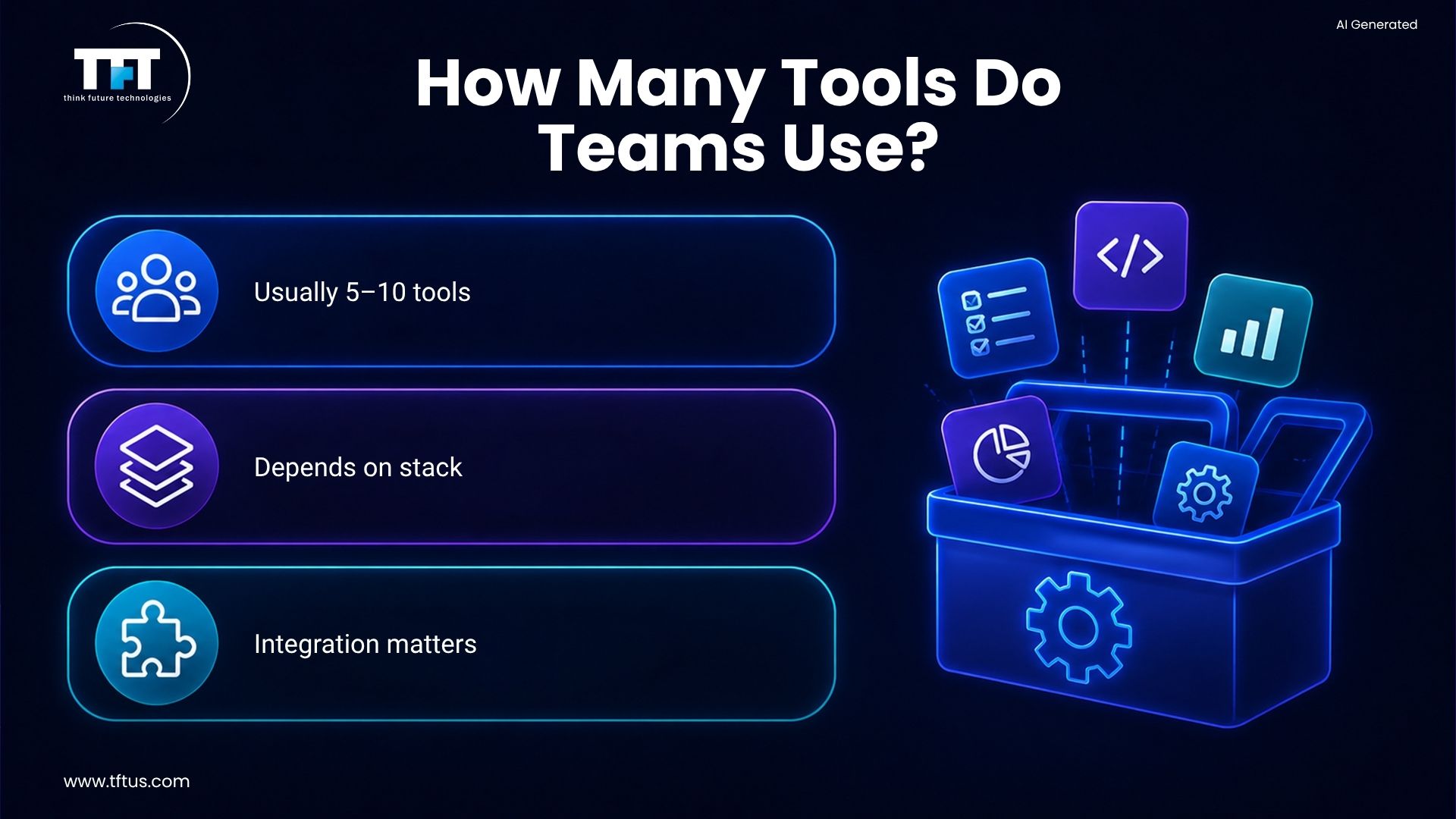
Organizations use multiple testing tools. No single tool can cover all the aspects of testing. A common team employs between 5 and 10 tools.
Teams require different tools for different types of testing. They use tools for both management and execution. The number of tools grows with time.
An excessive number of tools results in complexity. Teams are to be picky. The appropriate amount varies according to the requirements.
Integration Considerations
The tools need to be compatible with one another. By means of integration, the amount of duplicate work is lessened. The teams ought to look at the whole chain of tools.
The modern tools provide APIs and plugins. They are capable of integrating with other tools. Integration is a must for efficiency.
Organizations should have a clear picture of their tool landscape. They need to spot the integration areas. The tools that are connected function more efficiently.
Cost Considerations
Open Source vs Commercial
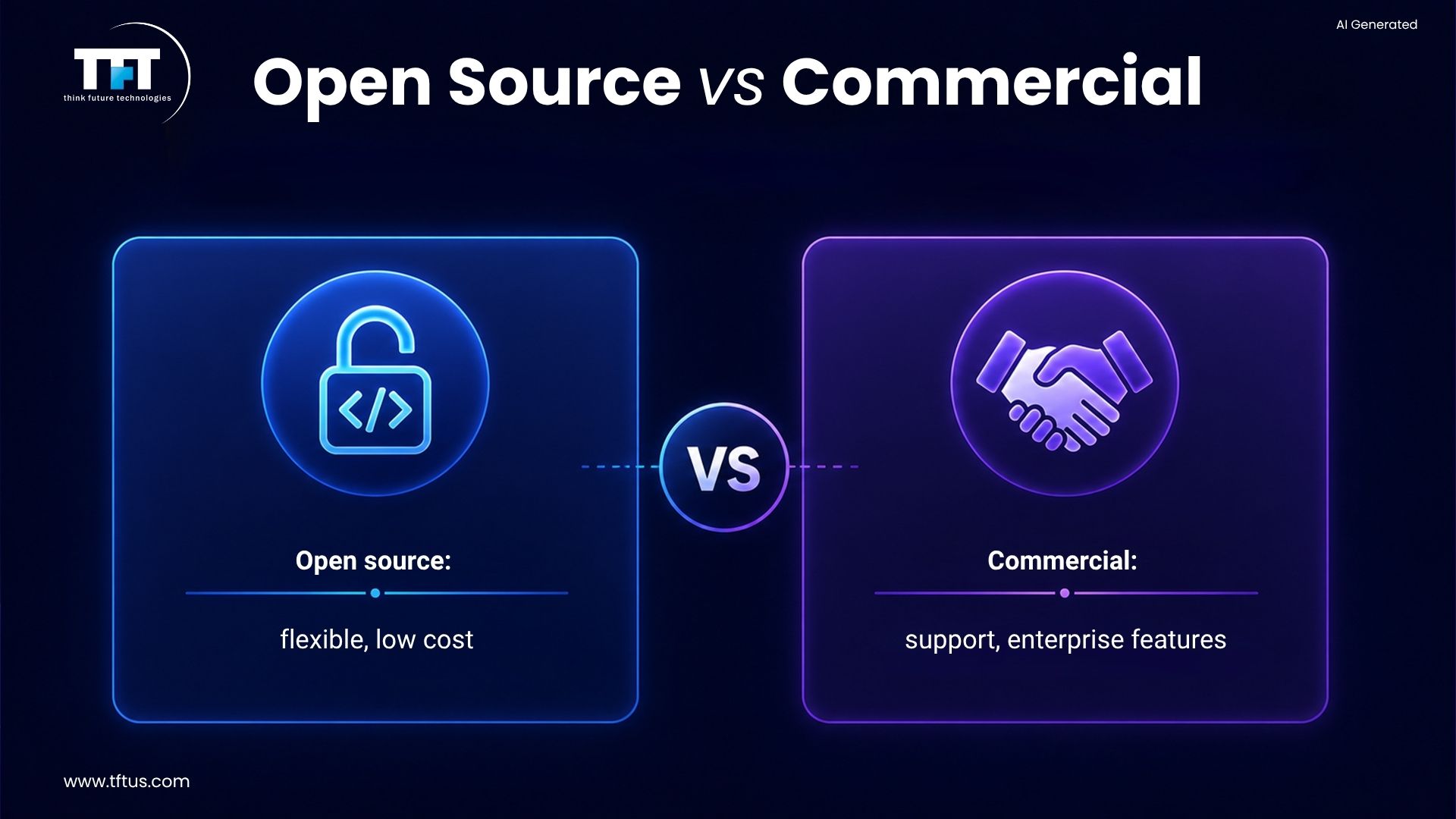
Payment is one of the major factors that influence the choice of tools. Open-source tools do not come with any costs attached, but on the other hand, they do require a high level of expertise. Commercial tools, on the other hand, provide support at a cost.
The total cost is made up of training and maintenance costs. The teams should work out the cost for the long run. The cheapest option might not be the best.
A few organizations apply a mixed approach. They consider both cost and capability and come up with a budget plan.
Return on Investment
The testing tools should be quite useful. They need to be time-saving or quality-enhancing. The return on investment justifies the purchase of the tools.
The teams have to assess the benefits the tools give. They do it by keeping track of the number of bugs detected and the time saved. A visible ROI plays an important role in gaining funding.
Common Testing Challenges
Test Maintenance
When applications change, tests frequently break. Eventually, the team has to spend time fixing them. Apart from good automation frameworks, regular test reviews can also reduce maintenance and safeguard automation ROI.
Skill Gaps
Programming skills are essential for test automation. Lately, not all testers are proficient in them. Training and user-friendly tools could help bridge skill gaps and thus promote testing success in the long run.
Training and Skill Development
Learning Resources
The majority of testing tools provide training. They also offer documentation and tutorials. Learning resources are essential for the success of the teams.
Online courses cover the tool usage. Knowledge sharing is done through communities. Training speeds up the tool adoption process.
It is recommended that teams spend on learning. More skilled users will be able to extract more value. Training is an essential part of the investment in tools.
Certification Programs
There are a number of tools that provide certification programs. Certifications are proof of the skills. They aid the software testers in their career advancement.
ISTQB is the one that offers a general testing certification. The specific certification is provided by the tool vendors. Certifications are proof of expertise.
The companies are willing to pay more to the certified testers. Certification can help in both the hiring and promotion process. Professional development is an important aspect.
Conclusion
In the realm of software testing, a variety of tools from different categories are available. Choosing the right tools according to the needs, skills, and budget of the team will enhance not only the quality but also the speed of software development.
Software testing in the future will increasingly depend upon automation and AI. However, investing in the right tools and skills is still a necessary condition for trustworthy software.

Leave a Reply