

Software system testing evaluates the behavior of a software system as a whole. It gives the team assurance that all system components work together as intended before deployment to end users.
In addition, it also confirms both functional requirements and non-functional requirements, such as performance and reliability. Both of which mitigate the possibility of failure in a production environment, thus solidifying why system testing is a vital testing stage in the software development life cycle.
Testers can also attempt to uncover defects that have the possibility of being missed during earlier testing stages. It provides a final quality assurance step for the software prior to moving into acceptance testing. At this stage of testing, it is necessary to check that the software meets the business needs and expectations of the users.
According to a 2026 analysis by Keploy, software testing is a systematic process used to verify that applications function correctly and consistently under various conditions.
What is System Testing?
System testing represents a phase of testing when the testers will validate a fully integrated software system. Testers will validate that the system now meets all business features. It ensures that the software is functioning as intended in ideal operating conditions, but a user may encounter
System testing is performed after the integration testing phase. At that point, all the units or modules have already been integrated into the working software. The intent is to validate a complete test of the flow of the system from start to finish.
This verification process evaluates the system’s functional and non-functional aspects. It validates that the system functions as intended, can handle the load, and is stable, while also validating the system’s operational quality.
This video explains the fundamentals of software testing and why it is essential in the development lifecycle, helping you understand the context behind system testing.
Why Is System Testing Important?
It verifies that the entire system operates like a real system. It will reveal problems that may be triggered by interactions that only occur when all components function together and may not reveal issues during the earlier testing stages.
You can validate the system’s ability to satisfy business capabilities. This is important for behaviors, performance, and user experience, and for receiving feedback on usability across devices and operating systems.
System testing serves to mitigate risks before going live in production. Identifying defects earlier in the testing cycle is more efficient and reduces costs and effort later in the process. This process also elevates confidence for both the development team and other stakeholders.
How System Testing Works?
System Testing evaluates the integrated system from the perspective of the end user via a set of test scenarios and test cases that cover all major functionality of the system. These tests were performed to identify any problem areas regarding the workflow and functionality of the products.
The testing team prepares a test environment that mimics the production environment to help the team ascertain how the system will behave after deployment. The data used for the tests is also representative of some realistic test data since the data should be independent of how the system will behave.
During this phase, the development team and testing team work in tandem, whereby testers report defects and developers rectify those defects. The testing team then repeats system testing several times to ensure a stable and clean output from the test.
According to IBM’s testing analysis, system testing includes both functional validation and non-functional evaluation such as performance, reliability, and scalability as part of an end-to-end testing approach.
System Testing vs Software Testing
| Basis of Difference | Software Testing | System Testing |
| Definition | Software testing is the broad process of checking software quality through different testing levels and techniques. | System testing checks the entire system as one complete product to ensure everything works together as expected. |
| Scope | Covers all testing types, including unit testing, integration testing, system testing, and acceptance testing. | Has a narrow scope and focuses only on testing the fully integrated system. |
| Testing Level | Involves multiple levels in the testing process. | A single level performed after integration testing and before acceptance testing. |
| Objective | To detect defects at different stages and ensure overall software quality. | To check if the whole system meets business requirements and behaves correctly. |
| Focus Area | Can focus on specific components, modules, or the entire software depending on the test type. | Focuses only on the full end-to-end behaviour of the integrated system. |
| Performed By | Developers and QA testers depending on the type of test. | Independent QA team or dedicated system testers. |
| Test Environment | May use development, QA, staging, or local environments. | Uses a staging environment that mirrors the production environment. |
| Test Coverage | Includes functionality, performance, integration, security, UI, and more. | Covers system behaviour, system performance, system’s compliance, and real-world workflows. |
| Tools Used | Varies: Selenium, JMeter, Postman, Appium, Jenkins, TestNG, Cypress, etc. | Tools specific to system-level validation like JMeter, LoadRunner, Selenium, TestComplete, and BrowserStack. |
| Validation Type | Validates features at different levels, from code to UI. | Validates the whole system’s functionality, performance, and reliability. |
| Input for Testing | Can start with code modules, APIs, individual functions, or combined components. | Uses the output of integration testing as input. |
| User Involvement | Low user involvement except in UAT. | No end user involvement; done by QA before UAT. |
| Outcome | Confirms that different parts of the software behave correctly. | Confirms that the system is ready for real users and production. |
| Defect Detection | Detects bugs at unit, integration, and system levels. | Detects defects that appear only when the entire system works together. |
| Example | Unit testing of a login form, API testing of the login endpoint, and performance testing of the login API. | Checking the full login workflow, including UI, database, API, navigation, and user dashboard access. |
System Testing vs User Acceptance Test (UAT)
| Basis of Difference | System Testing | User Acceptance Testing (UAT) |
| Purpose | Checks the entire system to ensure it works as a whole. | Ensures the system meets user needs and business requirements. |
| Performed By | QA/testing team. | Actual end users or clients. |
| Focus Area | Functional and non-functional behaviour of the complete system. | Real-world business workflows and user acceptance. |
| When It Happens | After integration testing and before UAT. | After system testing and before final release. |
| Test Type | More technical, focusing on system behaviour and the system’s functionality. | More practical, focusing on usability, business rules, and user expectations. |
| Environment | Conducted in a controlled test environment. | Conducted in a staging environment similar to production. |
| Test Cases | Detailed and written by the testing team. | User scenario based and written or reviewed by users/stakeholders. |
| Scope | Covers the entire system end to end including all components. | Covers only key business processes that users need. |
| Defects Found | Technical bugs, integration issues, system level errors. | Business flow issues, missing requirements, usability problems. |
| Goal | To verify system stability, performance, and accuracy. | To get user approval for release into production. |
The Process of System Testing
Test Planning
Teams create a system test plan that outlines the objectives, scope, tools, and resources. It helps the testing team have a clear picture of how the testing proceeded it also sets the expectations of the development teams.
Test Design
Testers write system test cases based on the business requirements. These test cases contain sequences to follow, expected outcomes, and test scenarios. This phase ensures sufficient test coverage, both on the outline and within the entire system.
Test Environment Configuration
The test environment configuration sets up hardware and software components that embrace the functionality of the production environment for testing the application. A stable test environment ensures and increases the reliability of the outcomes.
Test Execution
When testers execute system testing, it may be either through manual testing or automated testing. The tester executes test scripts to verify the functionality of the system and records any defects while debriefing the developers.
Defect Reporting and Retesting
If any type of issue is discovered by the tester, it is reported while providing screenshots and logs. The developer resolved the defects reported by the tester. The tester will retest the system to validate its functionality.
Regression Testing
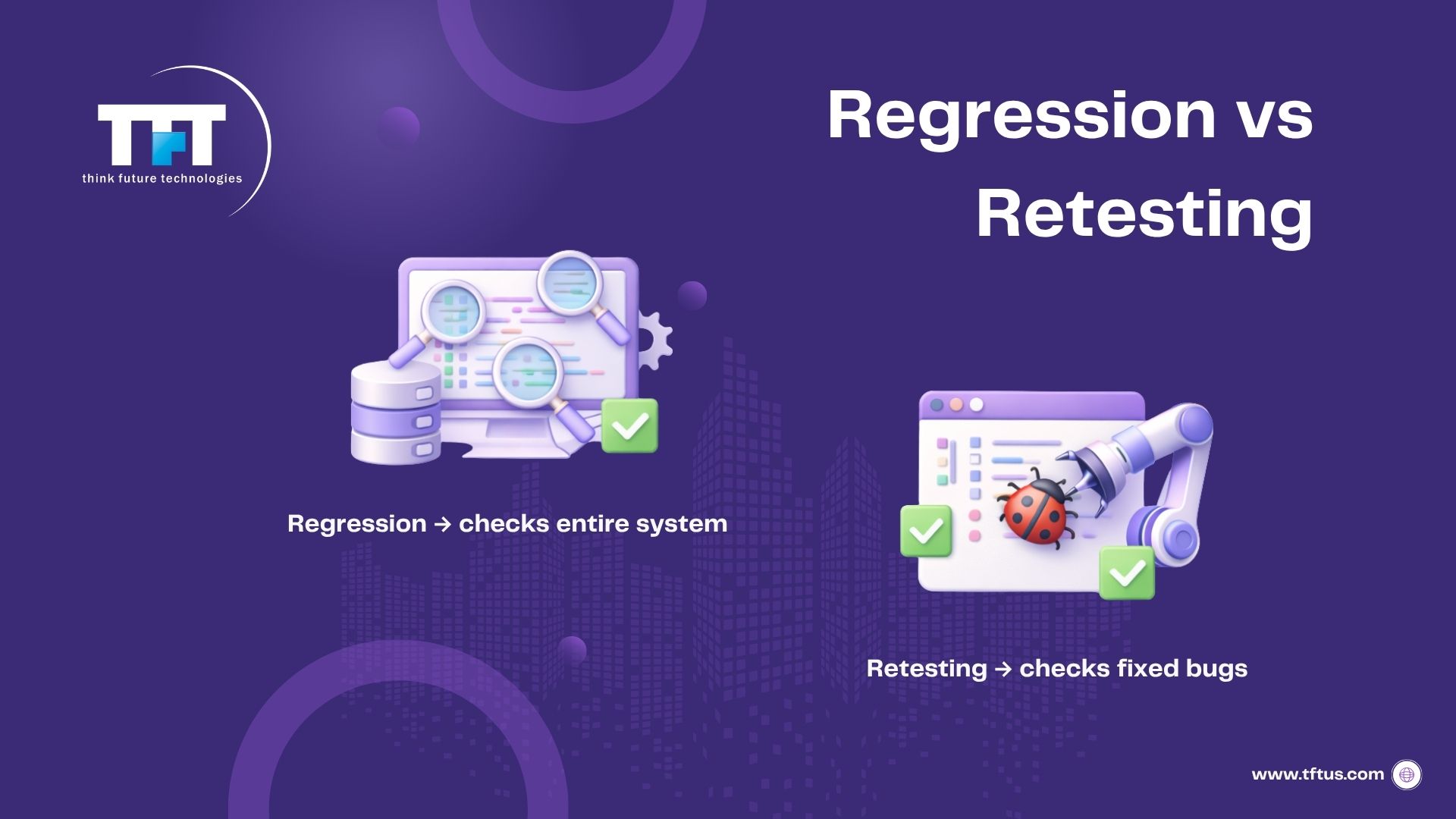
Regression testing is performed to verify that the new changes have not affected the existing system features. It is used to catch potential issues quickly in complex systems. It is one of the existing tests performed under system testing.
Test Closure
At the end of the system testing process, the team prepares a final report. The final report includes the testing results, defects counted, and the risk level determined at the end of system testing. Once the testing meets business requirements, the testing process has closed.
Types of System Testing
Functional Testing
Functional testing validates that the system adheres to predefined functional requirements. The testing verifies basic functionalities and user flows from start to finish. Functional testing verifies you’re testing the activities of the system and the features of that system.
Performance Testing
Performance testing demonstrates speed and response times under various traffic loads. It measures what happens when there is a lot of activity on the system. Performance testing confirms that the system performs properly and remains stable.
Usability Testing
Usability testing assesses whether the system is easy to use or not. It examines clarity, navigation, and overall ease of use. It ensures a good experience throughout the entire system.
Security Testing
Security testing tests the robustness against unauthorized access. It validates the encryption and authentication and checks the safety of the data. It checks that the system meets the security standards.
Load Testing
Load testing checks the system’s handling of heavy user loads. It examines the usage of resources when many users access features. It ensures the stability of the system.
Recovery Testing
Recovery testing checks the duration taken by a system to recover from different failures. It checks that the backup or restart processes work well. It tests the resilience of the system.
Migration Testing
Migration testing tests the transition of data from an old system to a new system and checks whether it was seamless. It tests after migration to validate the quality and stability of the data. This ensures that compliance of the system is maintained.
Interoperability Testing
Interoperability testing tests how the system interacts with other systems within the shared environment. Tests that things are connected in the hardware and software components benefit interconnectivity. This is most important in tests for workflows integrated into the systems.
System Integration Testing
System integration testing tests how the subsystems work and interact with each other. This is broader than integration testing alone. Tests for communication errors and integration are conducted across the modules.
Testing for Scaling
Testing for scaling examines system behavior as it is scaled up or down. It tests how the system performs with increased user behavior. It validates the ability of the system to grow over time.
Real-Life Examples of System Testing
An example of the system testing approach is a shopping website. The test team tests the functions of search, cart, checkout, payments, and returns as a complete system.
In a hospital system, the test team tests features like appointment booking, patient records, billing, and laboratory reports. The workflow between features must function correctly and not produce any errors.
An example of a banking system has features to check a balance, transfer funds, update accounts and statements, and login features that work together as a system and workflow. This demonstrates how the system testing way of working validates a real journey that a user would take through the system.
This video demonstrates how system testing works in real scenarios, helping you understand how different components of an application are tested together before release.
Essential Tools for System Testing
Selenium Testing Framework
Selenium is an automation framework that enables automated testing for web-based applications across browsers. The testing team is able to use Selenium to create scripts that automate the simulation of the user performing an action and validating the user experience. The selenium automation framework supports multiple programming languages and integrates effectively into various testing frameworks.
Selenium allows for testing the system in various browsers and on various platforms while not requiring any manual intervention in the testing process. Additionally, the testing team can run automated testing in parallel as a way of significantly reducing execution time. The use of system testing tools such as Selenium increases testing coverage and efficiency for complicated web applications.
Apache JMeter Tool
JMeter is a performance testing tool that mimics load on systems to record performance attributes. The testing team leverages JMeter to perform load testing and stress testing on web applications. The tool generates extensive reports on system performance under a variety of load situations and scenarios.
JMeter enables teams to find performance bottlenecks and system limits before release to production. The testing team can simulate thousands of concurrent users to validate capacity. System testing tools, such as JMeter, will become increasingly important to ensure systems meet performance requirements.
TestComplete Platform
TestComplete is a commercial automated testing tool that supports testing of desktop, web, and mobile applications. The testing team uses TestComplete to build and run automated test cases efficiently. The tool allows record and playback capability, which simplifies creating test scripts.
TestComplete supports multiple scripting languages and can be easily integrated within continuous integration pipelines. The testing team can successfully perform functional testing and regression testing across different types of applications. System testing tools, such as TestComplete, reduce the testing effort and improve testing reliability.
Postman API Testing
Postman is an API testing tool that validates backend services and data integration points. The testing team uses Postman to test APIs in isolation and validate the appropriate transfer of data. This tool provides a streamlined approach for the development, execution, and documentation of the API test scenarios for system integration testing.
Postman allows the testing team to verify that APIs have met functional requirements and performance specifications. Teams can automate their API test cases and integrate them into continuous testing pipelines. Testing tools like Postman are an important part of the system testing process for validating system integration and data flows.
LoadRunner Enterprise
LoadRunner is an enterprise performance testing tool used for gauging system performance under realistic load conditions. The testing team uses LoadRunner to conduct complex performance testing across application tiers. It is a tool with which to develop an extensive suite of performance metrics describing system performance and represents performance problems that may occur across the infrastructure.
LoadRunner can load test with a variety of protocols and technologies to accommodate systems with multiple testing requirements. The testing team will simulate user behavior while measuring the system’s response. Testing tools like LoadRunner are important in helping to prove that systems will meet the scalability and performance objectives.
7 Best Practices for Effective System Testing
- Initiate with a Well-Defined Test Plan
Initiate with a straightforward test plan that defines what is going to be tested and why. Outline the scope, objectives, testing method, and what success looks like. Having a clear plan provides the team context for the work to be performed and identifies areas that may be overlooked.
The plan should be clear about the different types of system testing that are needed. Ensure the correct people, tools, and time are assigned to deliver on the tasks. Proper planning minimizes gaps in coverage and allows for the project to run seamlessly. - Write Thorough Test Cases
Document test cases that test all possible configurations and workflows after the system has been integrated. Document normal situations and edge cases that require testing, covering the full behavior of the system as a whole. This will help verify that our integrated system with many components interoperates correctly from beginning to end.
Each test case must have sufficient detail to communicate steps, expected results, and the applicable conditions clearly defined. All test cases should be linked to business requirements to ensure complete coverage. Proper test case design leads to more efficient execution of the testing process and possibly more meaningful results. - Utilize Realistic Test Data
Utilize test data that resembles actual user data. This will help you uncover issues that may not be apparent until the system is live. Test data should cover a variety of data types, possible inputs, and usage patterns. Boundary values, invalid and erroneous data, and role-based scenarios should all be included.
Test data should be designed to include a variety of workflows and users. Real data increases the probability of finding defects as they occur in the “real world.” - Automate Repeated Tests
Automate any repeated tests to save time and improve accuracy. Automated tests can effectively be used when tests are frequently executed or during regression testing scenarios. Automation reduces manual effort and provides quick feedback when the system has changed.
Automated tests can be run consistently and may be scheduled to run at any time. Teams can utilize automation during continuous integration testing cycles. Automation can give manual testers time to focus on usability and exploratory testing. - Perform Regression Testing regularly
You should perform regression tests on any system change or update. Regular testing will ensure that new changes do not break existing features of the system.
Regular regression tests will help keep the system stable over time. Regression testing should be a standard part of your development process. You can utilize an automation tool if it allows for rapid regression tests that can be quickly repeated regularly. - Testing in an Environment Similar to Production
Conduct system tests in an environment as close to the real production environment as possible. This includes approximating as much as you can match in terms of hardware, operating systems, networks, and configurations. By conducting system tests in a production-like environment, you’ll get the real data that accurately portrays real-world usage. - Collaboration across teams
Having a balance of tightly-coupled communication from testers to developers and business will resolve issues more quickly and with less confusion. Good teamwork means the testing of the release information is working as planned. All stakeholders should review results, defects, and updates frequently.
Always include developers and business analysts in planning and reviews. Collaboration across teams leads to higher-quality software.
What are The Advantages of System Testing ?
According to a ResearchGate study, effective software testing helps reduce errors, lower maintenance costs, and improve overall software quality when implemented properly.
- Validates Complete System: Confirms the entire system works together as expected.
- Detects System-Level Issues: Finds defects that unit and integration testing may miss.
- Improves Software Quality: Ensures the system is stable, reliable, and ready for users.
- Ensures Requirement Coverage: Verifies the system meets business and technical needs.
- Builds Release Confidence: Gives teams assurance that the system is ready for deployment.
What are The Disadvantages of System Testing ?
- Time-Consuming: Takes longer because it covers the entire system end-to-end.
- High Cost: Requires more tools, environments, and resources.
- Complex Setup: Needs production-like environments and multiple integrations.
- Difficult Debugging: Hard to identify the exact source of defects in complex systems.
- Requires Skilled Testers: Needs expertise across functional and non-functional testing.
4 Metrics for Measuring System Testing Success
- Coverage Metrics
Test coverage indicates how much of the system has been validated. High coverage means that the team has validated all key functions and their integration. Identifying gaps in testing indicates that additional test cases are probably needed. - Defect Detection Rate
This metric indicates how many bugs the team finds in system testing. A higher defect detection means fewer defects were provided to users. The defect detection metric indicates how successful system testing is, identifying defects before release. - Test Execution Metrics
These metrics measure how many test cases passed, failed, or were skipped. They provide a measure of testing progress and help with timeline management. Teams can use these metrics for improving efficiency and planning testing workloads. - System Performance Metrics
Metrics that measure response time, speed, and resources used. System performance indicates how the system will perform under different loads. Performance metrics and testing provide insight into bottlenecks to fix before deployment.
Conclusion
In a nutshell, system testing provides confidence that the entire system works as intended before any release. This testing is performed on both functional and non-functional areas under production-like environments. Effectively performing system testing improves quality, stability, and user satisfaction.

Leave a Reply