


Nowadays, every React app has to be fast and clear. Users expect quick response times and no waiting. That puts additional pressure on developers to balance user experience (UX) with performance when creating a React app.
The interface may look nice, but if the app takes too long to render, it feels slow and cumbersome. If the app renders quickly but the user experience is poor, it feels like it is missing something. Therefore, the goal is for every React app to feel fast and intuitive.
You will learn about performance optimization strategies that can be applied in actual projects and will help to achieve the balance between improving performance and not degrading design quality. All of the strategies to be discussed will increase user satisfaction and app performance.
Balancing UX and performance requires effective performance optimization strategies throughout the development process. These techniques are essential for effective React performance optimization in modern applications.
In a recent study, advanced optimization techniques such as virtualization were found to reduce React render times by over 90%, significantly improving application responsiveness (Source: University of Applied Sciences Research, 2025).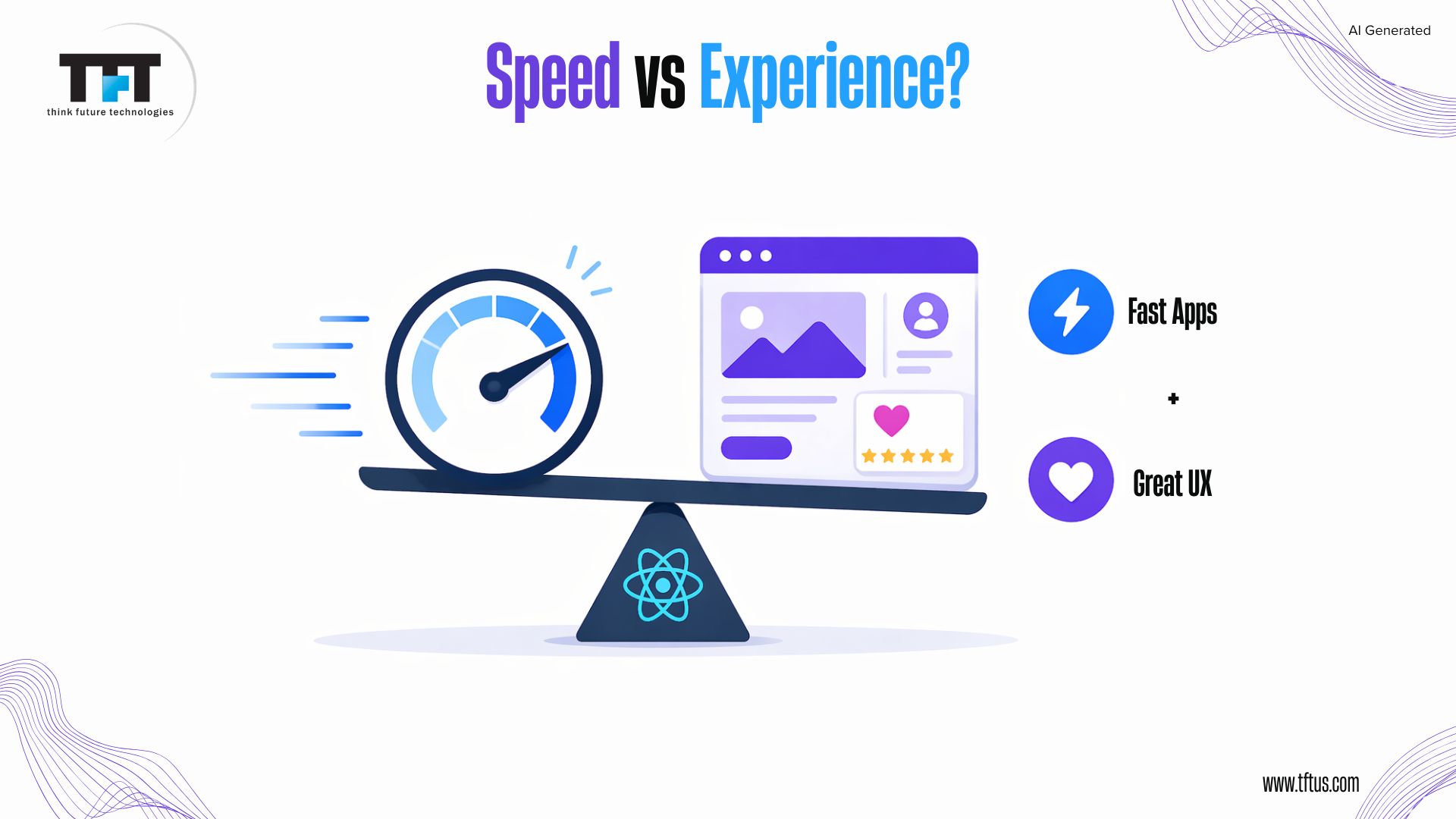
Understanding React Performance
How does React Render?
To improve performance, React creates a virtual representation (or copy) of your application’s UI in memory. The virtual DOM allows React to update the actual DOM only for elements that have changed, by comparing the previous and current versions of the virtual DOM when a state change occurs.
This way, “diffing” prevents React from performing unnecessary DOM updates, keeping Web Applications fast and efficient.
React consists of three parts to generate a rendering path: the trigger, the render, and the commit. The most common performance issues occur during the “render” process, where React renders the same component(s) again when there is no change to the component(s).
“Batching” multiple State Updates together will reduce the need for multiple re-renders during the same State Update cycle, thereby improving overall performance.
Common Performance Bottlenecks
One of the most frequent issues in React applications is unnecessary re-renders. A re-render occurs when the component is updated, even if the component’s props or state have not changed. Re-rendering creates additional render cycles to the entire component tree, leading to slow rendering in larger applications.
The browser’s main thread may become blocked during rendering due to heavy calculations, resulting in a slow or unresponsive end-user experience. Additionally, larger JavaScript bundles will increase the application’s initial load time. Techniques such as code splitting and deferred loading help ensure that only the required code is loaded, enhancing overall performance.
Research also shows that modern React applications face increasing performance challenges as application complexity grows, often leading to noticeable performance degradation if not properly optimized (Source: IEEE Research Publication, 2026).
Identifying bottlenecks is the first step toward effective performance optimization in React applications.
Lazy Loading Implementation
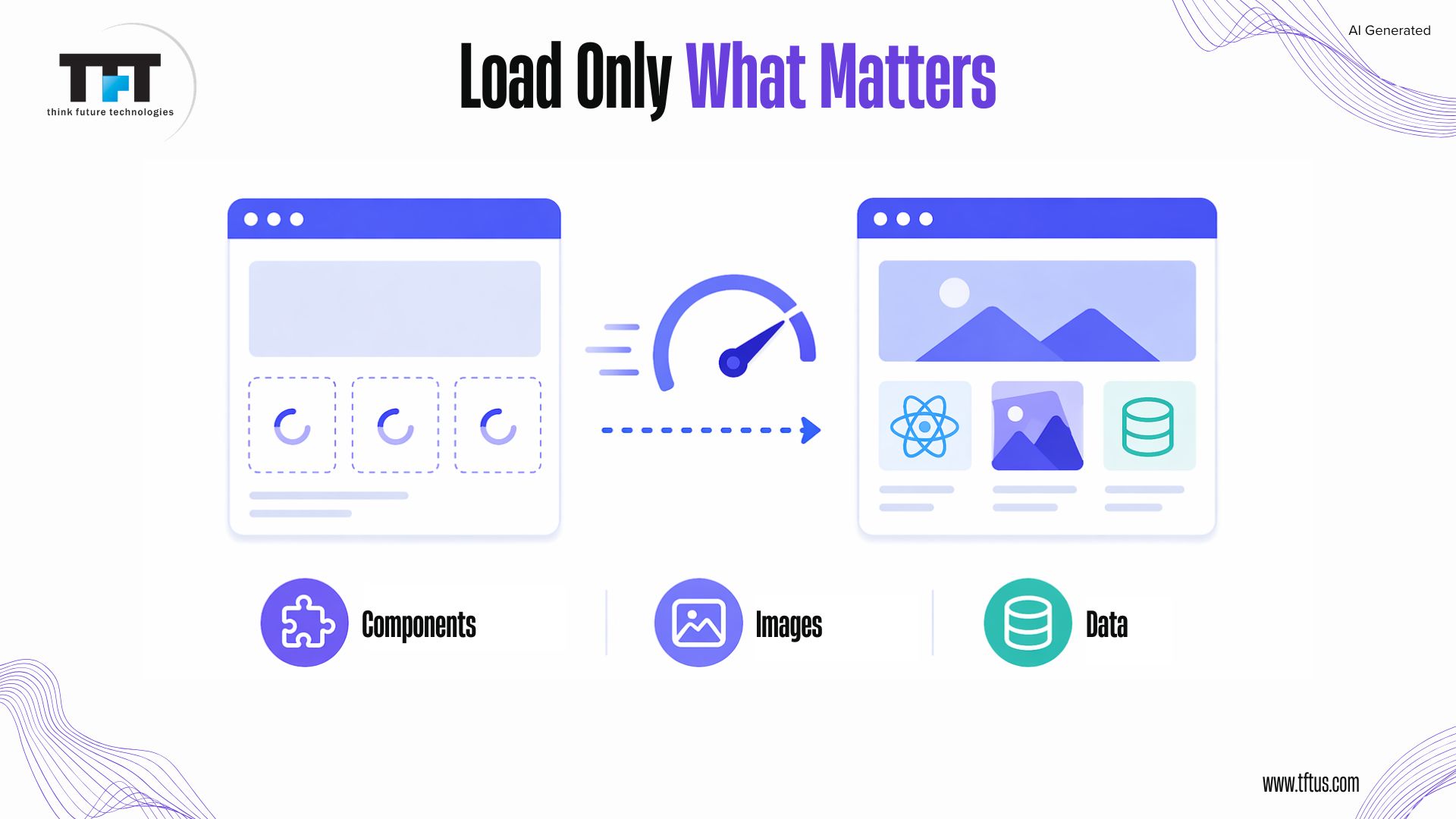
Lazy loading, also known as deferred loading , on-demand loading, dynamic loading in React, is a performance optimization technique that defers the loading of a component’s code until it is rendered for the first time. Instead of downloading the entire application bundle at once, it allows the application to load only the essential code initially and fetch additional components as needed.
Case Study: Improving Performance at Scale with React
Leading companies like Netflix, Airbnb, Walmart, and PayPal adopted React.js with server-side rendering (SSR) and modern optimization techniques to improve performance at scale.
As a result, they achieved 15–20% faster page render speeds and improved search engine rankings, while maintaining high responsiveness across applications.
This demonstrates how combining techniques like code splitting, lazy loading, and efficient rendering can significantly enhance performance in real-world applications.
(Source: Fortune 500 React Case Study)
Lazy Loading Components
React provides a function called lazy to load components only when necessary via dynamic imports, while the Suspense component provides a fallback user interface while the component loads. This technique allows you to load only a portion of your application at a time, improving the loading time of your main content and providing a better user experience.
javascriptimport React, { lazy, Suspense } from 'react';const Dashboard = lazy(() => import('./Dashboard'));function App() { return ( <Suspense fallback={<div>Loading...</div>}> <Dashboard /> </Suspense> );}Optimize Images
This delays image loading until images become visible to users as they scroll the webpage. This method reduces the initial page size, improving performance. The `loading=”lazy”` attribute enables browsers to support this feature, whereas React Intersection Observer and responsive image techniques allow developers to load optimized images for different devices.
Data Lazy Loading
It is a mechanism that loads only the data users are actively using at the time, rather than retrieving all of the data in one go. Using techniques such as pagination and/or infinite scrolling and libraries like React Window or React Virtualized to render only the items currently displayed will help reduce memory consumption and increase efficiency in very large applications.
Minimizing Re-renders
Using React Memo
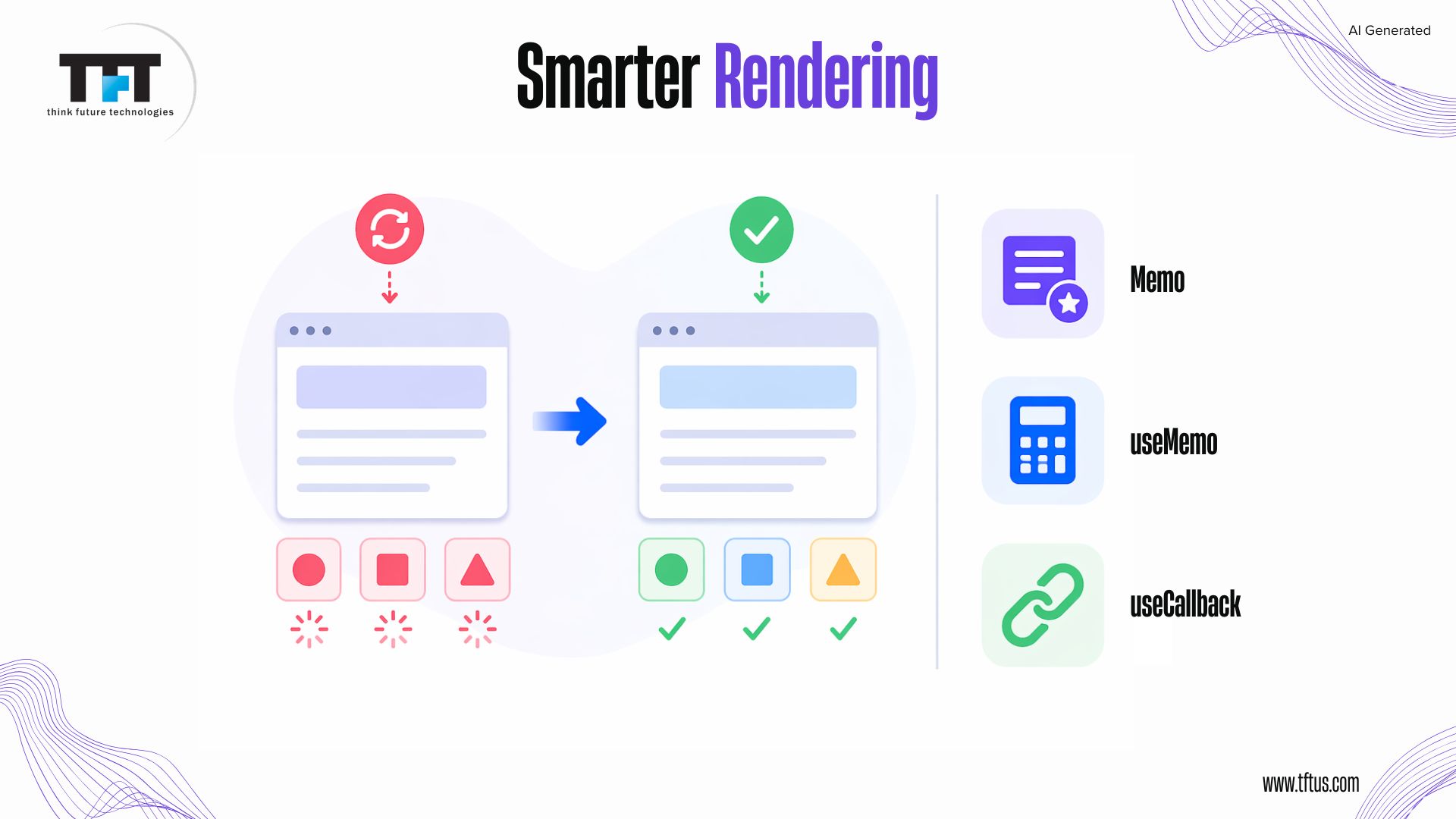
By using React. memo, you can wrap functional components so that the component does not re-render when its props have not changed (React will compare the previous and current props). This helps improve performance for components that are expensive to render or for list items that continually re-render.
javascriptimport React from 'react';const ExpensiveComponent = React.memo(function App({ data }) { // Component logic return <div>{data}</div>;});Also, you can use your own compare function when checking for changes in props if your props are complex objects, such as arrays or objects with many levels of nesting. You should be cautious when using this method to avoid performance costs in the prop comparison.
Optimizations with useMemo and useCallback
Using useMemo allows you to store the result of an expensive calculation so that it is recomputed only when its dependencies change (preventing it from being recomputed multiple times).
You can use useCallback to save the function reference so that the child components do not have to re-render each time you create a new function. The hooks should only be used after profiling components that re-render frequently or perform expensive calculations to determine whether they are needed.
State Management Optimization
Efficient State Structure
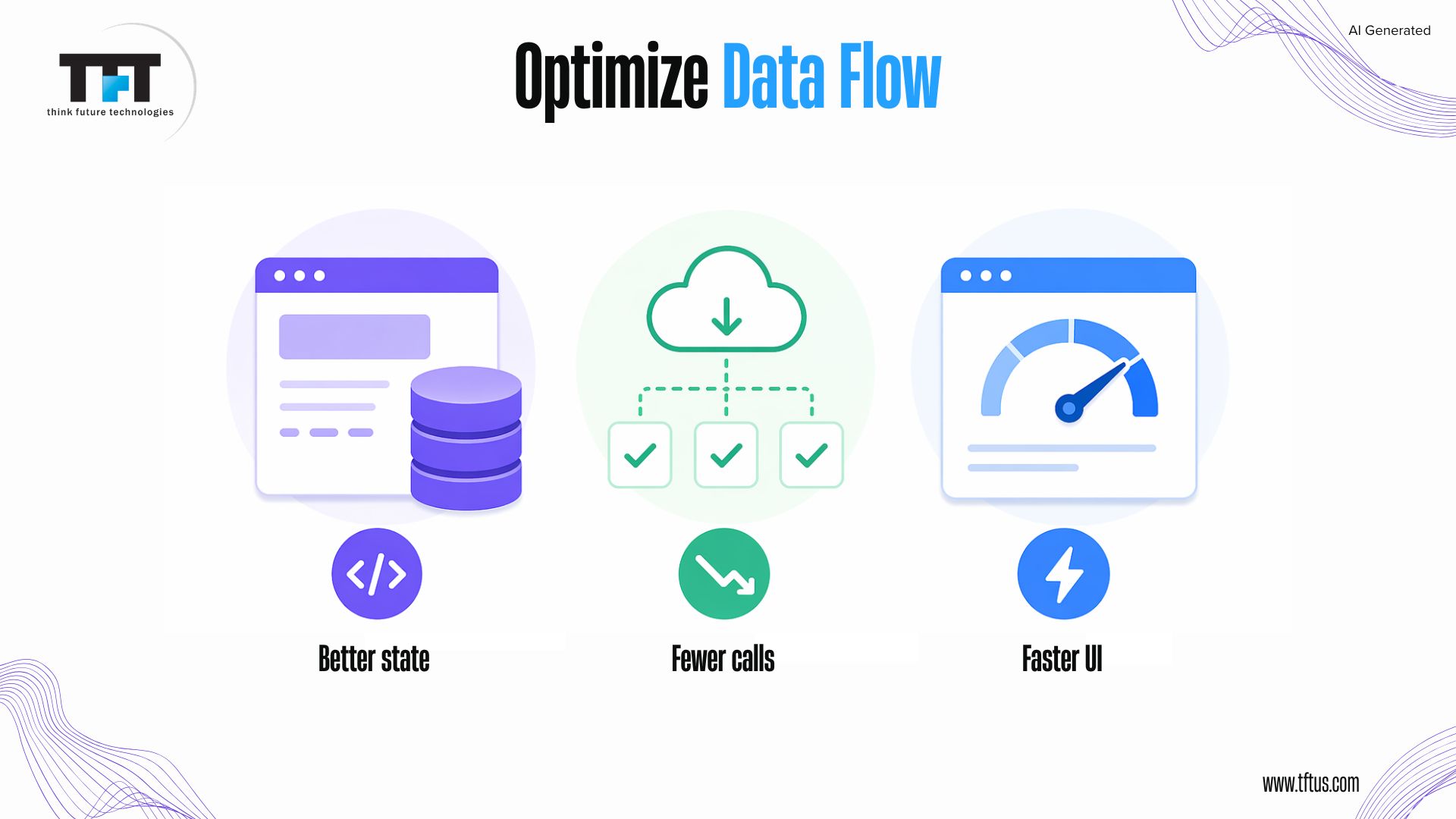
The state should be structured into groups of related data and split into stable and unstable data to minimize unnecessary re-renders. As a best practice, developers should avoid complex state nesting and instead utilize flat data structures or normalized data for optimal performance.
Using libraries such as Immer makes it simple to manage immutable renewals in complex state schemas. Local component-specific UI data will remain in the component’s state, allowing data lift only when required, preventing unnecessary re-rendering of unrelated components.
Context API Performance
When using the Context API, changing the context value triggers all components that use that context to re-render. Therefore, context should be split depending on how often the data updates. For example, stable configurations are separated from frequently changing data, reducing the potential for unnecessary re-renders throughout an application.
Context values should also be memoized with useMemo to prevent unnecessary re-renders due to new object references when the provider is updated. For complex shared states, libraries such as React Query and Zustand generally offer better performance and more efficient handling than the context API.
Data Fetching Optimization
Using React Query
React Query optimizes how we fetch data by providing automatic caching, background refetching, and stale data management, which helps prevent duplicate requests and provide fast responses. It uses the stale-while-revalidate paradigm: it immediately returns stale, cached data and then fetches updated data in the background to provide an optimal user experience.
The developer can also customize the cache lifetime and the frequency with which the data should be re-fetched to balance how fresh they want the data, while maximizing application performance.
Optimistic Updates to the UI
By using an optimistic update to the user interface (UI), the user can see their action reflected in the UI before the server confirms the request.
As a result, your application appears faster and more responsive to users. Optimistic updates are especially useful for actions with high success rates (for example, ‘like’ or ‘save’ buttons), where users can see their action immediately after the UI is updated, even though the request is still being processed in the background.
Libraries like React Query allow optimistic updates via mutation options, where the cache is first updated and errors are handled if the mutation request fails.
Reducing Network Requests
Grouping several API requests into a single request via GraphQL or Batch endpoints reduces network traffic and thereby improves performance.
Using the correct caching tools (service workers or React Query) reduces duplicate requests for unchanged data (fetching it).
Request deduplication also helps prevent multiple components from fetching the same data simultaneously, reducing bandwidth usage and improving page load speeds.
Image and Asset Optimization
Image Optimization Techniques
When images are optimized well, they perform much better. Images can be compressed to use less space without degrading quality using tools like imagemin or services like Cloudinary.
New formats such as WebP and AVIF are 25-35% smaller than JPEG files while maintaining almost identical visual quality.
You can serve a responsive image using the picture element and the srcset attribute to specify different image sizes based on the user’s display resolution. This allows you to deliver the appropriate image size to the user’s device and saves bandwidth on smaller devices.
Lazy Loading Images
Lazy loading displays an image only when the user scrolls close enough for it to become visible on their screen. This helps reduce the initial page load time, especially for pages with many images.
Browser-native on-demand loading can be implemented using the loading attribute; this can be done without additional JavaScript, making it a good solution for pages with many images.
To enhance the user experience and speed up image display, you can use placeholder images, apply a blur effect, or use a library such as react-lazy-load-image-component.
Asset Delivery Optimization
Delivering static assets via CDNs speeds delivery by storing and serving them from locations closer to users, reducing latency.
You should enable browser caching by using proper headers and fingerprinted filenames based on the content, so you can cache your assets for longer with confidence.
You should minify your CSS and JavaScript files by removing whitespace and comments to reduce the total file size and improve asset loading.
Performance Monitoring
Using React DevTools Profiler
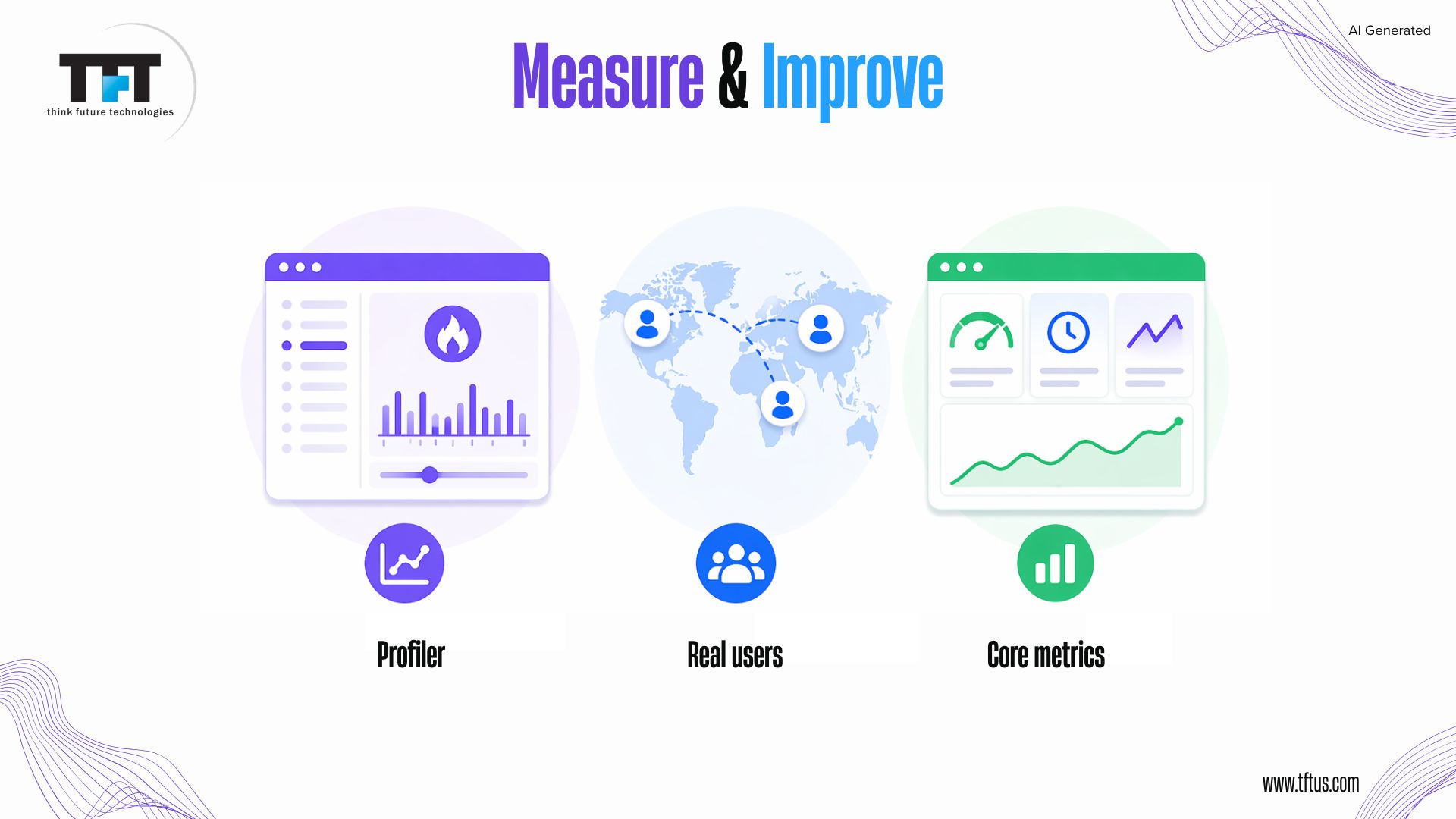
React DevTools Profiler helps users track component render times and identify performance issues by recording user interactions and displaying rendered components along with their rendering durations. The flame graph shows which operations are most resource-intensive and which parts of the system need to be re-rendered even when there are no changes to properties or state.
Developers can compare render times before and after optimizations to confirm improvements and ensure changes actually enhance performance.
Chrome DevTools Performance Tab
Chrome DevTools Performance tab analyzes overall browser activity, including JavaScript execution, rendering, and layout during page interactions. The flame chart displays function call stacks and their execution durations, helping detect functions that require extensive processing power on the main thread, leading to performance degradation.
The tool enables memory assessment, which helps discover memory leaks early, as these leaks tend to accumulate and cause performance decline over time.
Real User Monitoring
Real user monitoring tracks actual user performance data using tools like Google Analytics to understand how apps perform in real environments. The three Core Web Vitals, which include Largest Contentful Paint, Interaction to Next Paint, and Cumulative Layout Shift, measure actual user experience and also determine search engine rankings.
Performance analysis across multiple device types and network conditions, as well as across various geographic regions, enables developers to identify issues and use them to enhance application performance for different user segments.
Advanced Techniques for Optimizing Performance
Tree Shaking and Dead Code Elimination
Tree-shaking eliminates unused code from production bundles in modern bundlers such as Webpack because it requires no human intervention. Bundlers achieve better dead-code elimination when developers use ES6 module syntax with named imports, as this approach enables them to identify actual code usage.
The Webpack bundle analyzer helps developers identify large, unnecessary libraries they can replace with smaller, lighter dependencies.
Server-Side Rendering Benefits
Server-Side Rendering (SSR) produces HTML on the server and sends it to the browser for immediate user access before JavaScript begins rendering. Search engines gain better indexability of server-rendered content because it allows them to index it more effectively.
The Next.js framework provides developers with an easy method to execute SSR, while page caching enables organizations to control their server capacity needs.
Static Site Generation
Static Site Generation (SSG) produces web pages during the build process and delivers them as basic HTML documents that load exceptionally fast.
The system functions optimally with content that undergoes infrequent updates, such as marketing pages, documentation, and blogs, while users can still access dynamic data via client-side loading.
Incremental Static Regeneration (ISR) enables site owners to refresh their web pages at specific times while their existing online site remains operational.
Balancing Features to Improve Performance
Progressive Enhancement
Progressive enhancement builds core functionality that works without JavaScript, so users on slow networks or with JavaScript disabled can still access essential features. Develop your website starting with basic HTML elements, then enhance it with CSS and JavaScript at later stages to improve performance.
Testing with JavaScript disabled or slow network conditions ensures applications remain functional even in limited environments.
Prioritizing Critical Features
Develop your website by prioritizing essential functions users need for their main activities, deferring implementation of additional features. The optimization process needs to concentrate on the primary user experience path while achieving optimal performance for all major system functions.
The system implements feature detection and loads polyfills and enhancements only for unsupported browsers, thereby reducing bundle size while ensuring browser compatibility.
Case Study: How Small UX Changes Drive Massive Results
A major retailer improved its checkout experience by replacing a “Register” button with a “Continue” option, allowing users to proceed without creating an account.
This small UX change removed friction in the user journey and resulted in an additional $300 million in sales revenue.
This highlights how optimizing user experience—not just performance—can directly impact business outcomes.
(Source: UX Optimization Case Study)
Conclusion
Balancing UX and performance is about making smart choices and setting clear goals. Measure, optimize, and protect the user experience at every stage. Fast, stable, and thoughtful React apps win user trust and loyalty.
Studies indicate that applying structured performance optimization strategies in React applications leads to measurable improvements in scalability, efficiency, and overall user experience (Source: ResearchGate, 2025).
Frequently Asked Questions (FAQs)
In today’s fast-paced corporate world, companies are continuously searching for methods to increase production, cut expenses, and improve efficiency. When a company uses Node.js development, it guarantees that web apps are reliable and efficient. Integrating AutomationTwin Robotic Process Automation (RPA) with Node.js for real-time applications is a potent method of accomplishing these objectives.
The numerous advantages of this combination might completely change the way a company runs. But first, let’s start with the basics and understand the meaning of AutomationTwin RPA and Node.js.
Meaning of AutomationTwin RPA
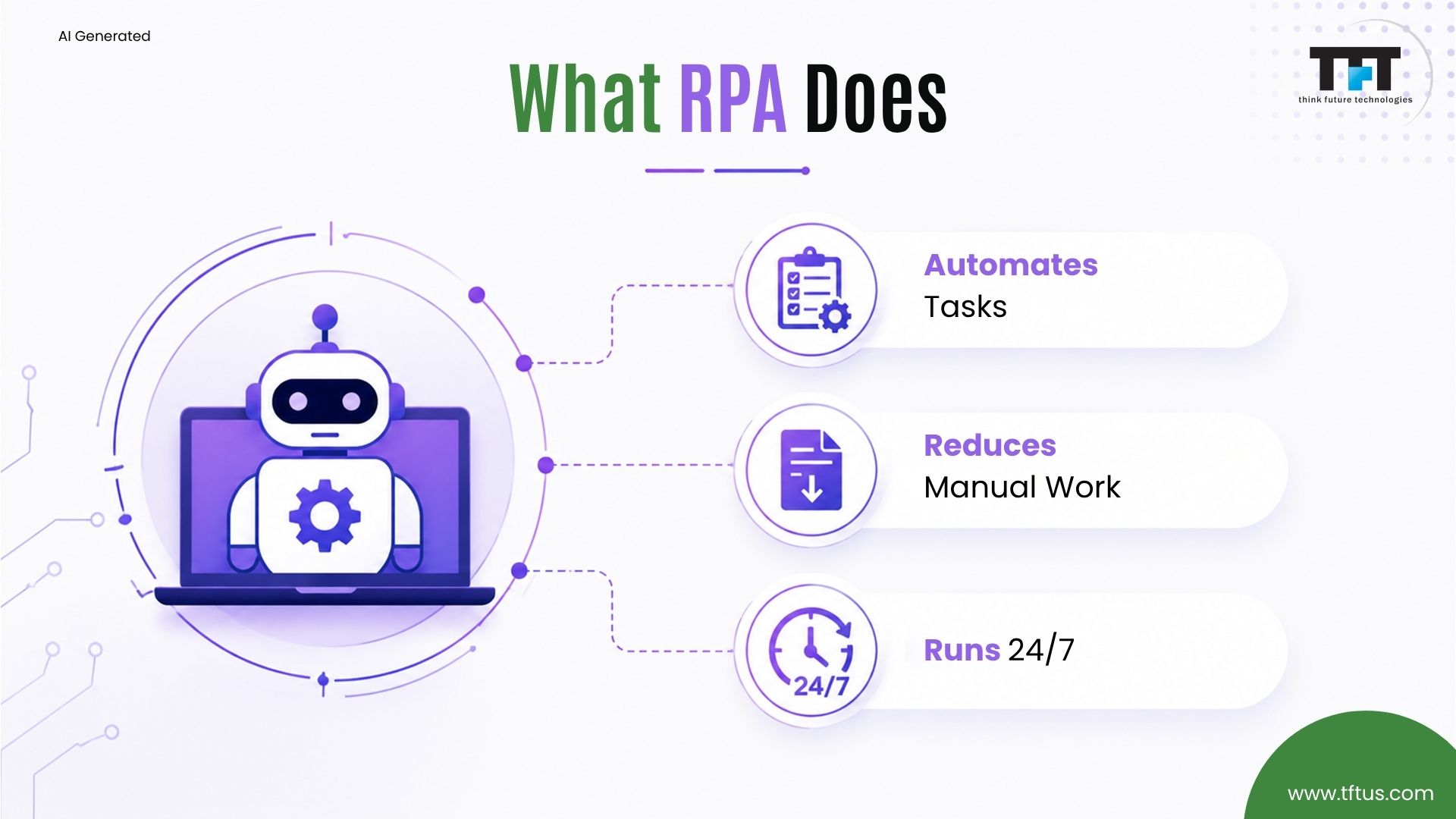
AutomationTwin RPA is a technique that automates dull and repetitive operations using software robots or bots. These robots can carry out operations, including data entry, transaction processing, and communication management, by imitating human behavior. Companies can free up their HR to concentrate on more strategic tasks by automating these operations.
Meaning of Node.js
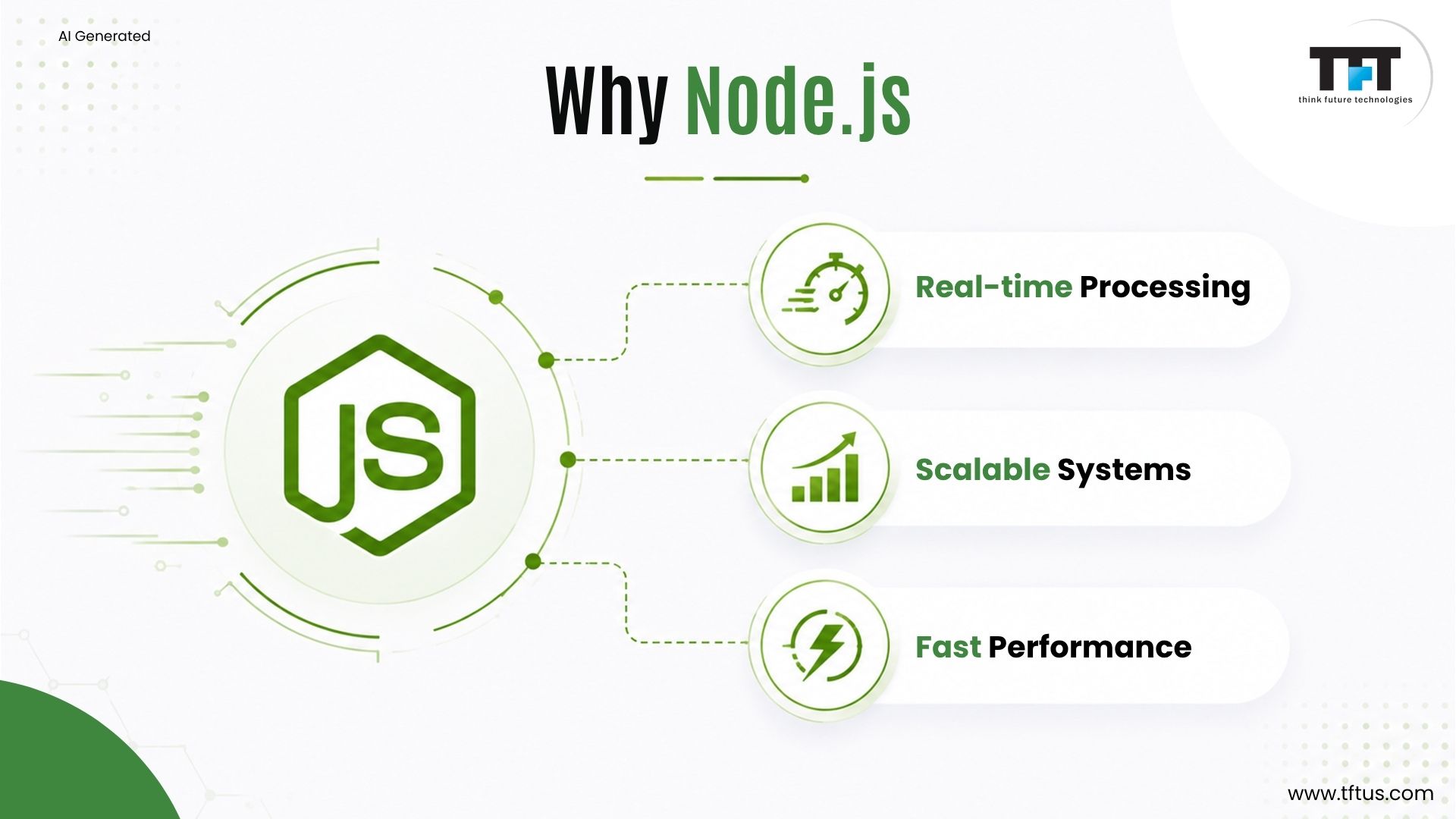
Node.js is an open-source, cross-platform runtime environment for JavaScript programming. Developers no longer have to acquire a second language to write JavaScript code because Node.js is widely used for server-side programming. It helps create servers, online applications, command-line tools, and scripts and is utilized in businesses.

The Power of Combining AutomationTwin RPA with Node.js
Companies can get numerous potent advantages when AutomationTwin RPA is combined with Node.js:
Enhanced Efficiency and Productivity
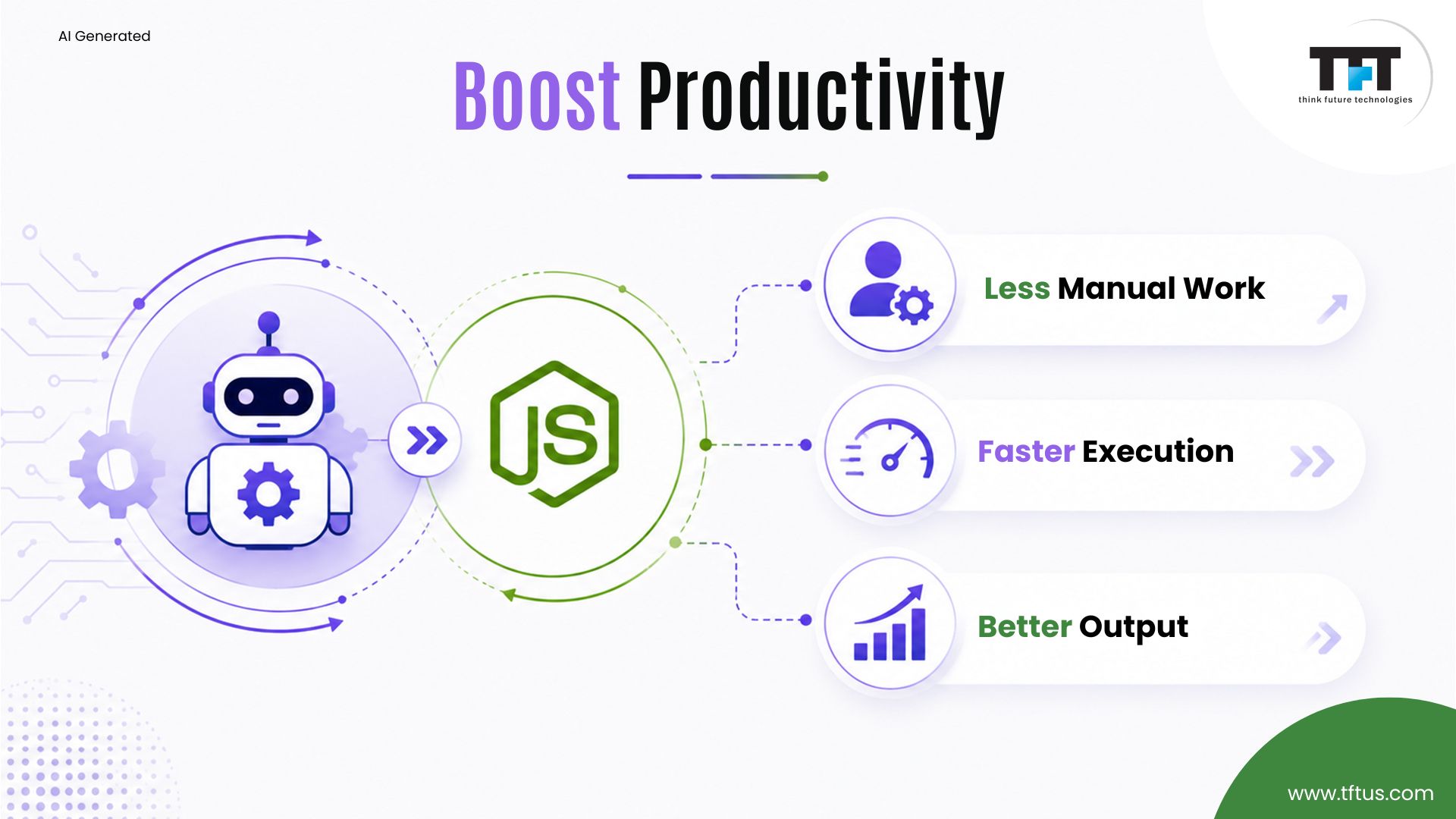
By using AutomationTwin RPA to automate repetitive processes, businesses may drastically reduce the time and effort needed to perform these operations. Because they can concentrate on more important and strategic work, employees become more efficient and productive.
Real-Time Data Processing
Node.js is renowned for its effective handling of real-time data processing. It is possible to offer real-time data collection, processing, and analysis when combined with AutomationTwin RPA. Applications that need quick replies, including live chat programs, monitoring systems, and real-time analytics dashboards, will find this very helpful.
Cost Savings
Using AutomationTwin RPA to automate operations can result in huge cost savings. Companies can eliminate errors related to human intervention and save labor expenses by removing the requirement for physical labor. Furthermore, Node.js’s efficiency and scalability imply that fewer resources are required to manage heavy workloads, which lowers operating expenses even more.
Enhanced Precision and Uniformity
AutomationTwin RPA bots are made to carry out tasks with a high degree of consistency and precision. Unlike humans, who could make mistakes due to fatigue or forgetfulness, bots ensure that their operations follow predetermined protocols and norms. As a result, data entry, processing, and reporting are more accurate.
Improved Client Relationship
A successful business is based on its ties with its customers. They serve as a link between a business and its clients, encapsulating all of their past exchanges and serving as the basis for all upcoming deals. Future interactions are also frequently determined by those former ones.
Businesses can provide a better customer experience by integrating AutomationTwin RPA with Node.js. Automated procedures guarantee more accurate processing of client requests and quicker response times. By automating the process, a telecom firm, for instance, can cut down on the time required from hours to minutes.
Simplified Workflow Management
Task assignment, progress tracking, and reporting are just a few of the workflow management processes that AutomationTwin RPA can automate. When integrated with Node.js, these workflows may be handled in real-time, giving managers the most recent data on task status and staff performance.
This visibility and openness facilitate informed decision-making and workflow process optimization.
Scalability and Flexibility
As for its great scalability, Node.js is a great option for applications that need to manage a lot of connections at once. Businesses may easily scale their automation initiatives when they use AutomationTwin RPA in conjunction with them.
More bots can be added as the company expands and the amount of work rises to manage the workload without sacrificing efficiency. Because of their flexibility and scalability, firms can quickly adjust to shifting demands.

Conclusion
Integrating AutomationTwin RPA with Node.js for real-time applications can reap numerous advantages for companies. TFT is an excellent software development company to work with if you’re looking to transform your company. This potent mix can completely change the way businesses run.
From increased production and efficiency to cost savings and improved customer experiences, a new business journey can be embarked upon. Businesses may cut down on errors, simplify operations, and outperform competitors by utilizing the advantages of both technologies.
Lorem ipsum dolor sit amet, consectetur adipiscing elit. Ut elit tellus, luctus nec ullamcorper mattis, pulvinar dapibus leo.


Leave a Reply