


One of the most valuable skills for any development team is building scalable apps. Meta and Airbnb are among the powers that rely on React for its flexible component design. When done correctly, a React app can support millions of users with minimal performance issues.
This blog covers examples, performance best practices, and practical patterns to help you create scalable web apps from the ground up using React.

What Makes a React App Scalable
The Four Pillars of React Scalability
The app performs well even as it gets larger, from more users to more features to more developers. For React, it translates to a clean codebase, high performance, and a development team that delivers new features without breaking the old ones.
As with most things, there are four key elements to React scalability: Architecture, State Management, Performance Optimization, and Testing.
Performance Starts at Sprint One
HTTP Archive 2024 data shows that the median JavaScript file payload size for desktop users exceeds 500 KB. If a React app doesn’t use code splitting and lazy loading, the more features it adds, the longer it takes to load. It is a web app, and in the very first sprint, it is used to control that growth.
Why ReactJS Is Built for Scale?
According to a 2025 React architecture analysis published by LinkedIn, React’s component-based framework and Virtual DOM make it a preferred choice for organizations building fast, scalable applications that can evolve over time without sacrificing maintainability.
Built by Meta for Massive Scale
React is 3 a JavaScript library created by Facebook to handle the complexity of user interfaces. It uses a virtual DOM diffing system that updates only the changes that have occurred on the screen, not the entire page. This efficient rendering is one of React’s key features, making it the perfect choice for scalable web applications.
Components That Scale With Your Team
ReactJS adopts a component-based architecture, which is a key feature that drives developers to divide user interfaces into small, reusable components. Each component does a single thing, which makes testing, updating, and reusing easier.
A Rich Ecosystem That Grows With You
React also offers a plethora of state management libraries, testing frameworks, and build tools. But it is still the most popular option among developers worldwide and is supported by a community of millions.
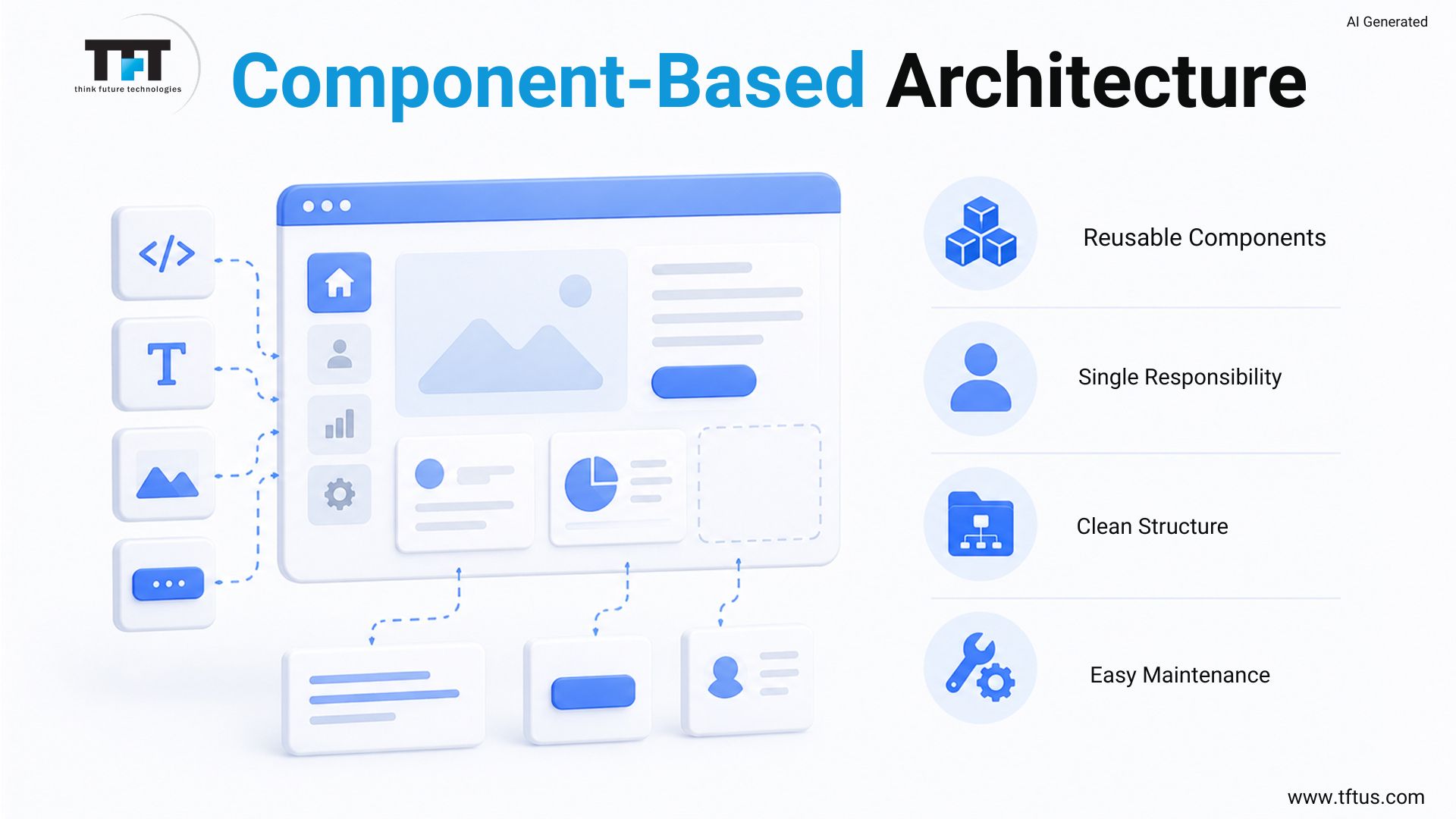
Component-Based Architecture: The Foundation of Scalability
The most critical architectural choice you have to make when developing a scalable React application is the component-based architecture. All user interface elements are self-contained with their own logic, styles, and state. This makes your code predictable, despite its growth.
One component should have one function. Having rendering, business logic, API calls, and state management in one file creates a maintenance nightmare. Professional developers rely on functional components with clearly defined responsibilities to ensure their scalable web applications can be maintained over time.
Watch: Architecting React Applications for Long-Term Growth
This masterclass explores component design, application structure, performance optimization, and architectural patterns used to build large-scale React applications.
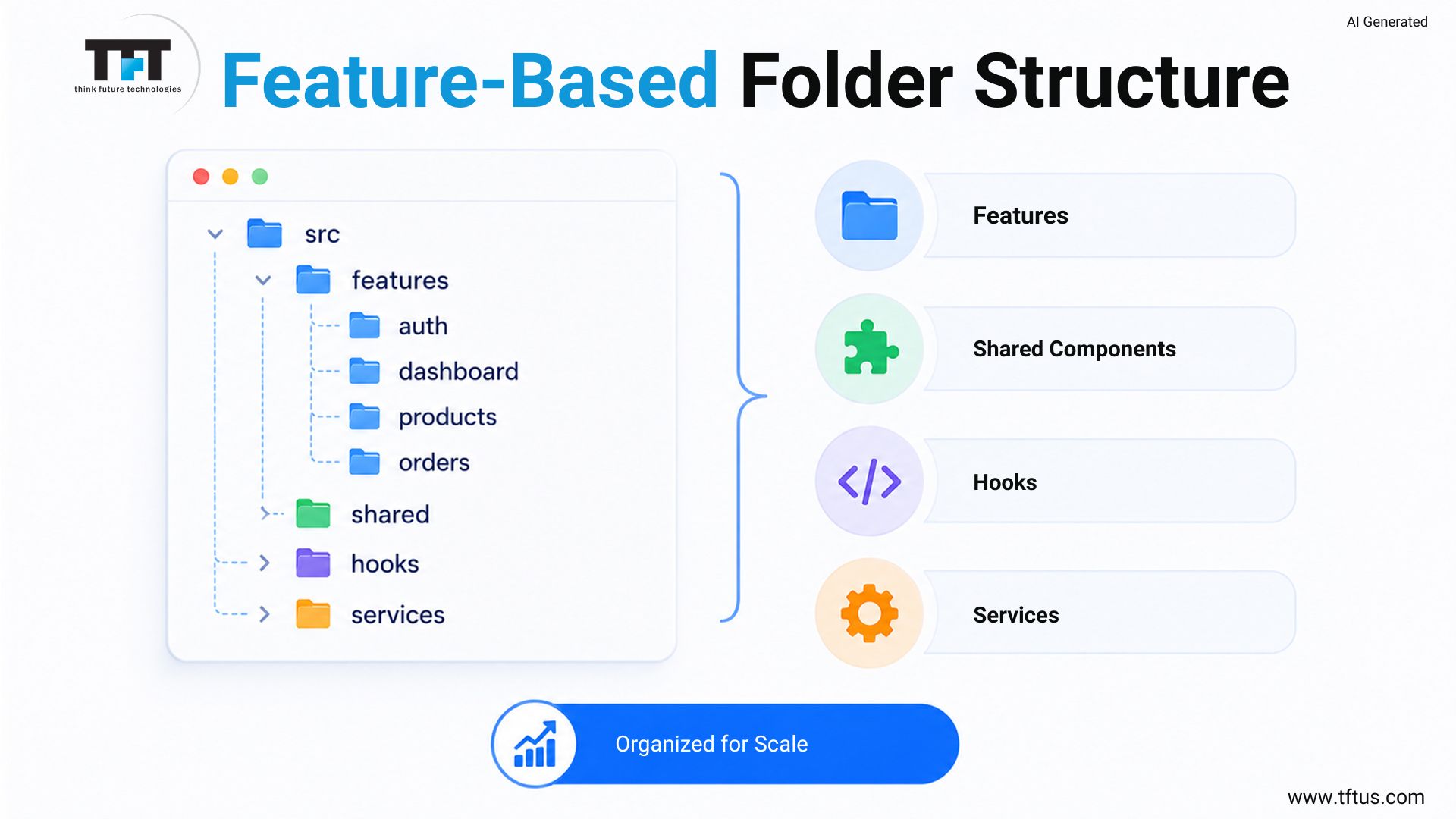
Folder Structure That Supports Scale
For large React applications, the best approach is a feature-based folder structure. By grouping files by type, you group them by feature. Each feature folder contains its own features, hooks, styles, and tests.
This organization allows a developer to open one folder and be able to find all the information he/she needs about one feature without having to search the project. It also avoids circular imports when modules reference each other over time and are not necessarily related to the current module. Having neat folder organization makes it easier to hire ReactJS developers and get them started quicker.
- Here is a scalable feature-based structure:
src/
src/

  features/

    auth/

      components/

      hooks/

      services/

    dashboard/

      components/

      hooks/

      services/

  shared/

    components/

    utils/

  pages/
This is typical for enterprise applications and works for teams with 25-100 or more engineers working on React projects.

State Management: Choosing the Right Strategy
One of the most important decisions when scaling web apps with React is choosing an efficient state management solution. An incorrect selection leads to re-rendering, performance issues, debugging difficulties, and more. The right one ensures your app remains fast and well-structured, regardless of the number of features you add.
There are three layers of state management in React. Any data used by a single component is managed by a local state object created with the useState and useReducer hooks.
Using a state management library such as Zustand or Redux Toolkit can save the day for larger applications with more complex data structures, where prop drilling would otherwise be an issue, and data would be hard to predict. The golden rule for professional developers is to use the lightest solution that solves your problem, and only upgrade when a simpler solution causes pain.
The context API is a built-in React feature for sharing state between multiple components without passing props down through each component along the path from the context to the target component. It is suitable for data shared globally, such as theme preferences, user preferences, language settings, and authentication status. In the following use cases, the context API is pure with no extra dependencies.
There’s one important limitation that many developers don’t know about when using the context API. If the context value changes, all components that use it re-render, even if they only use a portion of it.
This is a serious problem for large-scale React applications with frequently updated state. The solution is to avoid a single context API for everything and instead use domain-specific contexts.
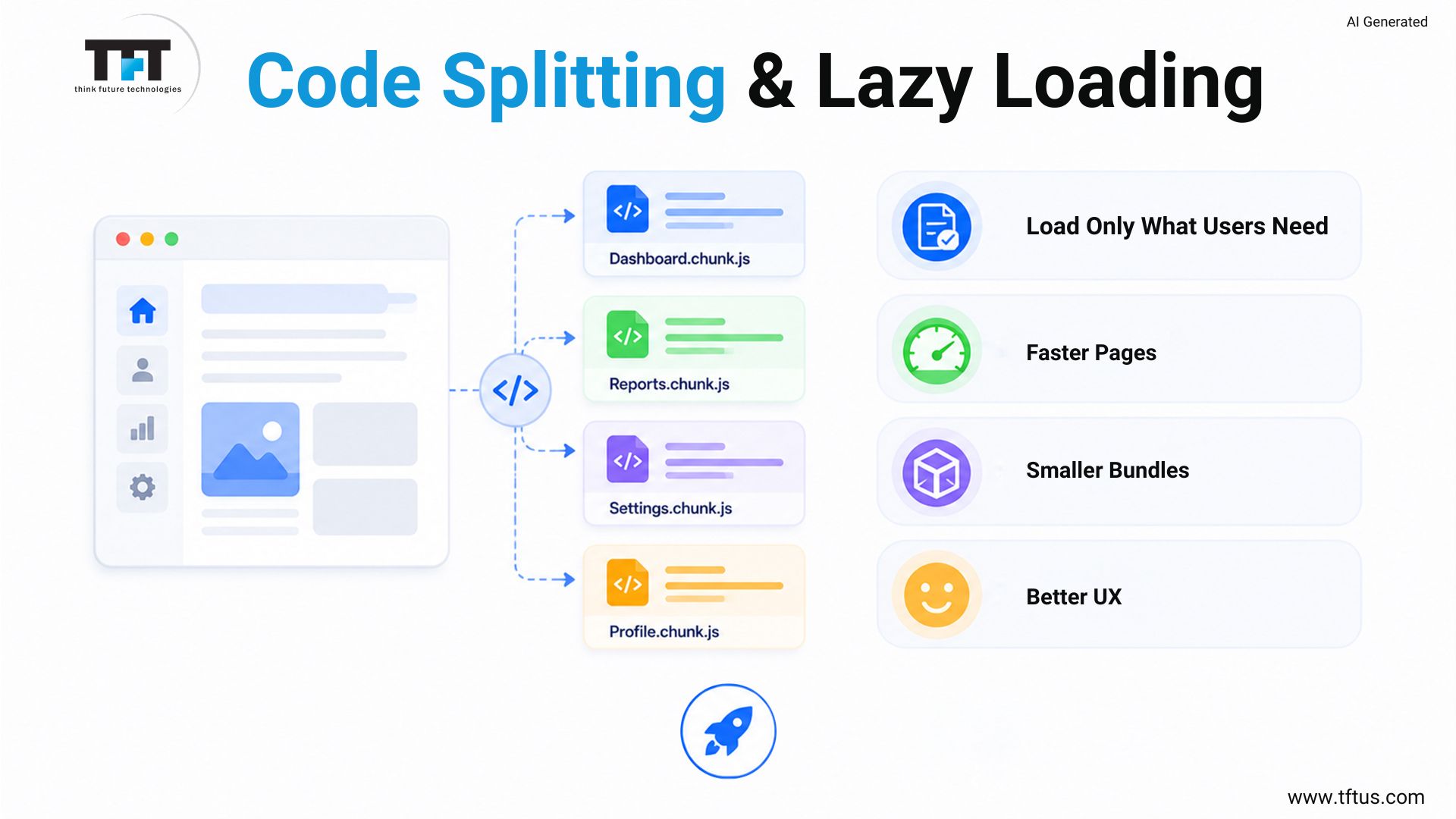
Code Splitting: Load Only What You Need
One of the strongest performance optimization techniques a ReactJS developer can use is code splitting. If you don’t, then your entire React app is delivered to each user on each load. The bundle grows with the app, leading to longer downloads over time and a poorer user experience for users on slower connections.
React provides built-in tools for code splitting and lazy loading with React.lazy() and Suspense. Let’s have a basic example of route-based code splitting for a scalable React app:
import React, { Suspense } from 'react';

const Dashboard = React.lazy(() => import('./pages/Dashboard'));

const Settings = React.lazy(() => import('./pages/Settings'));

function App() {

  return (

    <Suspense fallback={<div>Loading...</div>}>

      <Routes>

        <Route path="/dashboard" element={<Dashboard />} />

        <Route path="/settings" element={<Settings />} />

      </Routes>

    </Suspense>

  );

}
This way, only the content relevant to their specific web page is downloaded. Your scalable application remains fast with additional features added over time.
Lazy Loading Beyond Routes
Lazy loading can be applied to other levels of code-splitting beyond routes. You may use it on any large component that’s not required on the web page immediately. Examples of content that can be used are data visualization charts, video players, rich text editors, image galleries, and modals.
Dynamic imports allow you to delay module imports until runtime. If only 10% of your users use the PDF export, then the other 90% shouldn’t have to download it during their initial download. Dynamic imports and code-splitting ensure that your scalable React app is efficient for most users while still supporting advanced functionality.
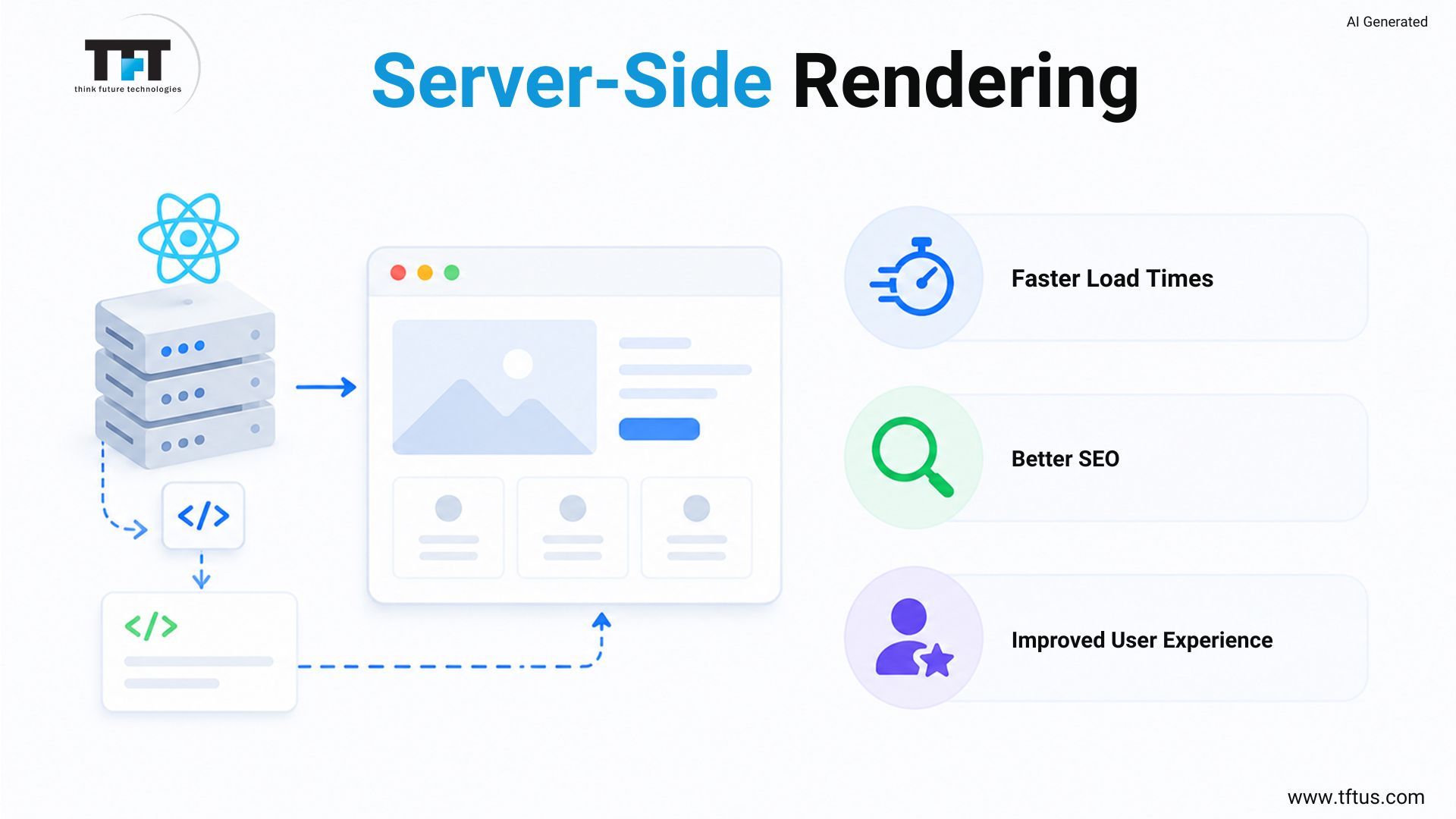
Server-Side Rendering and Static Site Generation
Server-side rendering generates HTML on the server and sends it to the browser for rendering. This can significantly enhance search rankings and the load time of initial pages for scalable web applications with SEO needs. Next.js is the most popular React framework for server-side rendering.
A more recent method is to render the stream on the server and send it to the browser as each fragment becomes ready; this is called server-side streaming rendering. This was added with React 18, which opens the door to a more realistic user experience by displaying meaningful content quickly rather than waiting for a full page to load.
React Server Components: The Next Frontier
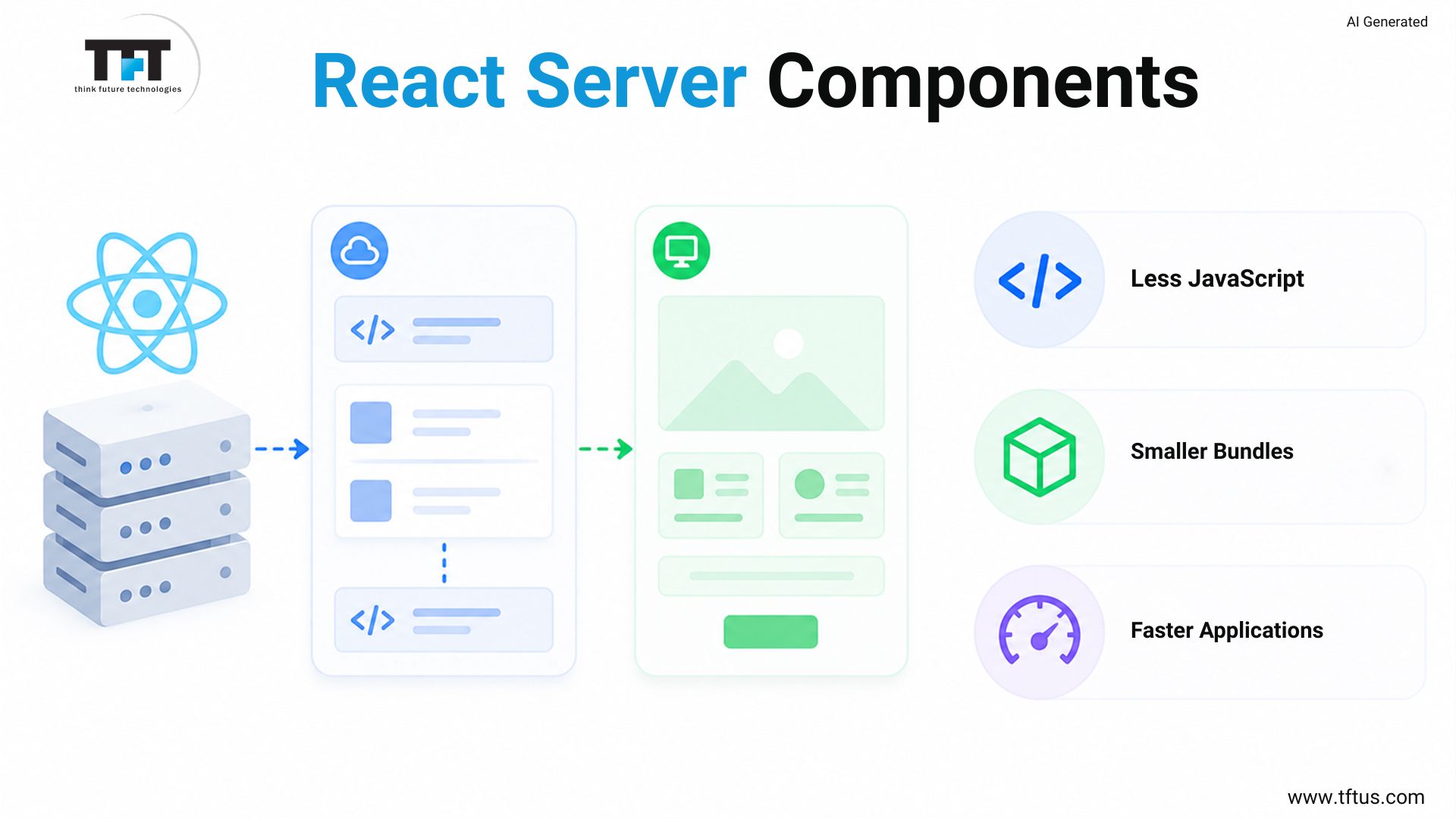
One of the biggest contributions to the React ecosystem in recent times is server components. There are no traditional React components that are always rendered in the browser; instead, server components exist only on the server and don’t export their JavaScript to the client. This results in significantly smaller bundles and faster React applications.
Performance Optimization with Memoization
When an app re-renders, its components re-render as well. This is fine for smaller apps. Unnecessary re-renders lead to noticeable performance degradation and slower load times in deeply nested component trees of scalable web apps. React provides you with a tool to avoid this: memoization.
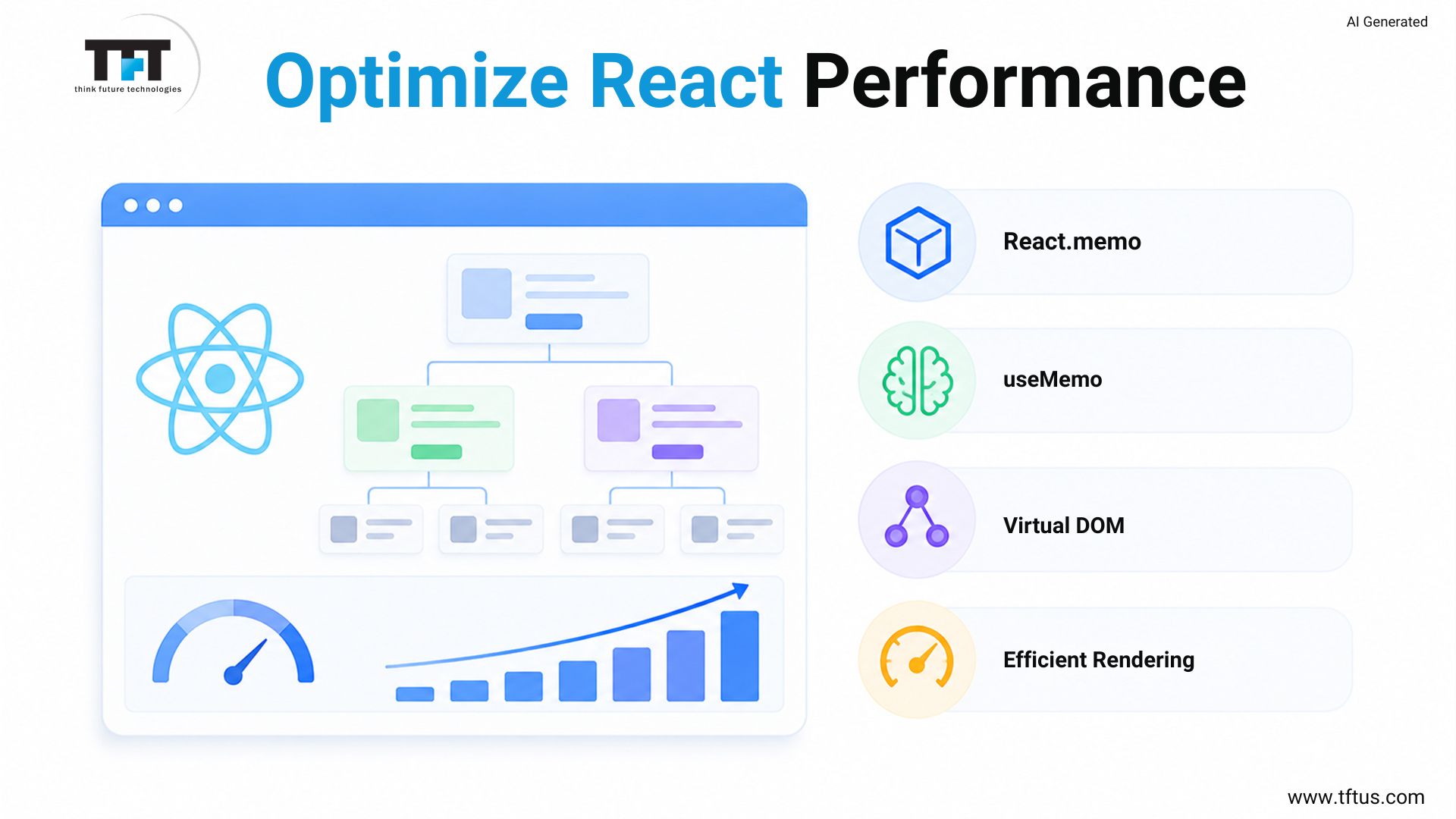
React.memo is a functional component that tells React not to re-render the component when props do not change. useMemo keeps the expensive computation result in memory and won’t be recalculated for each render.
Virtual DOM and Efficient Rendering
React uses a virtual DOM, which is a lightweight in-memory version of the real DOM, to track changes. Different is used in a React app to compute the differences between the old and new virtual DOMs and only add/remove/insert those changes to the real DOM. This optimized rendering is why React is fast even on large-scale applications.
Knowing how to understand the virtual DOM will help you write React components that work with it, not against it. Do not use new objects or array references in each frame within a component. Such changes are considered changes even if the data doesn’t change.
Reusable Components: Build Once, Use Everywhere
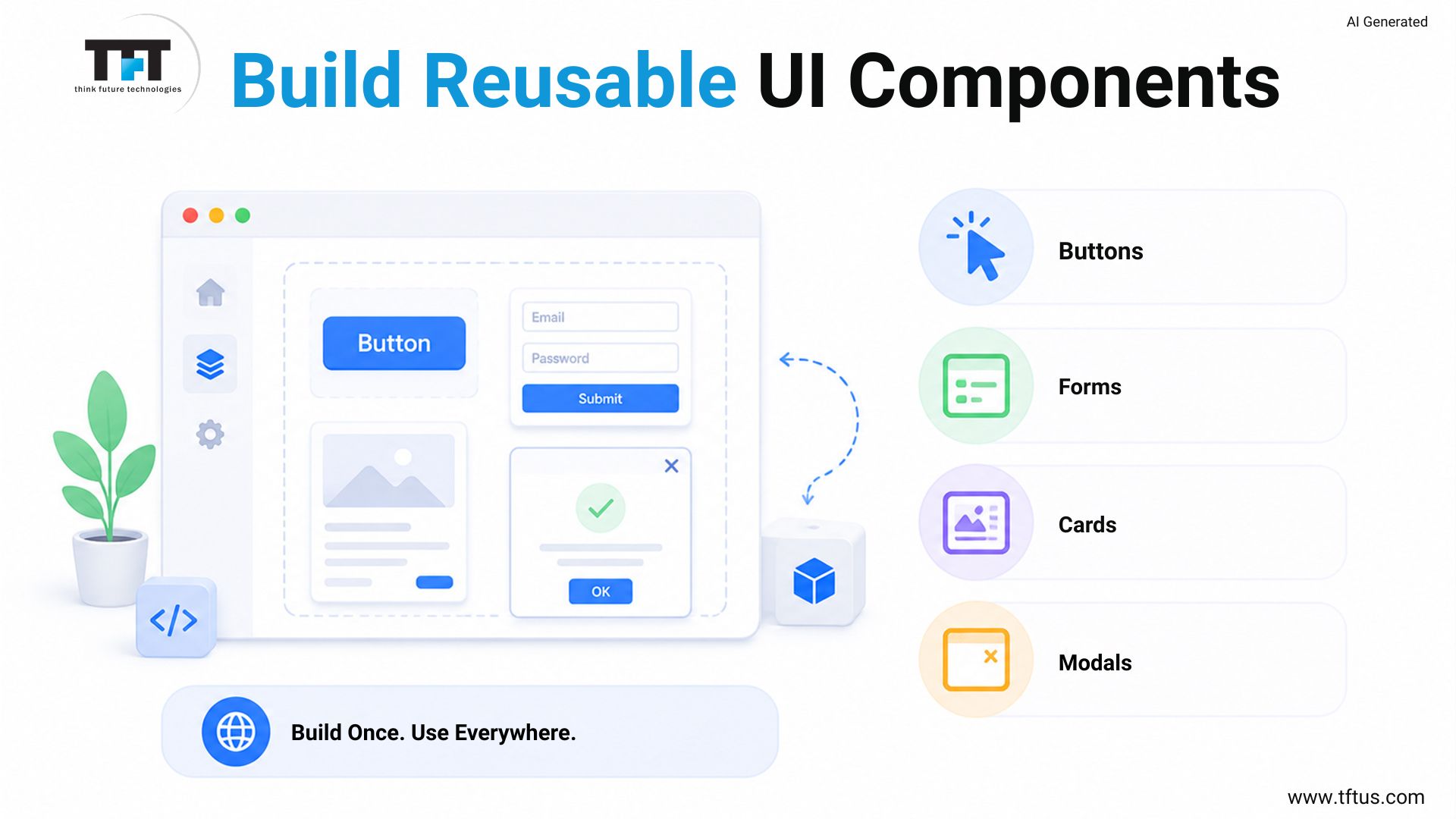
One of the greatest benefits of React’s component-based architecture is its use of reusable components. A single button, form field, modal, or card design can be applied to hundreds of pages in a large React application. This is done to save development time and maintain visual consistency throughout the product.
For teams with a large number of products that need to use a scalable React application, it is a tremendous investment to create a UI components library.
Case Study: Scaling Development Through Reusable Components
A leading financial services company modernized its client-facing applications using React and a reusable component-driven architecture.
Development teams created a shared library of reusable components that reduced duplication, accelerated feature delivery, and improved collaboration across teams working on real-time financial data applications.
This demonstrates how reusable components help large organizations scale development efforts while maintaining consistency across complex applications.
Automated Testing for Scalable React Apps
Automated testing is the difference between a fast app today and a reliable app that has grown up. If there are no tests, every new feature can potentially break functionality. Your ReactJS development team can send code changes with confidence and speed, with proper automated testing.
Individual functions and components are checked with unit tests that test their behavior in isolation. Use React Testing Library for unit testing components, as it promotes user-level testing rather than implementation. Early bug detection via unit tests and safer refactoring in complex, scalable apps.
When Context API Is Not Enough
Simple global state (such as themes and user preferences) can be handled with the Context API. But in complex applications, it is no substitute for a comprehensive state management solution. If your context providers are deeply nested, you have a large object in context, or they change frequently, which causes performance problems, it’s time to pull in a state management library.
The most popular is Redux Toolkit, which is well-suited to large-scale enterprise solution builds and has a longer history of use. For smaller teams, Zustand is a lighter option, with less boilerplate and easier learning. One of the most frequent and expensive pitfalls teams fall into is using the context API for everything, then asking why the large React app is slow.
Cross-Platform Development with React Native
There is no need to limit ReactJS apps to the web browser. React Native is the extension of the same component-based architecture and JavaScript library to mobile development for iOS and Android. If you are an existing team familiar with React, you can build mobile applications without having to learn a whole new framework.
With cross-platform development using React Native, developers can share the business logic, state management libraries, and utility functions between a web-based React application and a mobile application. This also minimizes code to maintain and ensures uniform behavior across platforms.
3 Common Mistakes When Building Scalable React Apps
1. Too Much State in the Context API Too Early
Teams begin with a single global context and are perplexed as to why the React app scales and re-renders constantly. Divide your contexts from the get-go, and your performance monitoring metrics will remain healthy.
2. Skipping Code Splitting From Day One
The developers presume they will add code splitting and lazy loading later. Once the app starts feeling slow, the codebase is big enough that splitting is a major refactor. Use code splitting from the first day, even in smaller applications, for routes.
3. Leaving Automated Testing Until It Is Too Late
Without tests, writing the code at runtime, it is painful to have hundreds of components in a scalable app. The React testing library provides a convenient way of writing tests along with the components you’re developing. Every time you refactor shared business logic, you pay for it in this discipline.
Conclusion
Architecture, discipline, and the correct tools at the right time are all about building scalable apps. Build a React app that is as robust as your business by using component-based architecture, smart state management strategies, code splitting and lazy loading, and automated testing. Your React application will be scalable for years if you start with scalability as a first-class citizen.

Leave a Reply