

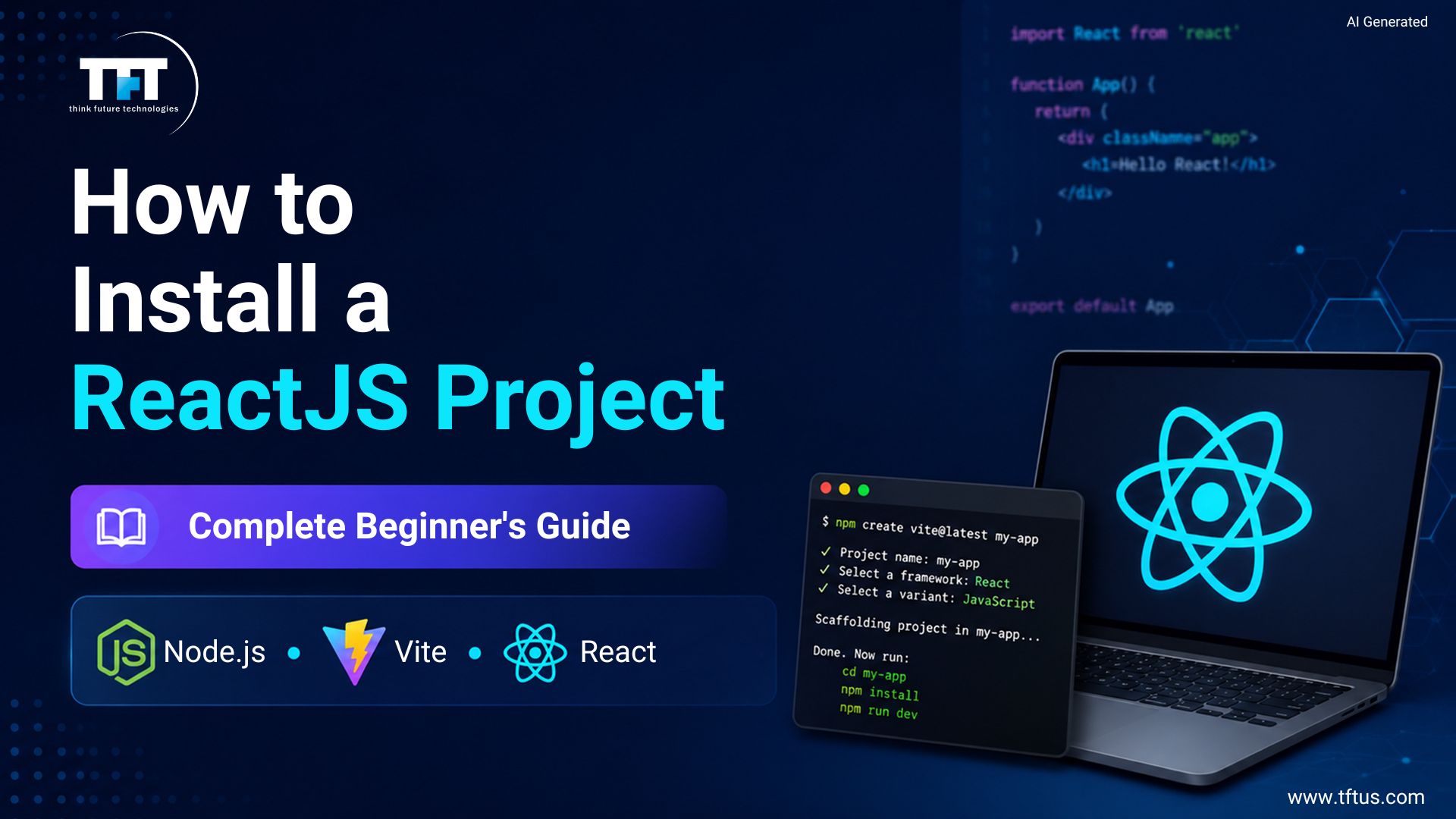
To start a React project in 2026, install Node.js version 20.19 or later, then run npm create vite@latest my-react-app — –template react in your terminal. Move into the new folder, run npm install, and start the dev server with npm run dev. The app opens at http://localhost:5173. Create React App was deprecated on February 14, 2025.
Creating your own React project requires you to understand the process. Installation of Node.js is essential before beginning work on your ReactJS application.
How often have you posed the question to yourself about where to begin with your development of the ReactJS application? The recommended method would be for you to develop using create-react-app.
According to official React documentation, modern React projects are typically created using build tools such as Vite, Parcel, or RSBuild, which are now recommended over older project setup approaches for new applications.
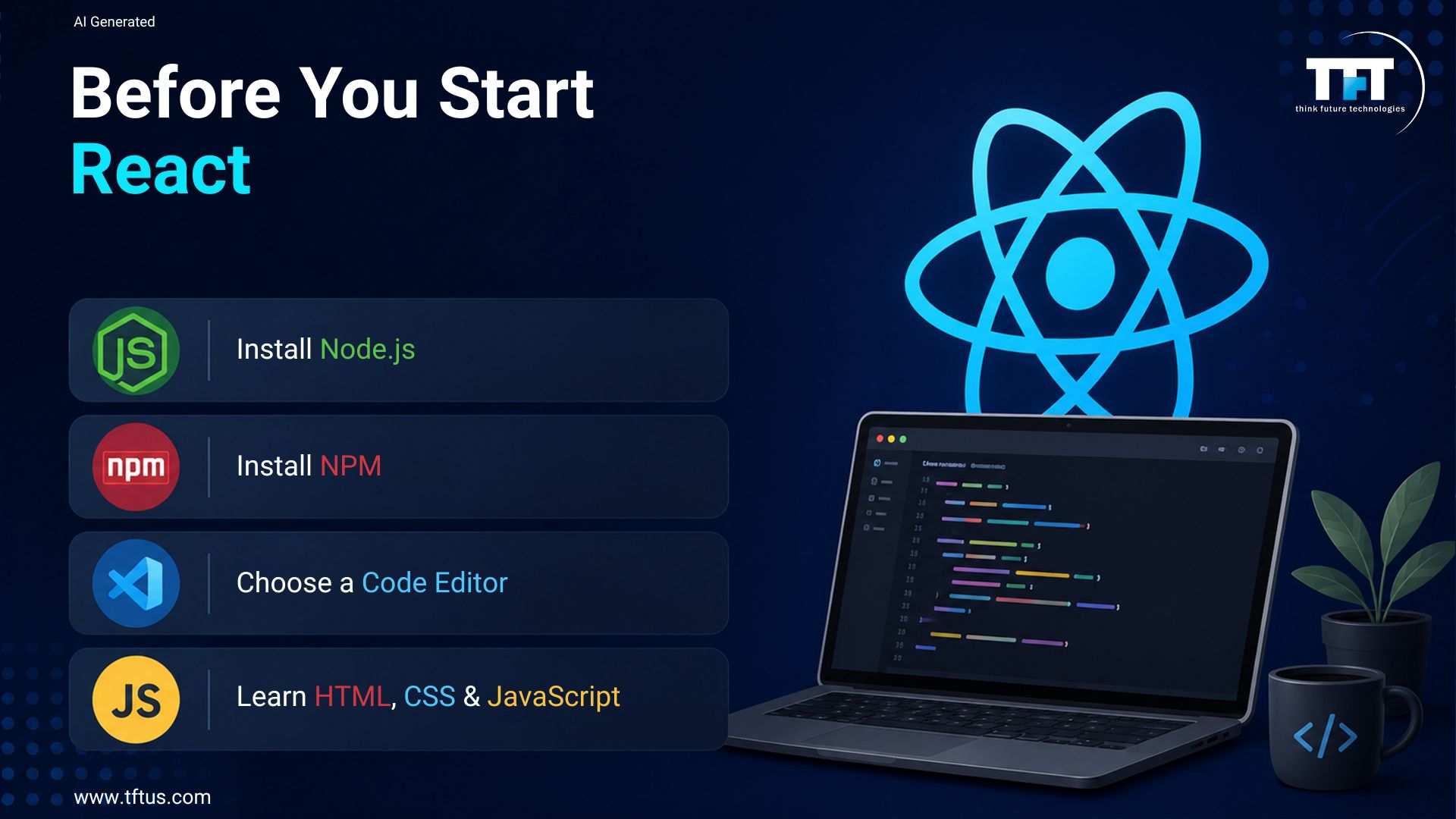
What You Need Before Starting a ReactJS Project
Designing your own environment will require an understanding of the toolset that will provide a streamlined process. Thus, there will not be any problems in the design process, and you can prepare yourself for your requirements in the future.
Node.js and NPM Installation
It should be mentioned that Node.js works as a runtime environment in which the JavaScript code executes.
With the help of the commands and instructions, npx create-react-app, along with some other instructions related to Node.js, makes sure that all the required modules are installed via npm. Consequently, the installation procedure will not bring any challenges for you.
Installation of Code Editor (Recommended VS Code)
Having a competent code editor like Visual Studio Code for coding will increase your efficiency while coding in the React application. Among the advantages that one gains by using the code editor is syntax highlighting and linting, which help one get used to the library.
The best thing for you to do is choose an editor that allows linting and formatting integration, among others. This way, your coding process will be more convenient.
Case Study: Microsoft Streamlines React Project Setup
Microsoft integrated React project creation directly into Visual Studio, allowing developers to generate React applications, install dependencies, and configure development environments from within the IDE.
The integration reduces setup complexity and helps developers start building React applications faster through automated configuration and tooling support.
This demonstrates how modern development environments simplify React project initialization for beginners and professional developers alike.
(Source: Microsoft Case Study)
Basic Knowledge Requirements
It is necessary for you to know HTML, CSS, and JavaScript before going into React and programming. This is just one of the many basic requirements to successfully program and create an application using React.
It would be helpful to learn more about ES6 constructs such as arrow functions, modules, and destructuring while working with npx create-react and other frameworks. This would make it simple to work with any build tool under complex situations.
After having a proper development environment and the basics, the next step is to learn about different approaches to starting your ReactJS app.
Educational research on technical learning methodologies suggests that structured, step-by-step project-based learning helps beginners build stronger conceptual foundations when learning complex development frameworks such as React.
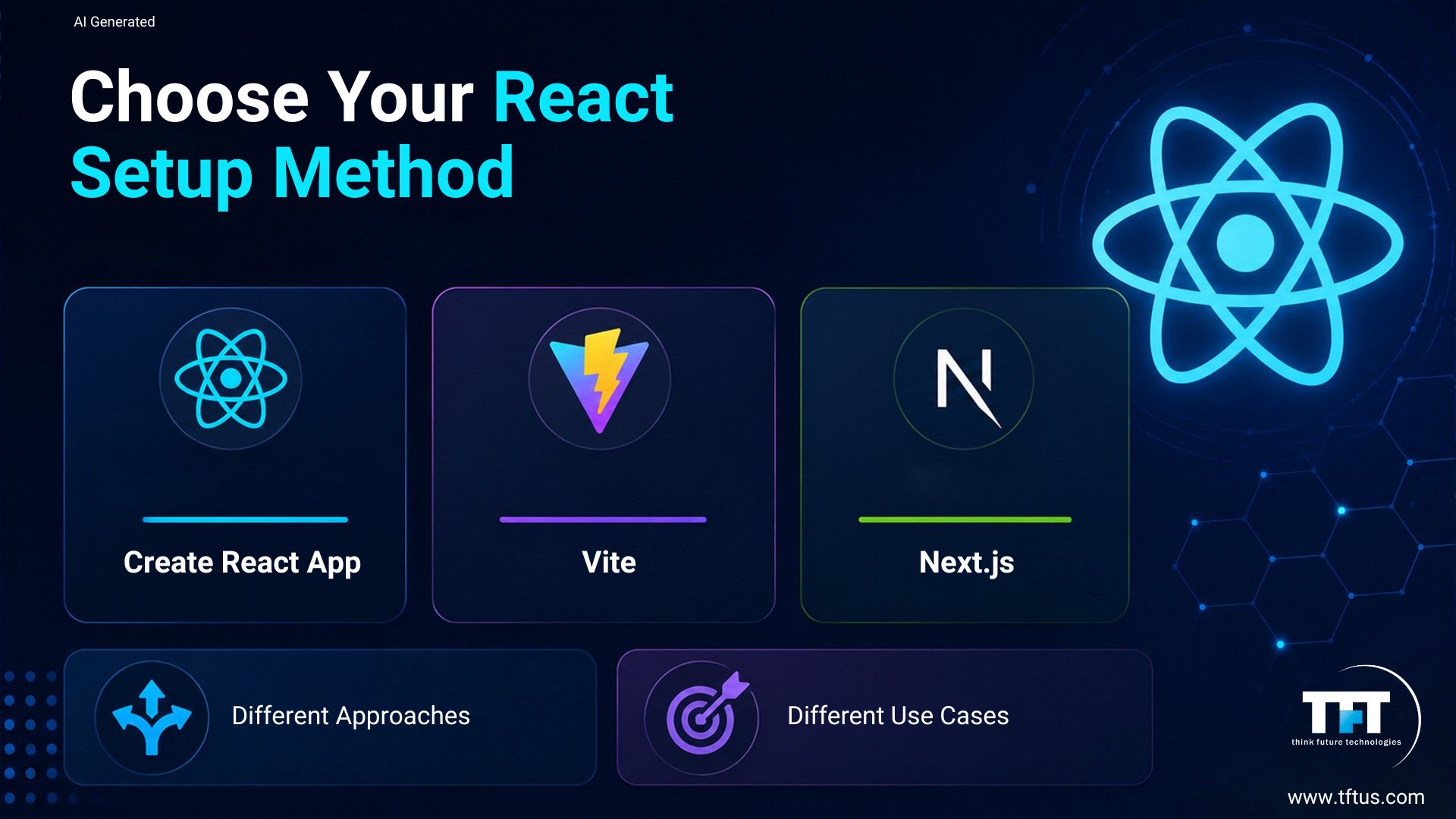
Various Ways to Develop a ReactJS Application
As you have successfully met all the conditions, the next question is how you should approach the application’s development process. It will vary greatly in pace, flexibility, and precision depending on the chosen approach.
Creation of a ReactJS Application Using CRA
This is one of those ways to make development with ReactJS much easier, because CRA (Create React App) helps you avoid configuration issues on your end. You only need to type in the npx create-react-app command to obtain all the files required.
All other issues are handled by CRA.
Using Vite (Recommended)
Vite, on the other hand, is among the most contemporary and fast tools used to develop applications with minimal configuration. Vite is often regarded as an unofficial alternative to Create React App due to its fast development performance.
During the Vite development process, a user can scaffold an application, install required dependencies, and run it. The terminal will display a URL to access the newly developed app at http://localhost:5173/.
Using Next.js (Advanced Use Case)
The next one to be covered is Next.js – a powerful framework that would come in handy if the application under development has additional requirements beyond the basics.
This option works well for cases where the application requires server-side or hybrid rendering. It is also possible to incorporate routing via Next.js, which offers strong performance.
Depending on the individual’s needs and skills, one can decide which method suits them. Now that we have learned about various options for setting up our project, it is crucial to implement it using cutting-edge technology.
Step-by-Step Procedure to Set Up a ReactJS Project with the Help of Vite
As of now, it is essential to create a project using a modern approach. One must understand that Vite is considered superior owing to its efficacy.
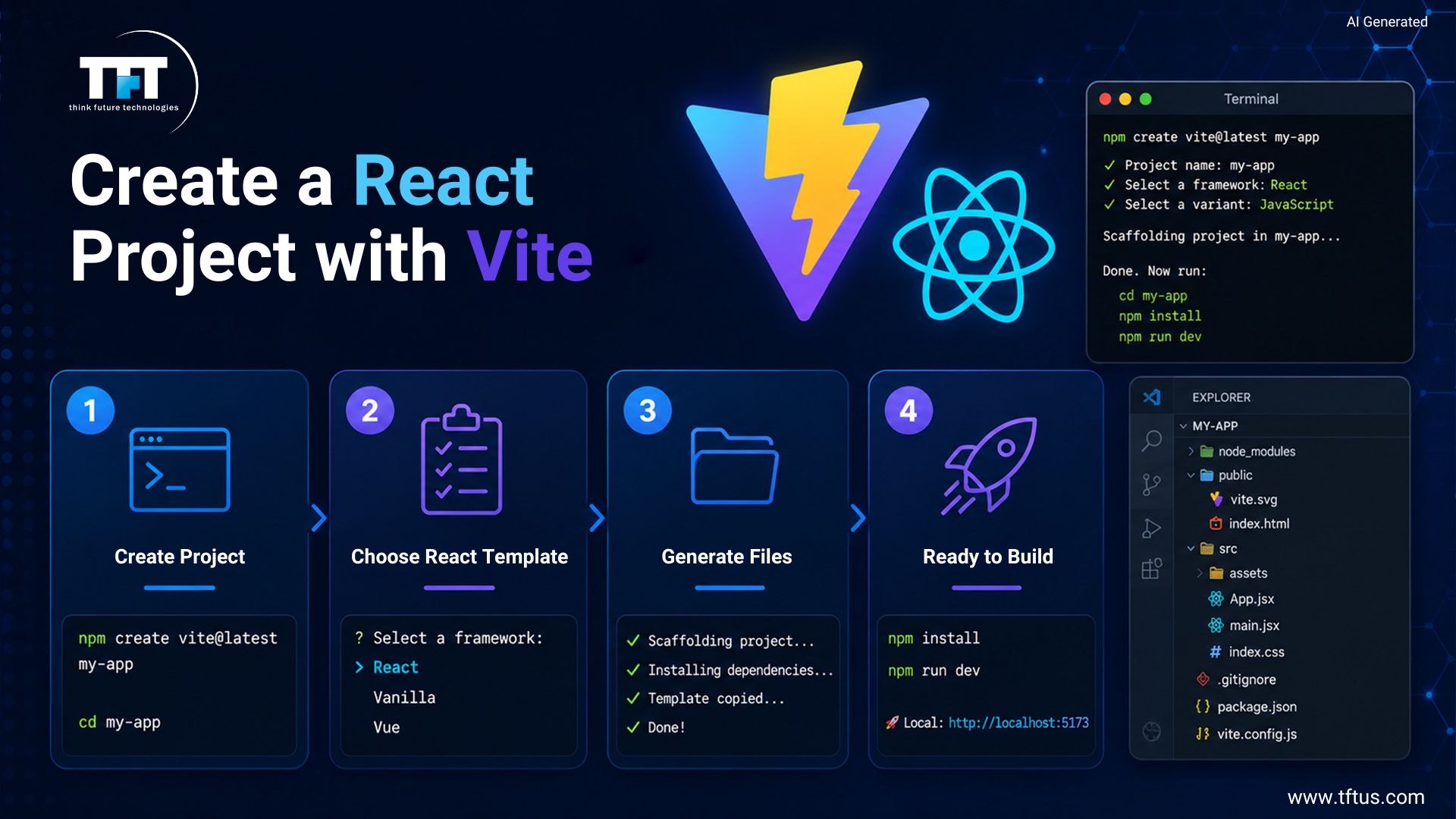
Step 1: Create a Project with the Vite Command
To begin creating a new React application, ensure that Vite is up to date by running npm create vite@latest in the terminal. This allows for easier application creation with less effort through predefined templates.
Then, you need to provide information about your app’s name and the framework you selected. You should choose the React option and continue, which will create the project folder with optimized code sources.
Watch: Getting Started with Your First React Project
This beginner-friendly tutorial walks through React project creation, development environment setup, and the foundational concepts needed to build your first application.
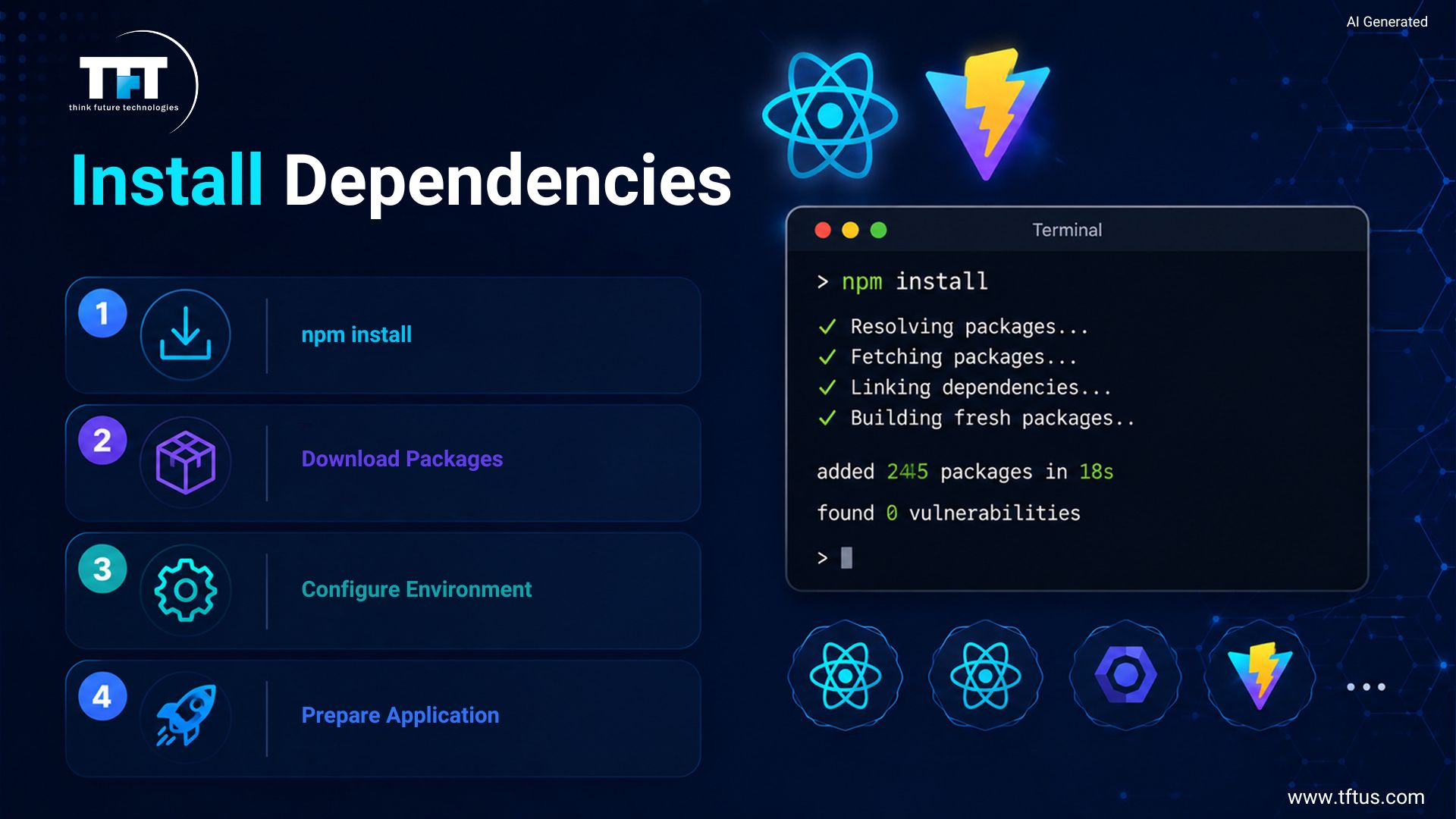
Step 2: Install Dependencies
After setting up the project, access the project folder using the terminal window. Then run npm install to install the dependencies your React application needs.
This process helps download all dependencies needed and establish links to your React project. All these dependencies help facilitate your development process and enable your React code to run efficiently in the current environment.
Step 3: Start Development Server
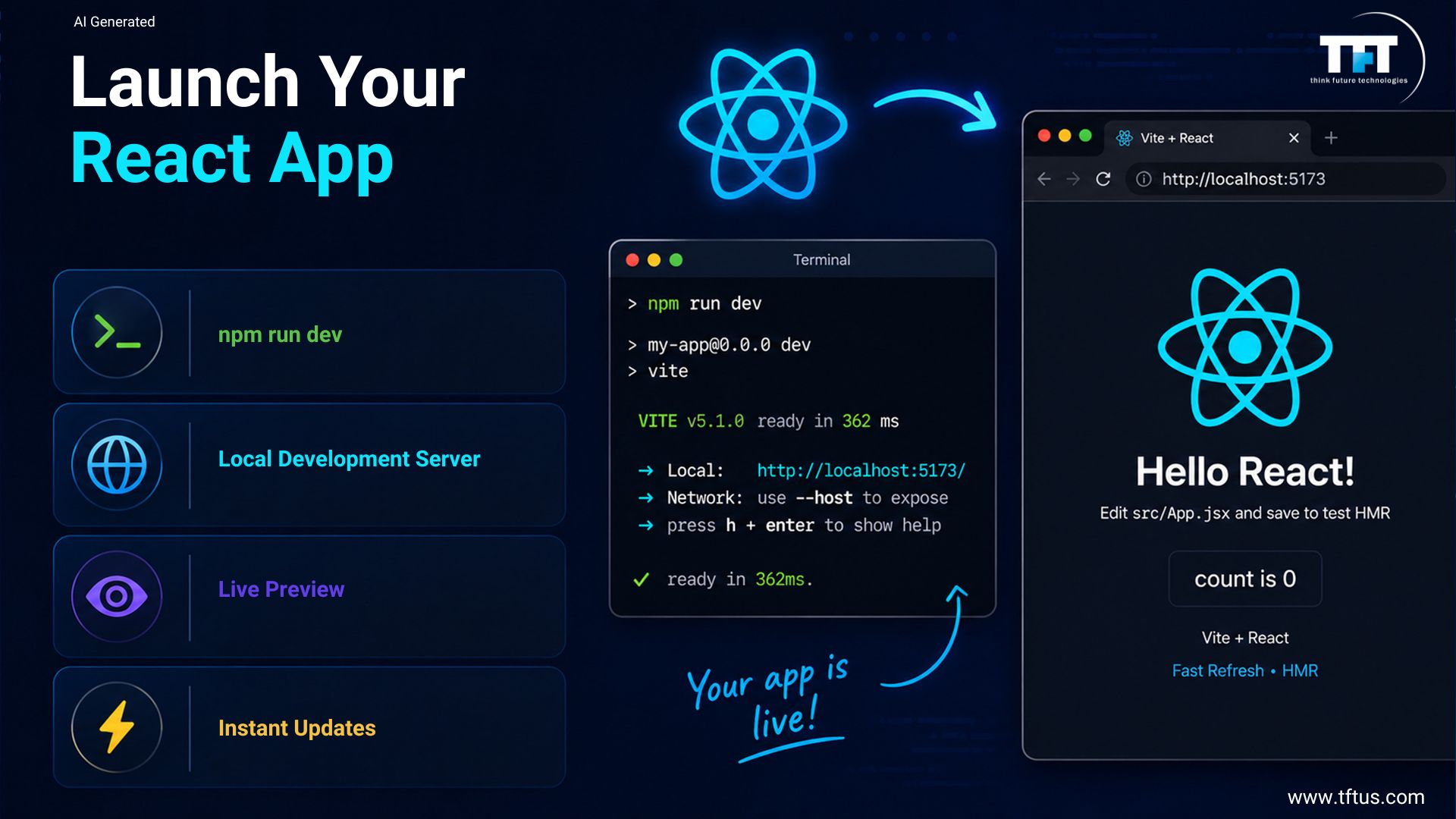
You may begin using your app with the following command: npm run dev. When you do this, you will get an output URL that typically looks like this: http://localhost:5173/. The next step is to open this URL in your web browser.
Step 4: Open Project in Browser
Once the server starts, navigate to the URL presented in the document to check your React application. You will see a default page confirming that your project initialization was successful.
For instance, consider changing the file in the src folder. Upon saving the changes, you will realize they are reflected immediately in the browser because of the efficient client-side updates provided by React.
With the React project successfully created, the next step is to analyze it.
Conclusion
You can easily begin working on a new React project by understanding the appropriate tools, processes, and configurations. Installing Node.js and npm will help you install all dependencies and use the packages needed to run the project.
By applying the latest technologies, such as Vite, you can reduce configuration and dependency on large framework infrastructure. All you have to do is apply the correct command to develop and execute your React project using a local server.
Through the application of npm start and the most recent technologies, you will be able to execute and test your project. With proper configuration, you will not encounter any challenges while executing and developing your project.

Leave a Reply