

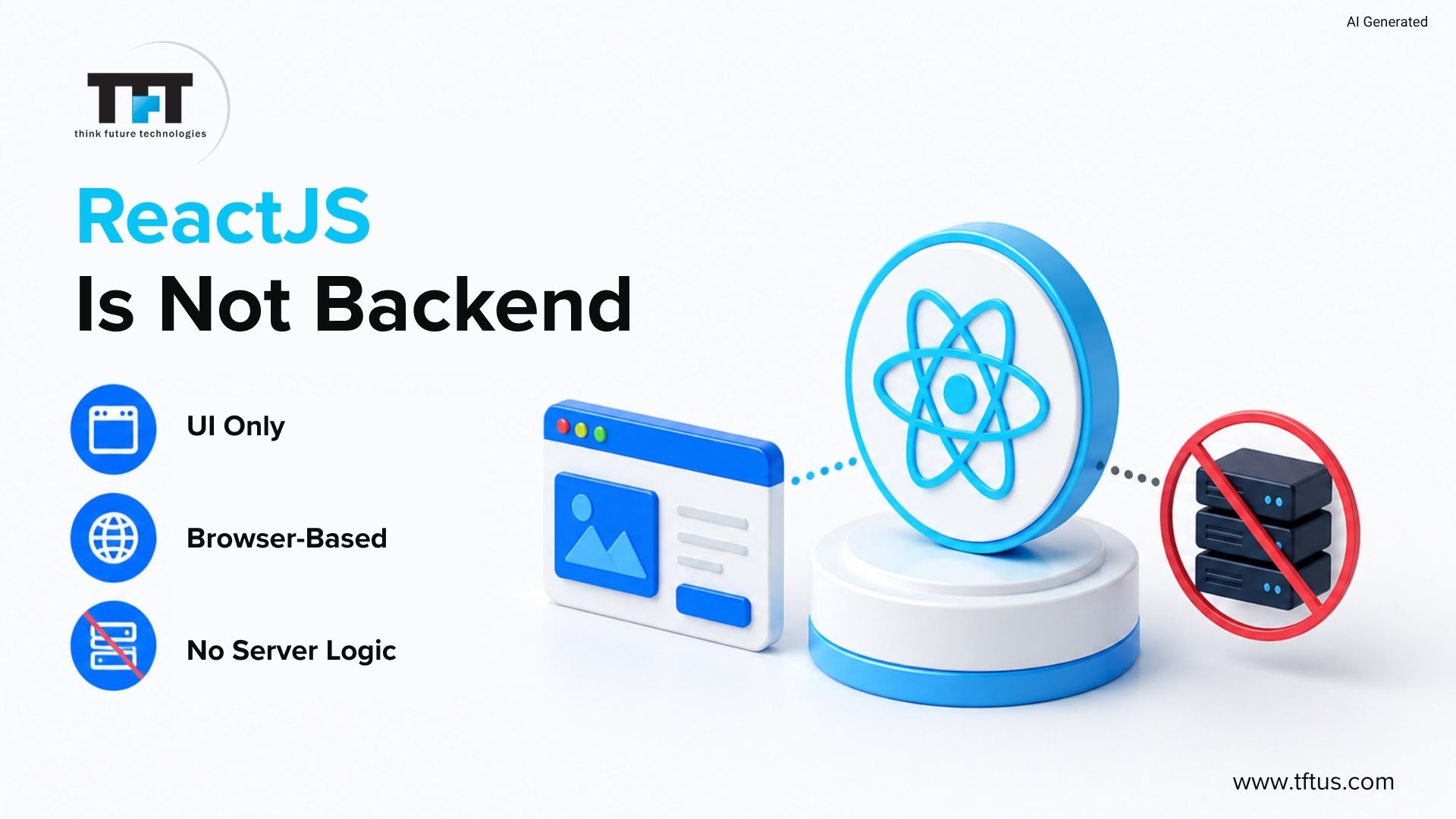
ReactJS only deals with the front end. It creates user interfaces, controls state, and reacts to user events in the browser. It cannot access databases or execute server code. A backend is required. This guide describes its use and its relationship to Node, Django, and Spring Boot, including full applications
According to Statista’s 2025 developer survey, 48.7% of developers reported using Node.js, while 44.7% were using React.js, highlighting the popularity of JavaScript-based frontend and backend ecosystems.
Is ReactJS Useable for Backend?
No. ReactJS is a front-end framework by Meta Platforms. It is browser-based and creates user interfaces. It does not have access to files that contain database server logic or process requests. To store authentication or business logic, you require a backend. React is not NodeJS, but uses JavaScript. Node makes it easier to build, whereas React makes browser code.
What Exactly Does the Backend Actually Do?
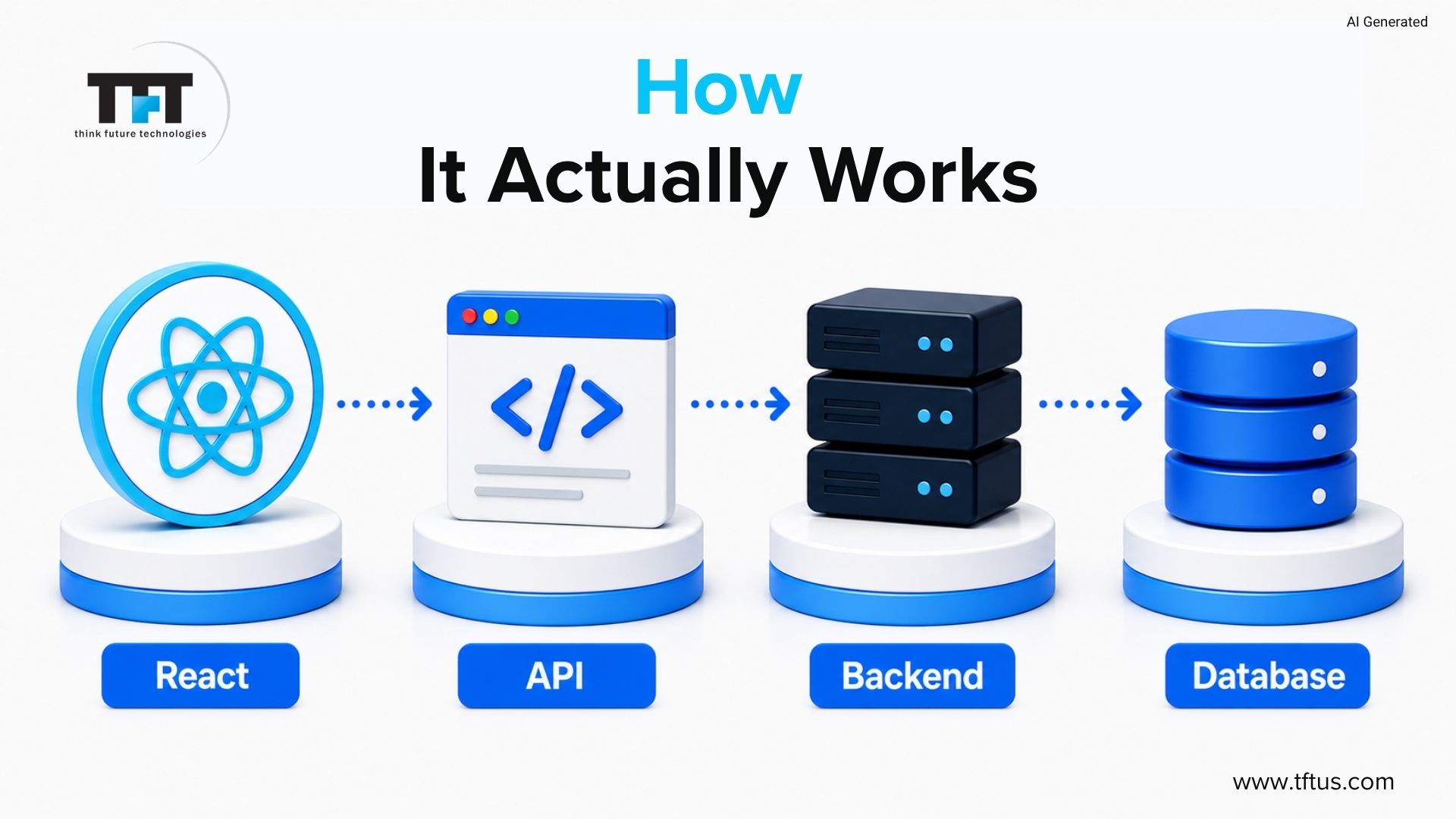
A backend is a server-based application that performs operations that are not intended to occur in the browser. It reads and writes data, handles authentication, implements business logic, connects to external services and responds to HTTP requests. The backend offers APIs. React sends requests.

The Three Most Common Backend Choices for React JS
ReactJS is compatible with any HTTP-based back-end. The most popular options are NodeJS, Express, Django and Spring Boot.
| Backend | Language | Best For | Learning Curve |
| Node + Express | JavaScript | JavaScript teams, real-time apps, rapid development | Low for JS developers |
| Django | Python | Python teams, data-heavy apps, strong security | Medium |
| Spring Boot | Java | Enterprise teams, high performance, .net core migrations | High |
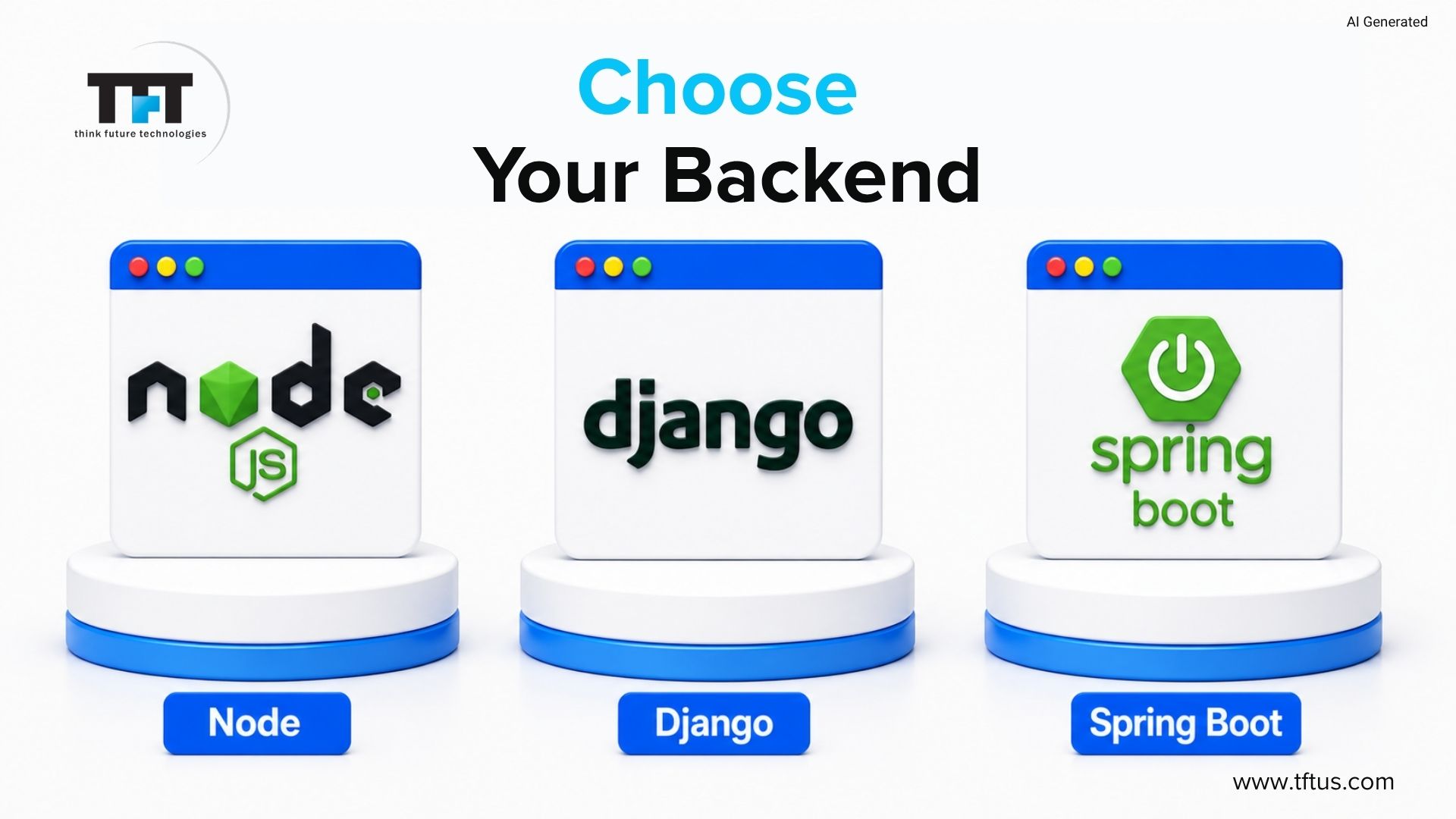
The most appropriate decision will be based on group competencies. JavaScript developers use Node.js with Express. Python teams go hand in hand with Django. The backend selection is based on familiarity and productivity, and not only on features.
According to a 2026 React ecosystem analysis by eSparkInfo, developers can integrate React with virtually any backend technology, making it suitable for both simple applications and complex enterprise systems.
Connecting React With Node and Express Step by Step
Step 1: Create the Project Structure
ReactJS with NodeJS uses a root folder with client and server folders. Client stores the React app. Server code is stored in the backend. This maintains code clean and well-structured.
mkdir my-app
cd my-app
mkdir client
mkdir server
Step 2: Create React App
Develop the app for customers using standard tools. It creates a rudimentary setup. Run npm start and see it open at localhost:3000.
cd client
npx create-react-app .
Step 3: Set Up the Express Server
Go to the server folder. Initialize Node project. Install nodemon and Express cors. These assist in building the server and enable easier development.
cd ../server
npm init -y
npm install express cors
npm install nodemon –save-dev
Step 4: Write the Node Server
Create a server file. Set up the Express app. Add an API route that returns JSON. Run the server on port 5000.
const express = require(‘express’);
const cors = require(‘cors’);
const app = express();
const PORT = process.env.PORT || 5000;
app.use(cors());
app.use(express.json());
app.get(‘/api/products’, (req, res) => {
res.json([
{ id: 1, name: ‘Wireless Keyboard’, price: 49.99 },
{ id: 2, name: ‘USB Hub’, price: 29.99 },
{ id: 3, name: ‘Monitor Stand’, price: 34.99 }
]);
});
app.listen(PORT, () => {
console.log(`Server running on port ${PORT}`);
});
Step 5: Fetch Data From React
React receives a request when the component loads. Data is requested and sent by the server processes. React shows the information in UI.
import React, { useState, useEffect } from ‘react’;
function App() {
const [products, setProducts] = useState([]);
useEffect(() => {
fetch(‘http://localhost:5000/api/products‘)
.then(res => res.json())
.then(data => setProducts(data));
}, []);
return (
<div>
<h1>Products</h1>
<ul>
{products.map(p => (
<li key={p.id}>{p.name} – ${p.price}</li>
))}
</ul>
</div>
);
}
export default App;
Step 6: Add a Proxy for Development
Add a proxy to the package.json. It redirects the requests to port 5000. This saves the need to write the complete URLs and makes development easier.
“proxy”: “http://localhost:5000“
This walkthrough demonstrates how React communicates with a backend server using APIs, helping developers understand frontend-backend integration in a real-world setup.
Connecting React With Django
ReactJS is compatible with Django for backend development. Django has built-in database authentication and administration. The Django REST Framework helps create API endpoints. React can easily make and accept calls to these APIs.
Case Study: Using React with a Python Backend for AI Applications
NetSet Software developed an AI-powered virtual staging platform using ReactJS for the frontend and a Python backend for AI processing and computer vision tasks.
React handled responsive property visualization interfaces, while the Python backend powered machine learning and image-processing functionality using TensorFlow and OpenCV. This shows how React can integrate effectively with non-JavaScript backend technologies for complex AI-driven applications.
(Source: NetSet Software AI Decor Case Study)
Why Teams Choose Django With React
Django has an inbuilt database and security authentication. It also handles migrations and guards against SQL injection, reducing development effort and enhancing application security.
Step 1: Install and Configure
Install the backend with Django and other packages. Set up the project.
pip install django djangorestframework django-cors-headers
django-admin startproject mybackend .
python manage.py startapp api
Step 2: Configure Settings
Update options and turn on headers. It enables ReactJS to interact with Django via ports 3000-8000.
INSTALLED_APPS = [
‘rest_framework’,
‘corsheaders’,
‘api’,
# … default apps
]
MIDDLEWARE = [
‘corsheaders.middleware.CorsMiddleware’,
# … other middleware
]
CORS_ALLOWED_ORIGINS = [
‘http://localhost:3000‘,
]
Step 3: Create a Model and Serializer
Define models for the database. React Use react-react-serializers to transform data to React.
# api/models.py
from django.db import models
class Product(models.Model):
name = models.CharField(max_length=200)
price = models.DecimalField(max_digits=8,
decimal_places=2)
# api/serializers.py
from rest_framework import serializers
from .models import Product
class ProductSerializer(serializers.ModelSerializer):
class Meta:
model = Product
fields = [‘id’, ‘name’, ‘price’]
Step 4: Create the API View
Build API endpoints to access data using Django REST Framework.
# api/views.py
from rest_framework.decorators import api_view
from rest_framework.response import Response
from .models import Product
from .serializers import ProductSerializer
@api_view([‘GET’])
def product_list(request):
products = Product.objects.all()
serializer = ProductSerializer(products, many=True)
return Response(serializer.data)
Step 5: Add Proxy to React application
Add a proxy in React. It directs requests to Django. React and Django are independent of each other, using APIs.
“proxy”: “http://localhost:8000“
Real-World Example: How an E-Commerce App Uses This Pattern
One mid-sized company rebuilt their product catalogue using ReactJS, NodeJS and Express. The single language enabled developers to work faster and reduced the time required to onboard new staff.
React was used to handle the user interface, including search filters, product cards, and the cart. The Express server handled a database query for cart operations and user authentication. There was a distinct role for each layer.
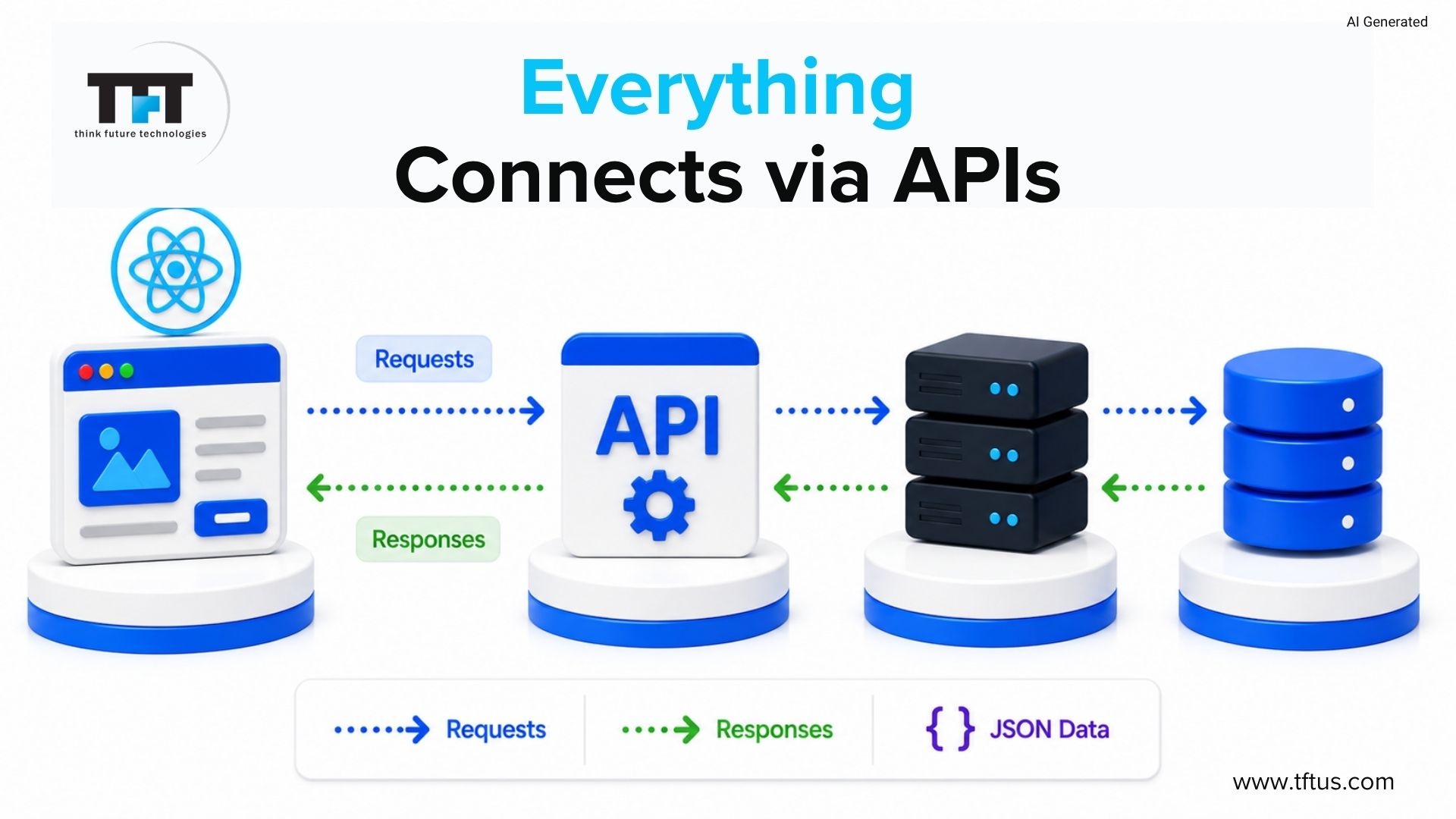
The server received requests which were sent by the user. The server provided JSON information. React was a new interface. This provided a quick, easy user interface with a clean design.
Connecting React With Spring Boot
ReactJS can integrate with Spring Boot to access backend services. It is typical in the fields of finance, healthcare, and SaaS services, where control, security, and scalability are key.
Why Teams Choose Spring Boot With React
Spring Boot and ReactJS are suitable for enterprise teams that already have a Java system or solid Java expertise. Such teams naturally choose to do it. It also supports migration from. Move to a more modern stack using NET Core and other enterprise frameworks.
Step 1: Create the Spring Boot Backend framework
Use Spring Boot with Spring Initializr. Add a REST controller. Cross-Origin is used to allow ReactJS to connect on port 3000.
import org.springframework.web.bind.annotation.CrossOrigin;
import org.springframework.web.bind.annotation.GetMapping;
import
org.springframework.web.bind.annotation.RestController;
import java.util.List;
@RestController
@CrossOrigin(origins = “http://localhost:3000“)
public class ProductController {
@GetMapping(“/api/products”)
public List<Product> getProducts() {
return List.of(
new Product(1, “Laptop Stand”, 39.99),
new Product(2, “Mechanical Keyboard”, 89.99)
);
}
}
Step 2: Configure CORS Globally
Use global instead of controller CORS. This provides effective and easy communication.
@Configuration
public class WebConfig implements WebMvcConfigurer {
@Override
public void addCorsMappings(CorsRegistry registry) {
registry.addMapping(“/api/**”)
.allowedOrigins(“https://yourproductiondomain.com“)
.allowedMethods(“GET”, “POST”, “PUT”, “DELETE”);
}
}
Step 3: Connect React
React uses fetch or Axios to send HTTP requests. Spring Boot retrieves information. React displays it. Both are independent in their running and scaling.
import React, { useState, useEffect } from ‘react’;
import axios from ‘axios’;
function ProductList() {
const [products, setProducts] = useState([]);
useEffect(() => {
axios.get(‘http://localhost:8080/api/products‘)
.then(res => setProducts(res.data));
}, []);
return (
<ul>
{products.map(p => (
<li key={p.id}>{p.name} – ${p.price}</li>
))}
</ul>
);
}
export default ProductList;
The CORS Problem: Why It Happens and How to Fix It
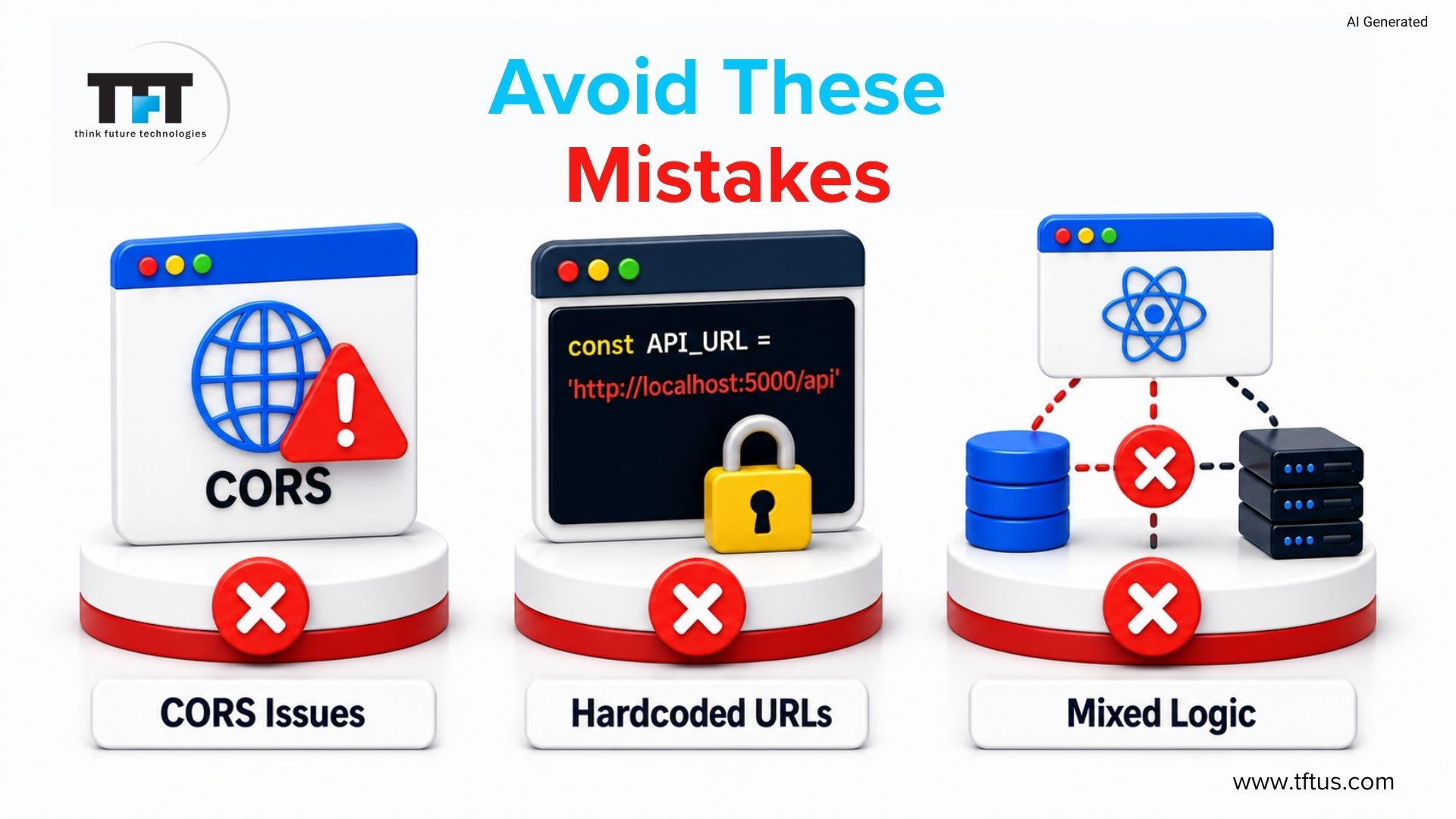
CORS stands for Cross-Origin Resource Sharing. It is a browser security policy that prevents cross-origin requests, such as those to localhost:3000 and localhost:5000. This occurs when a ReactJS application is attached to a backend. This problem occurs at least once for most developers.
The fix is done on the backend, not in React. The rule is enforced by the browser. The backend must allow certain origins to make requests. Use CORS middleware in NodeJS with Express. Use Django CORS headers in Django. CrossOrigin or global config is used in Spring Boot.
In production, allow only specific origins. Avoid wildcard settings. Open access may pose security threats and reveal user information.
Alternatives to a Separate Backend development: When Next.js Makes More Sense
Most ReactJS applications require an additional backend, which complicates them. CORS deployments and environments are handled by teams, which is slowing down development.
Next.js is a single frontend-and-backend setup that uses Node.js. It allows UI and API routes in one codebase. It is appropriate with small teams and initial products. In more complex systems or an existing Java or Python system, a separate backend is preferable.
Choosing the Right Backend for Your React Project
The choice between NodeJS, Django, and Spring Boot depends on three factors: what your team already knows, the application’s performance requirements, and the complexity of your backend logic.
Choose Node with Express
- NodeJS is to be used when your team is familiar with JavaScript.
- Suitable real-time applications such as chat and dashboards.
- API-first products that have rapid development.
- Manages a large number of connections.
Choose Django
- Django should be used when your team is based on Python.
- Provides good security and authentication.
- Favors complicated databases.
- Works well for data-heavy apps
Choose Spring Boot
- Spring Boot with Java teams.
- Ideal with high-performance applications.
- Applicable to enterprise and controlled industries.
5 Common Mistakes When Connecting React to a Backend
1. CORS Configuration Issues
CORS errors are common with ReactJS applications. This issue needs to be addressed on the backend by permitting React-origin requests.
2. Using wildcard CORS in production
Wildcard origins will enable all domains to reach the API. This poses threats when dealing with authentication or sensitive information.
3. Mixing backend logic into the React app
Do not deal with database or business logic in React. It reveals API keys and poses security issues.
4. Not separating development and production API URLs
Coding of localhost URLs is destructive to production apps. Manage API base URLs across environments using environment variables.
5. Choosing a backend based on hype rather than team skills
Select a backend based on the team’s skills. JavaScript teams are more comfortable with NodeJS and Express than with new tools.
Security Checklist: What the Backend Must Handle
ReactJS is used on the front-end, and security is handled by the backend. Do not rely on the frontend to do rules.
- 1. Authenticate user tokens in each request.
- 2. Prevent SQL injection with parameterized queries.
- 3. Validate input on the server, not only in React
- 4. Store API keys and secrets not in React.
- 5. Take advantage of rate limiting and load balancing.
Security problems are prevalent. All protection must be handled in the Backend, not in React.
Conclusion
ReactJS is among the most effective tools for creating user interfaces, and it is not a backend.
The choice to hook up a React app to Node, Django, or Spring Boot is a matter of the skills of your team and the needs of your project, and the knowledge of how to connect them makes the difference between developers who create real products and those who are still trying to figure out the connection.
According to component architecture analysis studies from 2026, React app can achieve a 25–40% reduction in development time when reusable component-based architecture is implemented effectively.

Leave a Reply