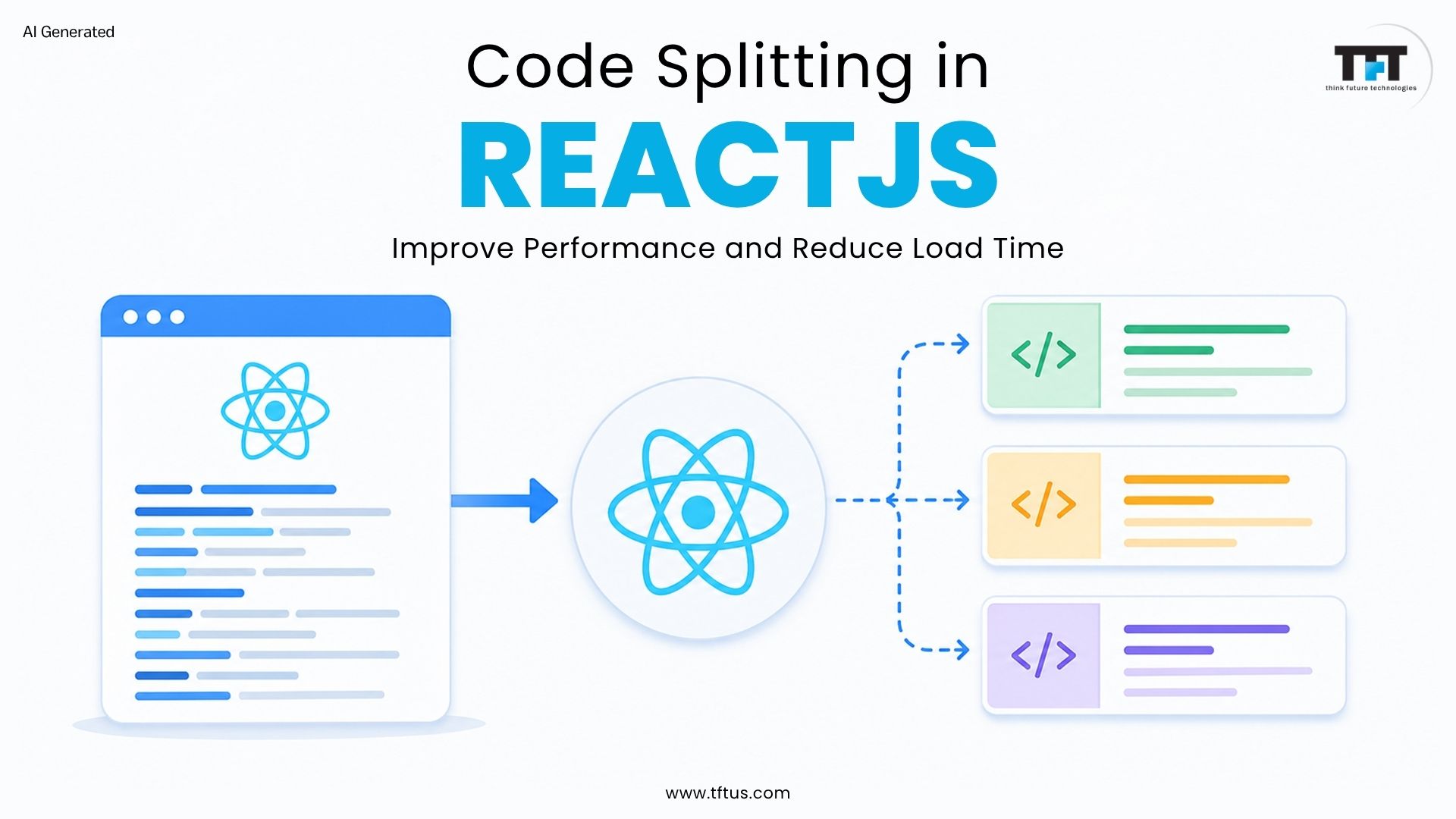
Users expect fast loading times across devices, making performance optimization essential in modern web development. Performance optimization is a critical challenge in modern web development. Large React applications often increase initial download size, causing slow load times. Code splitting divides the application’s code into smaller, on-demand chunks, which helps reduce the initial bundle size.
React code splitting divides large files into smaller sections so only required code chunks load first, improving application performance. Code splitting ensures that only the code initially needed is loaded, resulting in faster load times and a better user experience. Code splitting is supported by bundlers like Webpack, Rollup, and Browserify, which use efficient bundling strategies to create multiple bundles that load dynamically at runtime.
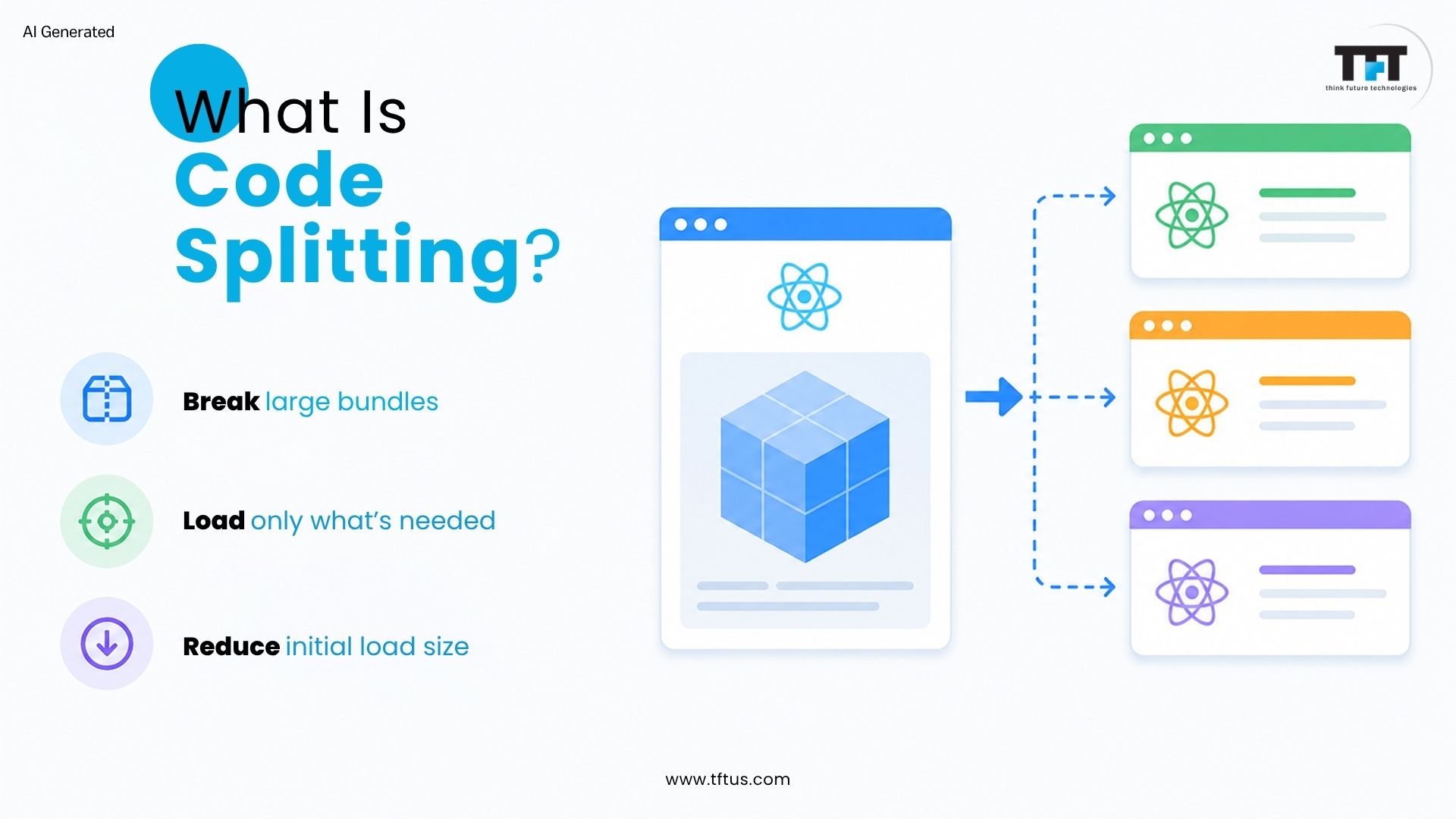
Code splitting breaks large JavaScript bundles into smaller “chunks” that load only when needed. This reduces initial load time, improves user experience, and enhances caching.
Modern JavaScript bundlers like Webpack, Rollup, and Browserify process imported files by analyzing dependencies and splitting them into optimized bundles, rather than merging everything into a single file.
Code splitting is a feature supported by these tools, enabling dynamic loading of code chunks for better performance.
React supports dynamic imports and lazy loading. The dynamic import() syntax is the best way to introduce code-splitting into your app. Bundlers create multiple bundles so users download only the code required for a route or component, unlike the traditional approach, where all JavaScript was bundled into a single file.
In one case, a React application with a 3.2MB bundle was causing users to abandon the page before it fully loaded. After implementing code splitting, the bundle size was reduced by 91%, allowing users to interact with the application much faster and improving conversion rates. Source
The following video explains how code splitting works in React and why it plays a key role in improving application performance:
How Code Splitting Works?
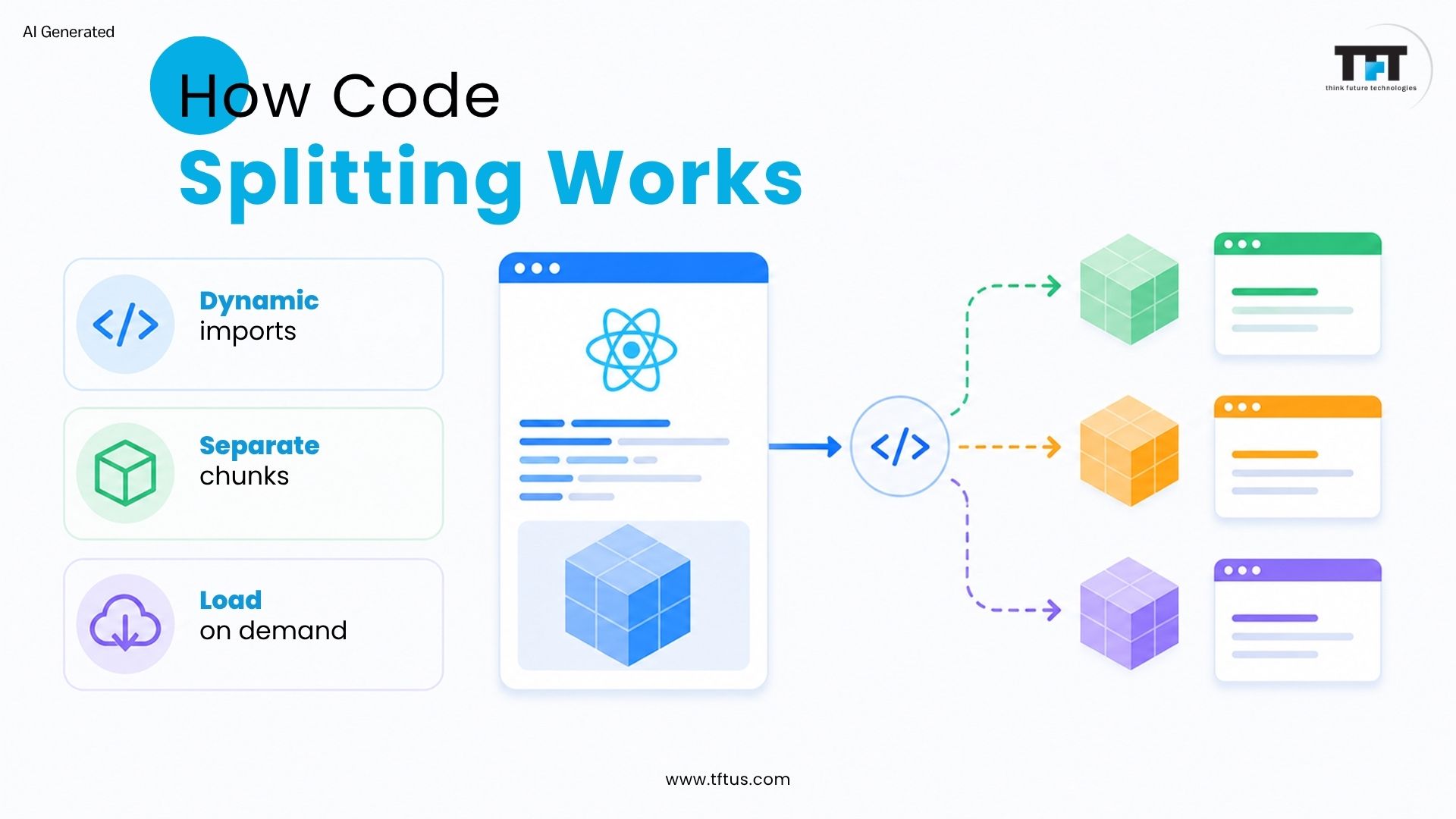
Code splitting loads parts of a React application as separate bundles or chunks instead of the full codebase. Bundlers analyze dependencies and generate multiple bundles for specific features, allowing each feature or route to be placed in a separate bundle for more granular control.
The browser loads only the required chunk, while additional chunks are dynamically loaded at runtime to optimize performance. Modern bundlers like Webpack, Rollup, and Browserify automatically split code into separate bundles using dynamic import statements.
Dynamic Import Syntax
Dynamic import uses import(‘./Component’) and returns a Promise when the module loads. Dynamic import() is the best way to introduce code-splitting into your app.
When using React.lazy, the module must have a default export. Dynamic imports can be triggered by user actions or specific conditions.
React Lazy and Suspense
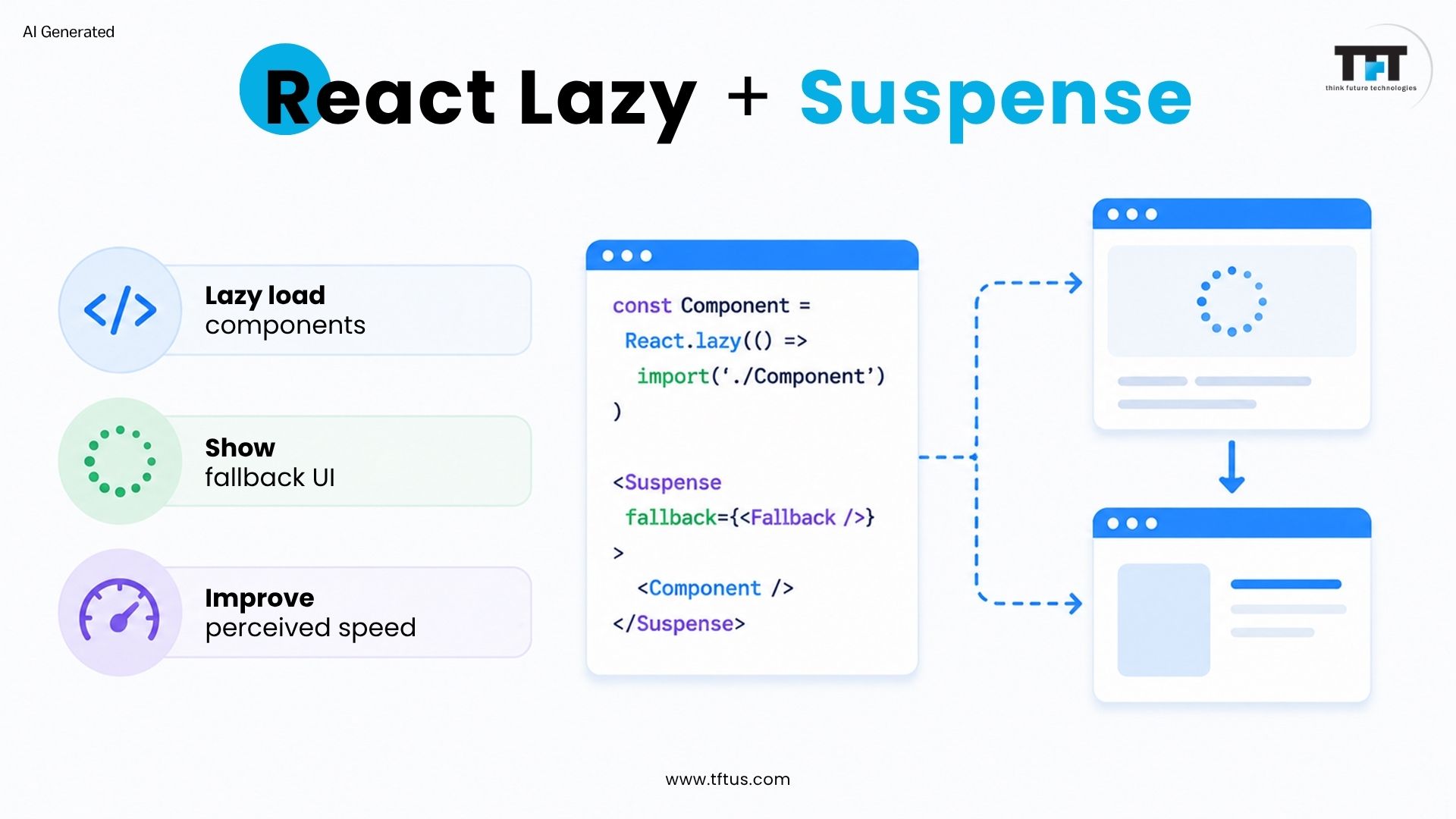
React.lazy enables loading components through dynamic import(). It allows you to load a dynamic import as a regular component, so components load only when needed.
Suspense shows a fallback UI, such as a spinner, while lazy components load. The fallback prop lets you render any React elements while the component loads. A single Suspense component can wrap multiple lazy components to efficiently manage fallback content.
Implementing Code Splitting
Modern build tools like Vite and Webpack offer built-in support for code splitting and lazy loading in React apps, making it easy to optimize performance through dynamic imports and on-demand loading.
Route-Based Code Splitting: Divides the app by pages. This feature is supported by modern JavaScript bundlers such as Webpack, Rollup, and Browserify, and is a common practice in React apps—often implemented with libraries like React Router. The system creates separate bundles for each route, loading only the current route code to decrease first-time experience time.
Component-Based Code Splitting: Allows splitting through individual components. This works best with large components accessed through specific conditions, enabling users to save bandwidth through lazy loading.
In a healthcare application, developers refactored large components and implemented code splitting to improve performance and maintainability.
By reducing oversized components and removing unnecessary dependencies, the application became faster and easier to manage across different devices. Source
React App Optimization
Optimizing your ReactJS application is essential for delivering a seamless and responsive user experience. As your app grows in complexity, many teams hire ReactJS developers, exactly for the same work. One of the most effective strategies for optimizing a React app is code splitting. This technique involves breaking your application’s code into smaller chunks, ensuring that only the necessary code is loaded during the initial load. By loading only what the user needs right away, you can significantly reduce the initial load time and avoid overwhelming users with unnecessary resources.
Code splitting allows your React app to serve smaller chunks of code on demand, rather than delivering the entire codebase upfront. This not only leads to faster load times but also ensures that users can interact with your application more quickly, even on slower networks or devices. As a result, your app feels more responsive and efficient, directly improving user satisfaction and engagement.
By implementing code splitting as part of your React optimization strategy, you ensure that your application loads only the code required for the current view or feature. This approach minimizes initial load times, reduces bandwidth usage, and creates a smoother, more enjoyable experience for every user. In the competitive landscape of modern web development, leveraging code splitting is a proven way to optimize performance and deliver the fast, reliable experiences users expect.
Key Benefits
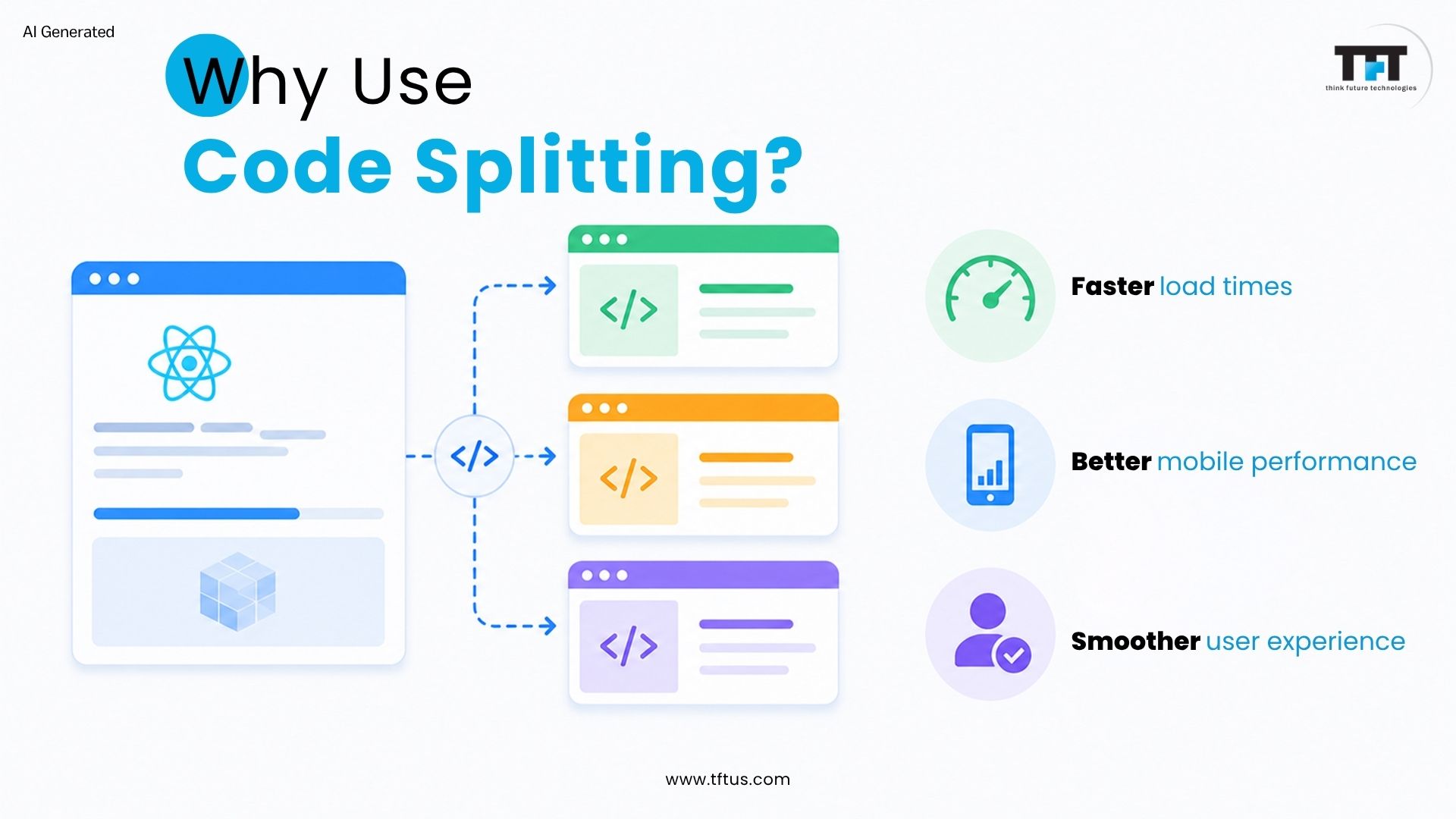
Faster Load Times
Code splitting reduces initial load time by shrinking the first JavaScript bundle, allowing users to view content faster. Smaller JavaScript files are parsed and executed more quickly, especially on low-end devices or slow networks. Using code splitting can reduce initial bundle sizes by up to 60%, resulting in significant performance enhancements and faster execution times.
In a real-world example, Intercom reduced the size of its Messenger bundle by 65% using code splitting and Webpack optimization. By loading only the required code initially, they significantly improved load speed and overall application performance. Source
Improved Performance
Code splitting is a key technique for improving performance in React apps. Smaller bundles take less time to parse and execute, benefiting mobile users and those on slow networks. Efficient resource usage ensures bandwidth and system resources are used effectively by loading code only when needed.
Separating code into chunks enables faster network transfers and lower memory consumption, making the application more responsive.
Better User Experience
Code splitting creates fast, responsive apps that feel smoother and more reliable. It enables progressive loading, so users do not download the entire app upfront, preventing blank screens and improving perceived performance.
Unused components load only when needed, reducing unnecessary downloads. Faster loading times and improved performance enhance overall user experience and increase user retention.
This is a simple example using Code Splitting in React. The Lazy function creates a component from a dynamic import statement, and the Suspense component returns some kind of default content while the lazy component is being loaded.
2. Route Based Example with React Router
javascript
import React, { lazy, Suspense } from ‘react’;
import { BrowserRouter, Routes, Route } from ‘react-router-dom’;
const Home = lazy(() => import(‘./routes/Home’));
const About = lazy(() => import(‘./routes/About’));
This example shows route-based code splitting using React Router. All route components load separately while the user is navigating to other pages or sections of the app. The user will see the Suspense fallback content while waiting for a route component to load.
This example shows how to lazy load multiple components that have their own Suspense boundaries. Each component will have its own loading state, as well as its own temporary UI to show the user what’s currently loading.
Advanced Techniques
Named Exports Handling
The React lazy function operates exclusively with default exports, which requires creating a separate file that first imports the named export before re-exporting the default version, while the lazy-loading process maintains tree shaking and code splitting functionality.
Error Boundaries Integration
Error boundaries enable the safe operation of lazy components by protecting against system failures caused by both import failures and network issues. They also display user-friendly error messages, include retry functionality, and handle loading and errors with Suspense, making the application more robust.
Using React Loadable
The external library React Loadable provides developers with enhanced capabilities to manage loading states through its preloading system and improved server-side rendering, which are beneficial in complex use cases, while React’s built-in features address most situations, making it necessary to use the library only for specific requirements.
Best Practices for Code Splitting
Code splitting is a cornerstone of modern web development, especially for large-scale React applications. By breaking your application’s code into smaller chunks, you can significantly reduce initial load times and deliver a more responsive user experience.
To implement code splitting effectively in React, consider these best practices:
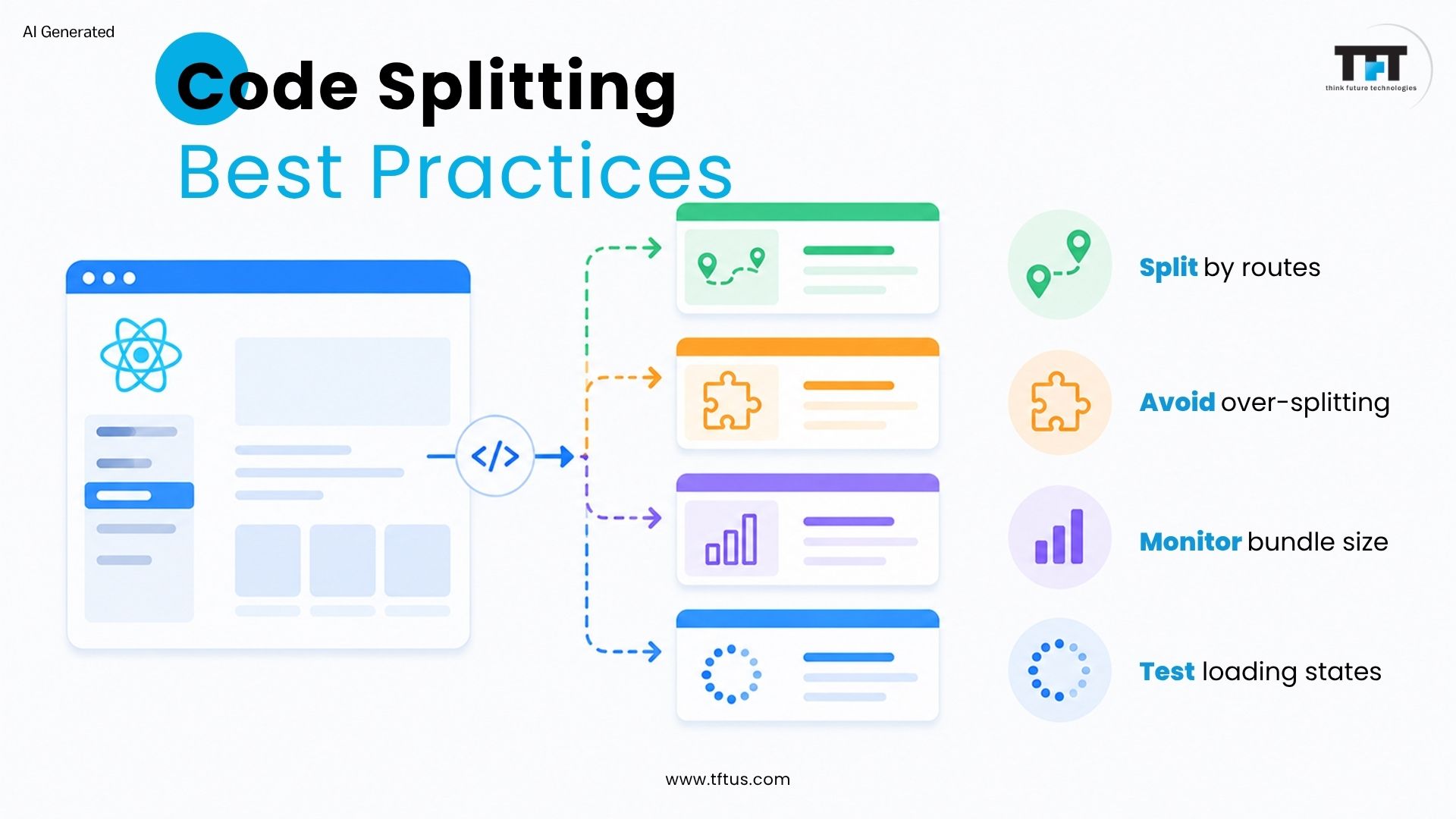
1. Split Code by Route and Feature: Organize your codebase so that each major route or feature is bundled into its own chunk. This ensures users download only the code needed for the current route, optimizing performance and bandwidth usage. Route-based code splitting is especially effective for single-page applications with multiple views.
2. Avoid Over-Splitting: While breaking code into smaller chunks is beneficial, creating too many tiny bundles can lead to excessive network requests and diminish performance gains. Strike a balance by grouping related components or features, ensuring each chunk is meaningful and not overly granular.
3. Prioritize Critical Components: Implement code splitting for components or features that are not immediately required on the initial load. Keep essential UI and functionality in the main bundle, and defer loading less critical or rarely used components until the user needs them.
4. Use Dynamic Imports Strategically: Leverage dynamic import statements to load code only when necessary. This approach allows you to implement code splitting at the component or utility level, ensuring that only the code required for a specific user action is loaded dynamically.
5. Monitor and Analyze Bundle Sizes: Regularly use tools like Webpack Bundle Analyzer to visualize your application’s chunks and identify opportunities to further optimize your code splitting strategy. Monitoring bundle sizes helps ensure that your efforts are actually improving load times and user experience.
6. Test User Experience Thoroughly: After implementing code splitting, test your application across different devices and network conditions. Ensure that loading states, fallback UIs, and error boundaries provide a seamless user experience, even when chunks are loaded dynamically.
By following these best practices, you can implement code splitting in your React application to maximize performance, minimize initial load times, and deliver a smooth, efficient user experience—key factors for success in modern web development.
Tools and Analysis
Webpack Bundle Analyzer
The Webpack Bundle Analyzer tool creates an interactive treemap that displays all bundles and chunks in the application, enabling you to visualize bundle sizes while tracking code-splitting progress and identifying unused code.
Measuring Performance Improvements
The combination of Browser DevTools Lighthouse audits and real user monitoring tools enables the measurement of chunk loading and size reduction together with First Contentful Paint and Time to Interactive, which demonstrates the actual effects of code splitting across different devices and network conditions.
React lazy works only with default exports, so named exports require extra wrapper files that make the system more complicated.
2. Over-Splitting Code
Creating too many small chunks results in increased HTTP requests which decrease system performance instead of improving it.
3. Server-Side Rendering Limitations
React lazy and Suspense provide limited support for server-side rendering because users must install additional libraries to make them work.
4. Caching and Version Mismatch
Users experience chunk loading errors when cached files become outdated because of new deployments.
5. Testing Overhead
Lazy-loaded components require extra testing to confirm that their loading and fallback and error states function properly.
Conclusion
Code-splitting transforms the performance of a React application by only loading the required code when the user requests it. Code-splitting leads to lower initial bundle sizes, faster loading times, and improved user experiences. The latest version of React provides a new way of using code-splitting via the use of the lazy function and the suspense component, making it a breeze to implement.
Code splitting is a technique that breaks your React application into smaller JavaScript chunks. These chunks load on demand rather than all at once during the initial page load. This approach reduces bundle size and improves application performance significantly.
Lazy loading delays importing components until they are actually needed for rendering. React lazy function combined with dynamic import enables this behavior. Components load automatically when React tries to render them on screen.
Implement code splitting when your bundle size grows large and impacts load times. Apps with many routes or heavy components benefit most from this technique. Start code splitting early to prevent performance problems as your app grows.
React lazy creates components that load their code dynamically when rendered. Suspense component wraps lazy components to show fallback content during loading. Both work together to create smooth loading experiences.
Create react app supports code splitting out of the box without additional configuration. The build process automatically handles dynamic imports and creates separate bundles. You can start using lazy and suspense immediately.
Use error boundaries to catch and handle errors from failed lazy component loads. Error boundaries prevent loading failures from crashing your entire application. Provide friendly error messages and retry options for users.
Ankaj Goyal brings a software engineering background to his role as Associate Lead L1 at TFT. His experience as a Senior Software Engineer provides a practical foundation for exploring the development work behind digital products. With an academic background at Maharaja Agrasen Institute of Technology, he combines his technical education with professional experience at Think Future Technologies. His engineering perspective adds context to conversations about software development and the challenges teams encounter when turning requirements into working solutions.




Leave a Reply