


Scaling a ReactJS team is a problem worth having. Practically, the difficulties multiply rapidly as the number of people increases and the mechanisms to sustain it are absent.
Context is naturally shared within a small team. As that group grows to 15 or 30, that codebase will become a source of conflicts and inconsistent patterns.
This blog discusses the practical issues React teams face as they grow, along with real-world examples of the strategies they are successfully employing in 2026.
According to a 2026 ResearchGate comparative analysis, React.js faces increasing challenges around performance, SEO, and scalability as enterprise applications and development teams grow in size.
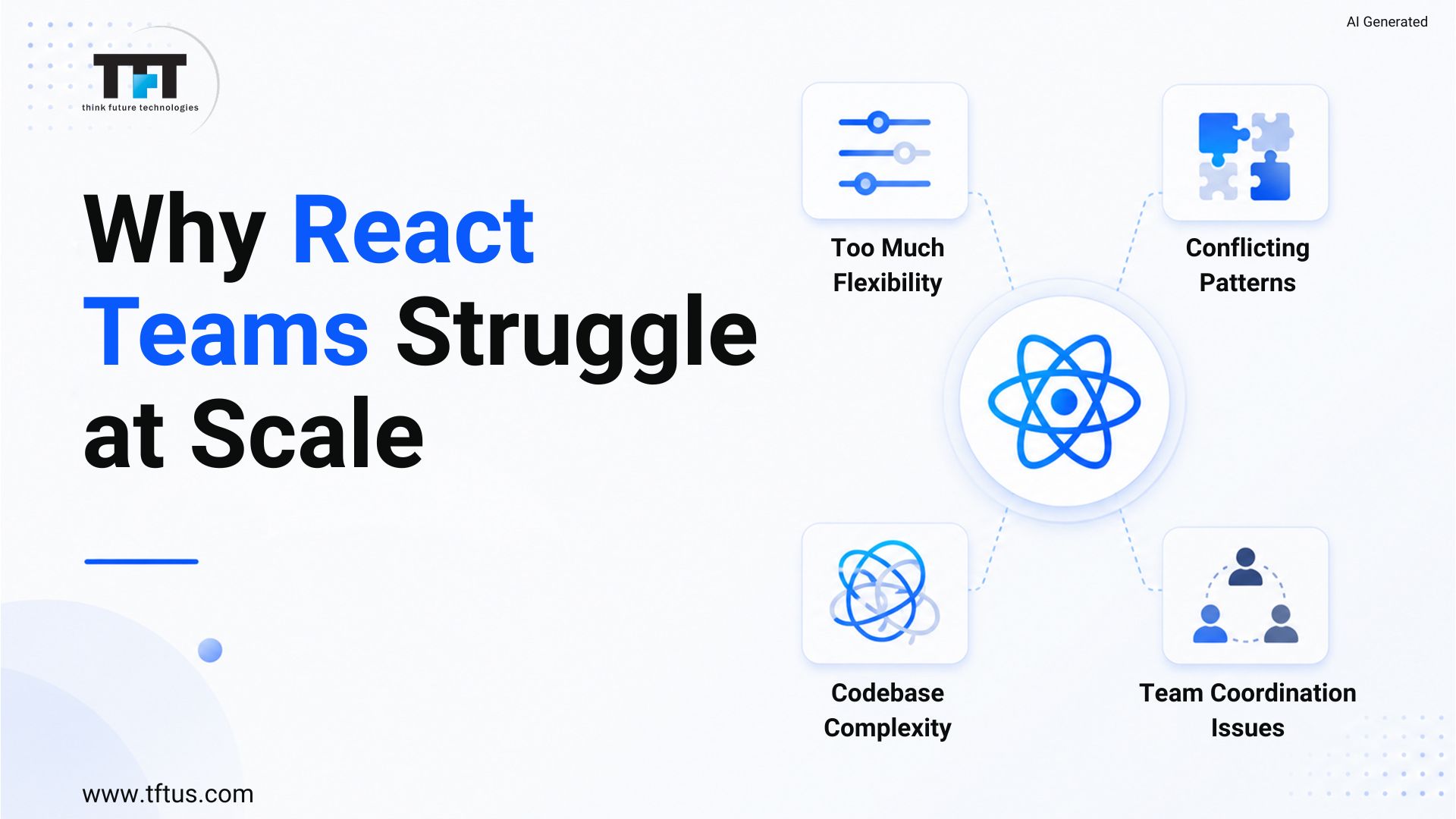
The Root Problem: React’s Flexibility Becomes a Liability
React does not dictate how teams should structure their code, handle state, or organize components. That freedom is a plus with small teams. It is one of the largest scaling problems which large teams have.
By making architectural decisions independently per developer, the React app will become a bundle of conflicting patterns. New developers have no idea where business logic runs or which state management technique a feature uses. The codebase slows everyone down.
A component-based architecture that enables React to be productive at a small scale requires intentional governance at a large scale. In the absence of agreed patterns and imposed conventions, growth will create friction rather than speed.
11 Challenges faced while scaling teams
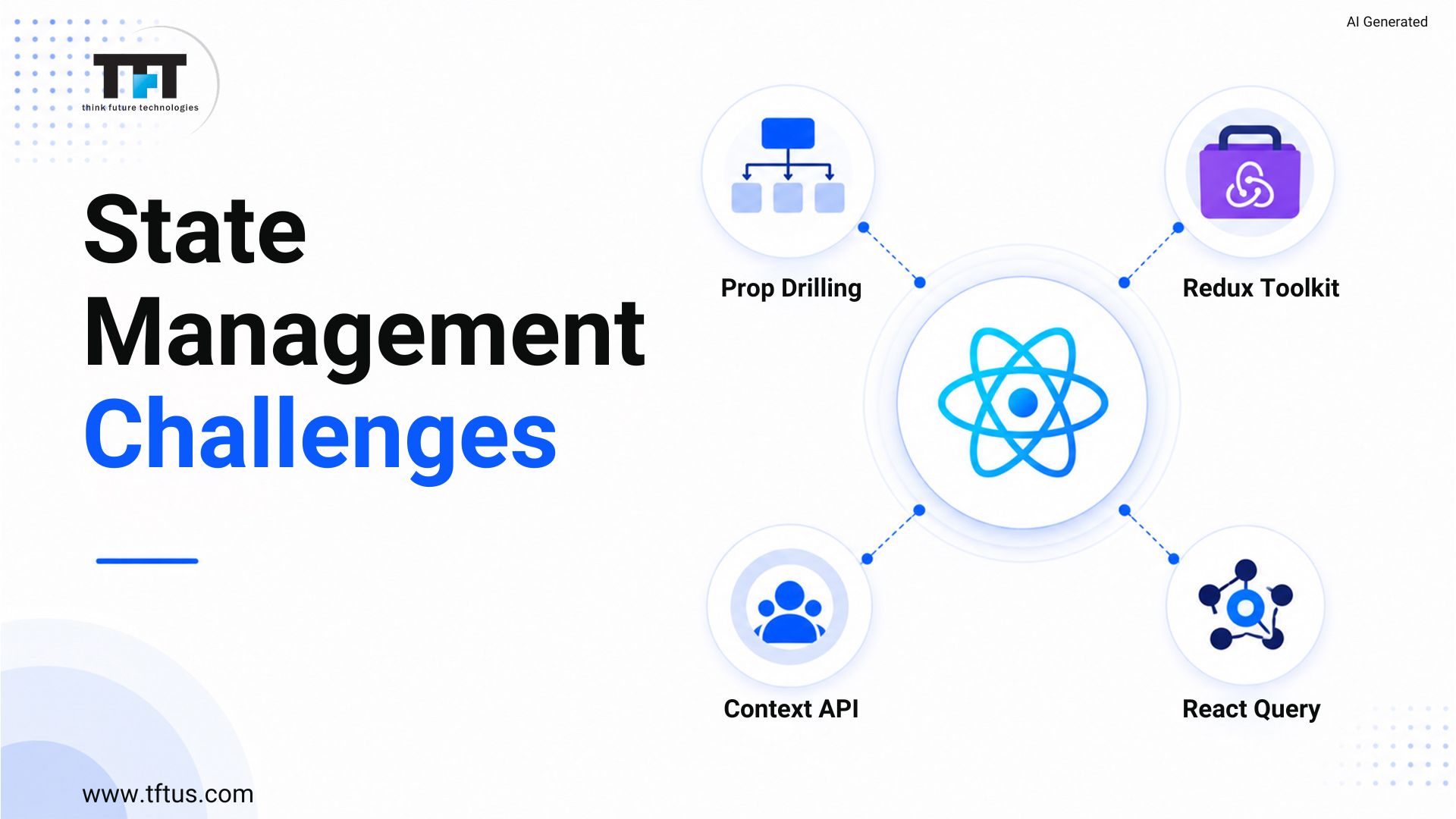
1: State Management Runs Out of Control
Local component state is a good fit in a small React app. As the application expands, the state must be shared across many components and even throughout the entire React application.
Those teams that fail to discuss this early find themselves with prop drilling everywhere. It requires passing through 5 or 6 layers of components just to get to the required component.
The context API is fairly good at moderate shared state. In larger React apps with more complex update patterns, state management libraries such as Redux Toolkit or Zustand provide a scalable architecture. React Query manages server state independently and eliminates duplicate fetch logic between components.
According to a 2025 ResearchGate analysis on large-scale React applications, state management becomes one of the most complex architectural challenges as applications expand across teams and features.
2: Prop Drilling Slows Development at Scale
Prop drilling occurs naturally as the applications increase. The information enters a parent component and propagates down through all layers to the child component at the deepest level in the hierarchy that requires it.
This is serious in a codebase that has hundreds of components. Changing a prop means changing all the elements of the chain. Developers spend their time understanding the data flow rather than creating functionality.
The context API allows any component to access a value without passing it as a prop. With frequent updates, state management libraries can be used more effectively, as only components that subscribe to the value that changed are re-rendered.
3: Unnecessary Re-Renders Degrade Rendering Performance
With the increasingly unnecessary re-renders becoming an ever more frequent cause of bad user experience. A re-rendering component that re-renders whenever a significant change occurs wastes computing time and causes rendering delays during heavy traffic.
The virtual DOM can reduce unnecessary DOM updates, but it does not prevent unnecessary re-renders in the component tree. A change at the top can trigger re-renders throughout the tree.
This is avoided by memoization techniques. React.memo prevents a component from re-rendering when its properties have not changed. useMemo caches calculations. useCallback stabilizes the references to functions. The correct starting point is identifying which components re-render the most using React Developer Tools.
According to a 2026 ReactJS performance analysis published on LinkedIn, unnecessary rendering remains one of the biggest causes of frontend slowdowns in large React applications.
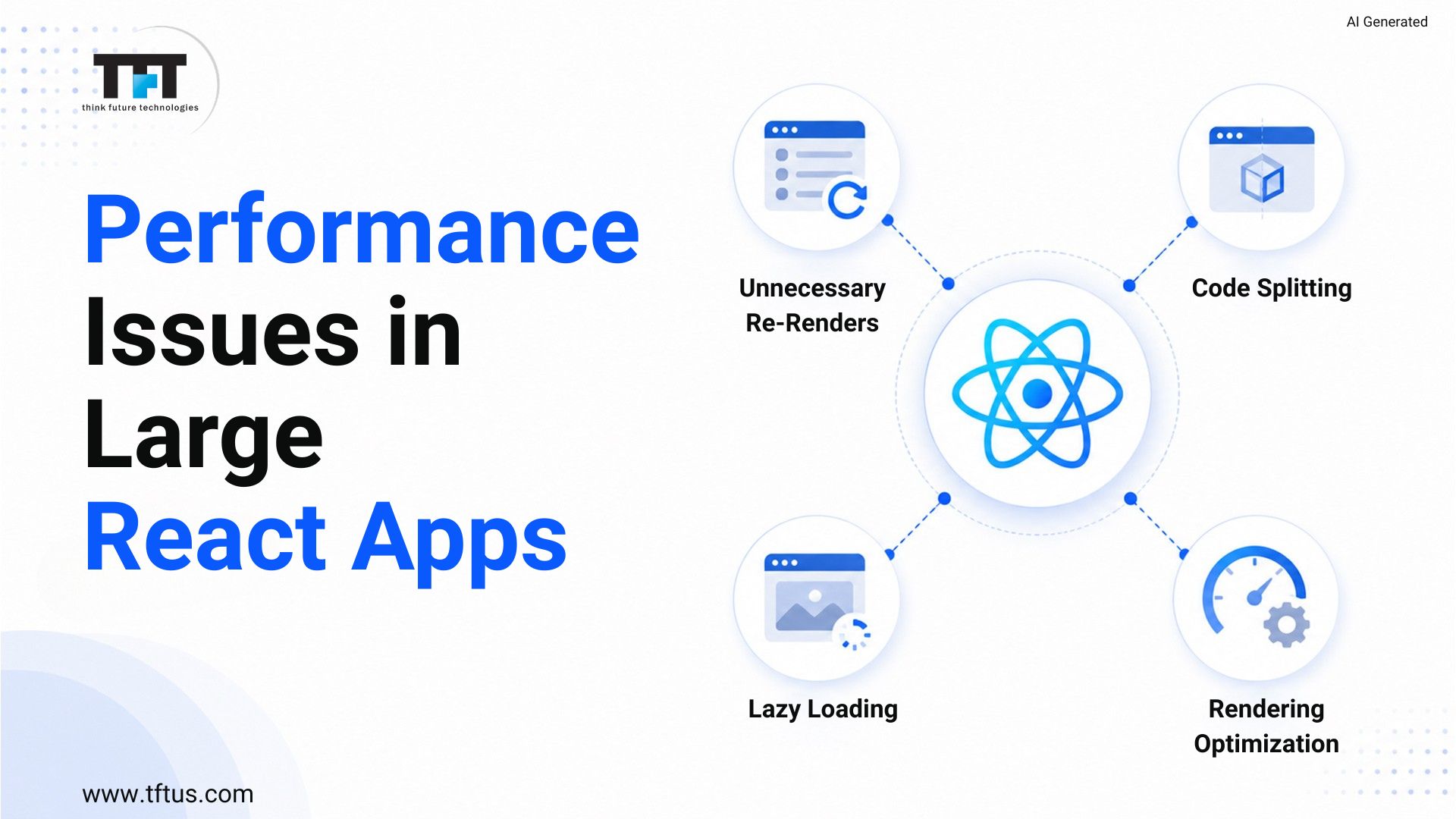
4: Performance Issues at Scale
A React application that works well with fifty components may cause a severe performance bottleneck under production traffic workloads with five hundred components.
Code splitting divides the JavaScript bundle into smaller parts that are loaded on demand rather than sent as a single package. Next.js takes care of this. React.lazy and dynamic imports are used in a team’s standalone React app. The outcome is quicker load times and enhanced rendering performance.
Lazy loading prevents components from loading until a user scrolls them into view. Tree-shaking eliminates dead code from the final package at build time. Both methods minimize what users must download and enhance network performance in general.
5: Memory Leaks and Memory Usage
Memory leaks are most common in React applications with numerous components that are mounted and unmounted repeatedly. They occur when a component is disposed of but has a reference to an event listener, timer, or subscription that was not cleaned up.
The more the app is used, the slower it becomes. This is felt most by users on mobile devices. In the worst-case scenario, where memory leaks occur, the browser tab will crash under heavy traffic. They are bugs on the production level and are difficult to trace unless appropriate tooling is used.
6: SEO Challenges With Client-Side Rendering
Single-page applications based on client-side rendering (React apps) are well-suited for internal tools or dashboards. When used on products intended for public-facing tasks, it poses serious SEO challenges.
Client-side rendering makes an almost-empty HTML file available to the search engine. The real content is only available once JavaScript is run.
Next.js or static site generation as methods of server-side rendering deliver fully rendered HTML to search engines during the initial crawl. They both restore search engine visibility and improve Core Web Vitals scores. Teams that own publicly facing ReactJS apps that have not addressed this are probably losing a lot of organic traffic.
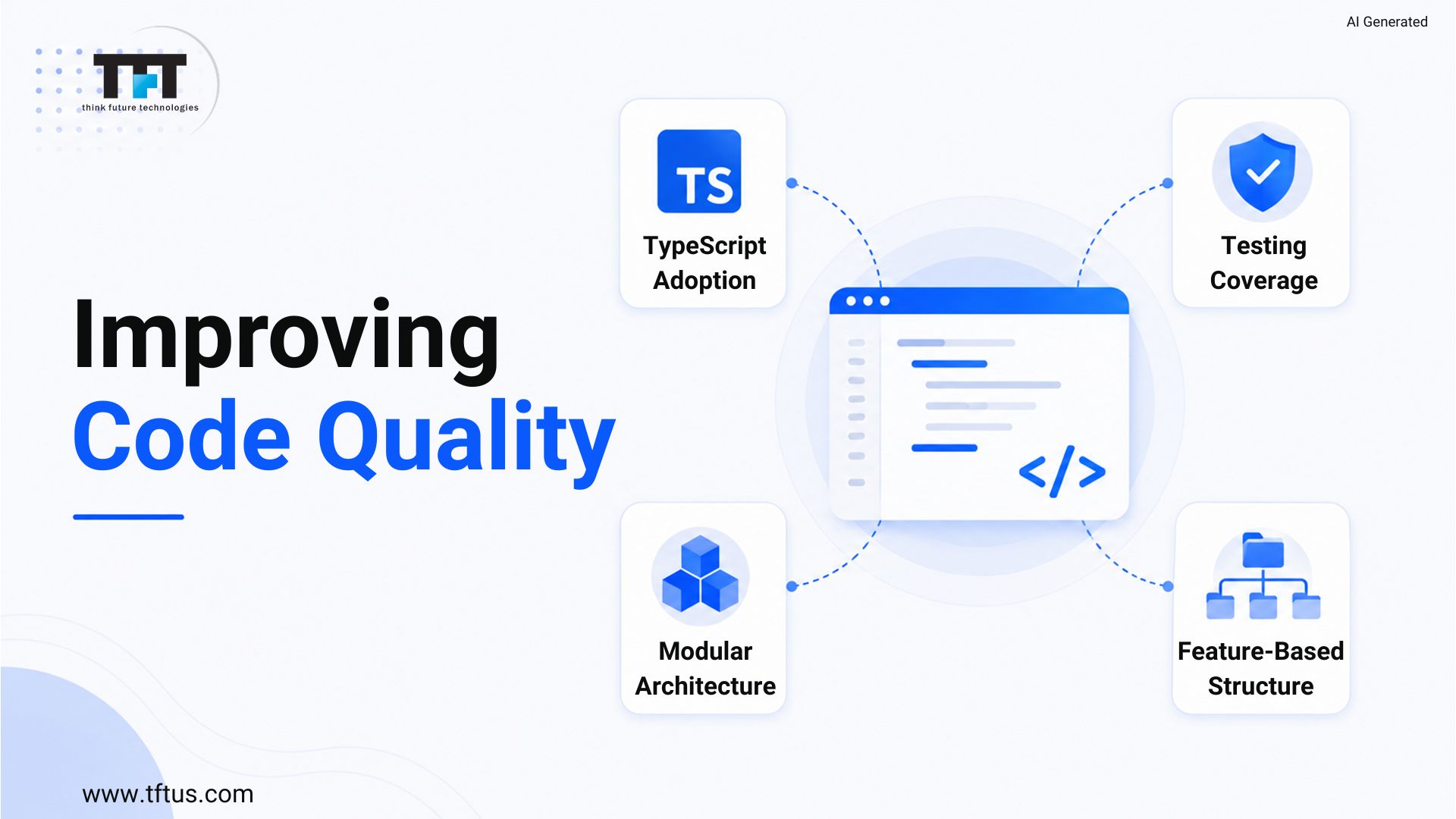
7: Code Quality Degrades Without Governance
Code quality does not deteriorate quickly. It can wear down over time and be undermined by developers’ independent decisions without a common standard. Redux is used by one developer, and the Context API is used by another. One of them creates components by type, and the other by feature.
This lack of uniformity retards us all. New team members cannot study one pattern and apply it across the board. Skilled programmers context-switch among techniques across the codebase. The code reviews turn into discussions about style rather than quality.
Case Study: Scaling Enterprise React Development Across Global Teams
A Fortune 500 technology company scaled its React-based CPQ platform development across distributed engineering teams in India and the United States.
Using React with clean architecture principles and structured agile workflows, the company delivered 9 major features within six months while maintaining performance and code quality standards across teams.
The case highlights how strong governance, collaboration practices, and architectural consistency help large React teams scale effectively.
8: Onboarding New Developers is Too Long
LinkedIn states that, on average, it takes 49 days to hire a software engineer. The time spent on productivity once hired is also, in many cases, the same. Before any new developer can meaningfully contribute, they must first learn the codebase structure, approach to state management, component patterns, and how to deploy it.
In cases of poor documentation, onboarding is based solely on the availability of older developers. Experienced members are continually interrupted by new team members asking questions that need to be documented. This drag increases with team size, and onboarding occurs more often.

9: Multi-Location and Distributed Team Complexity
A developer team based in New York, London, and Bangalore cannot afford to use informal communication to stay in touch. In New York, decisions during a morning stand-up occur when the Bangalore team is asleep.
This creates divergence. The various sections of the team end up coming up with different patterns as they do not share the context. Performance problems and scalability issues take longer to be resolved due to a slow feedback loop across time zones.
Written records of architectural decisions, video walkthroughs of new patterns, and centrally maintained shared component libraries are all successful techniques used by teams that manage distributed scale.
This discussion explores the operational side of scaling large React engineering teams, including onboarding bottlenecks, code ownership, team workflows, collaboration challenges, and developer experience at scale.
10: Testing Coverage Shrinks Under Pressure
The initial things that teams do not undertake under pressure to deliver are unit testing and integration testing. This can be recaptured in a small team. With a large React codebase, thin test coverage means code changes can break things that would not be caught otherwise until production.
Inadequate test coverage instils fear of refactoring. The reason developers do not improve the codebase is that they are not sure enough that something will not break in some other place. The velocity decreases as the number of people increases.
11: Network Performance and API Request Management
As React applications scale, a single page can make dozens of simultaneous API calls, many of which overlap in the data they request. This adds to network latency, server load, and the complexity of managing the loading states of a large number of components.
React query caches. This API stores responses to API calls, removes duplicate requests, and fetches data in the background when it becomes stale. React Query also makes a single network request and shares the result, rather than five components making five separate requests to the same endpoint.
Teams that fail to handle API requests see their applications grow increasingly slow as they add features.
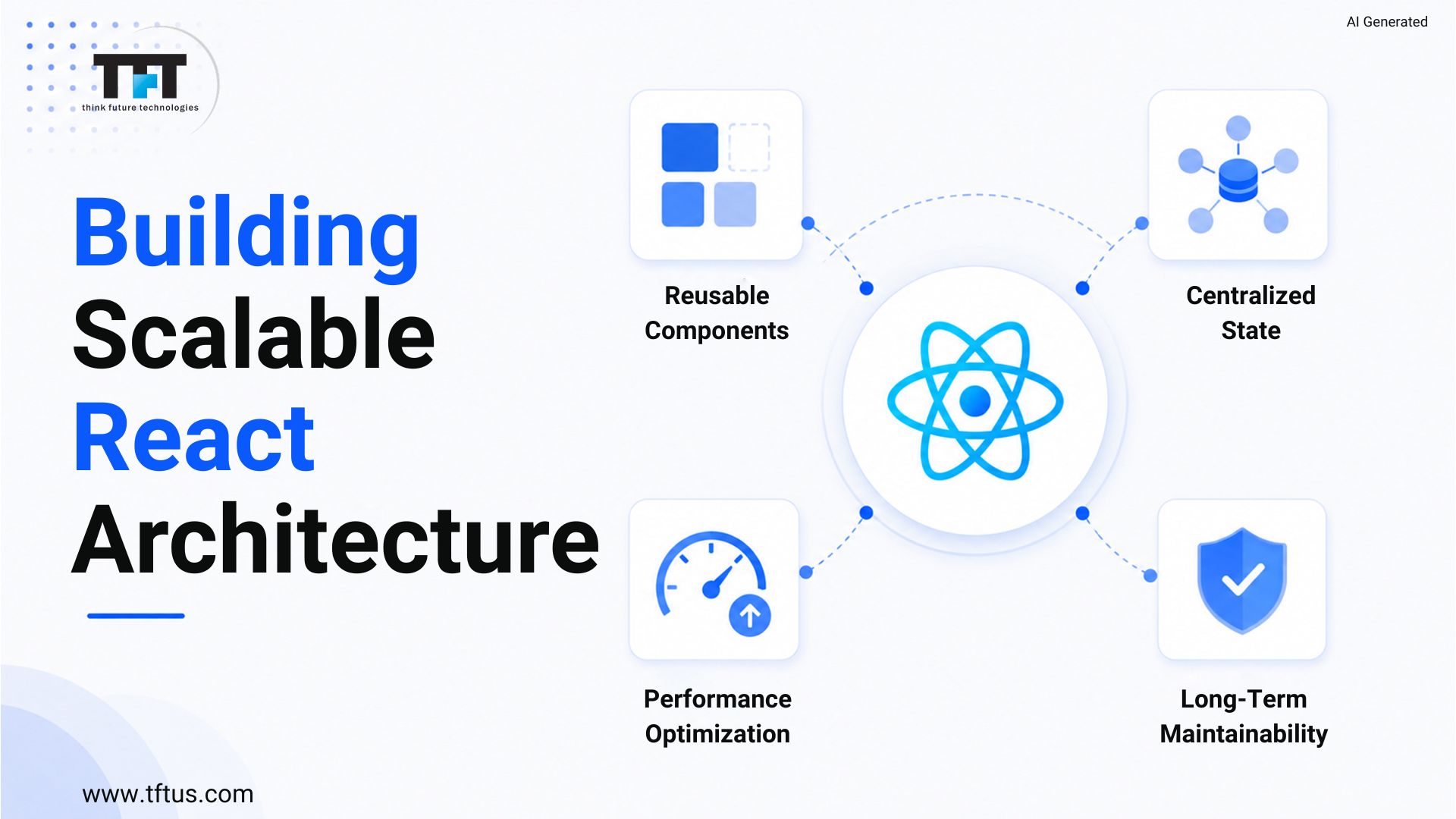
Building a Scalable React Architecture From the Start
Use of a Modular Architecture
Work out architectural issues before they become agonizing. Keep business logic and UI components apart, and maintain a consistent state management strategy, driven by tooling, and not trust.
Organize by Feature
Move all the contents of a single feature to a single folder. Components, hooks, tests, and types all co-exist. The developers can find what they need without searching the entire codebase, and merge conflicts are less likely because different features rarely interact with the same files.
Adopt TypeScript
TypeScript is used to detect errors during development, not during production. It allows refactoring to be safer since the compiler knows all the places where the modified type is used. It also helps new team members learn a component’s interface without having to read its entire implementation.
Conclusion
Scaling a ReactJS team is a scale and collaboration problem. Invest in uniform best practices, careful state management and robust onboarding early. Such investments multiply and recompense in multiple ways as your React applications increase.

Leave a Reply