
What Is Software Testing?
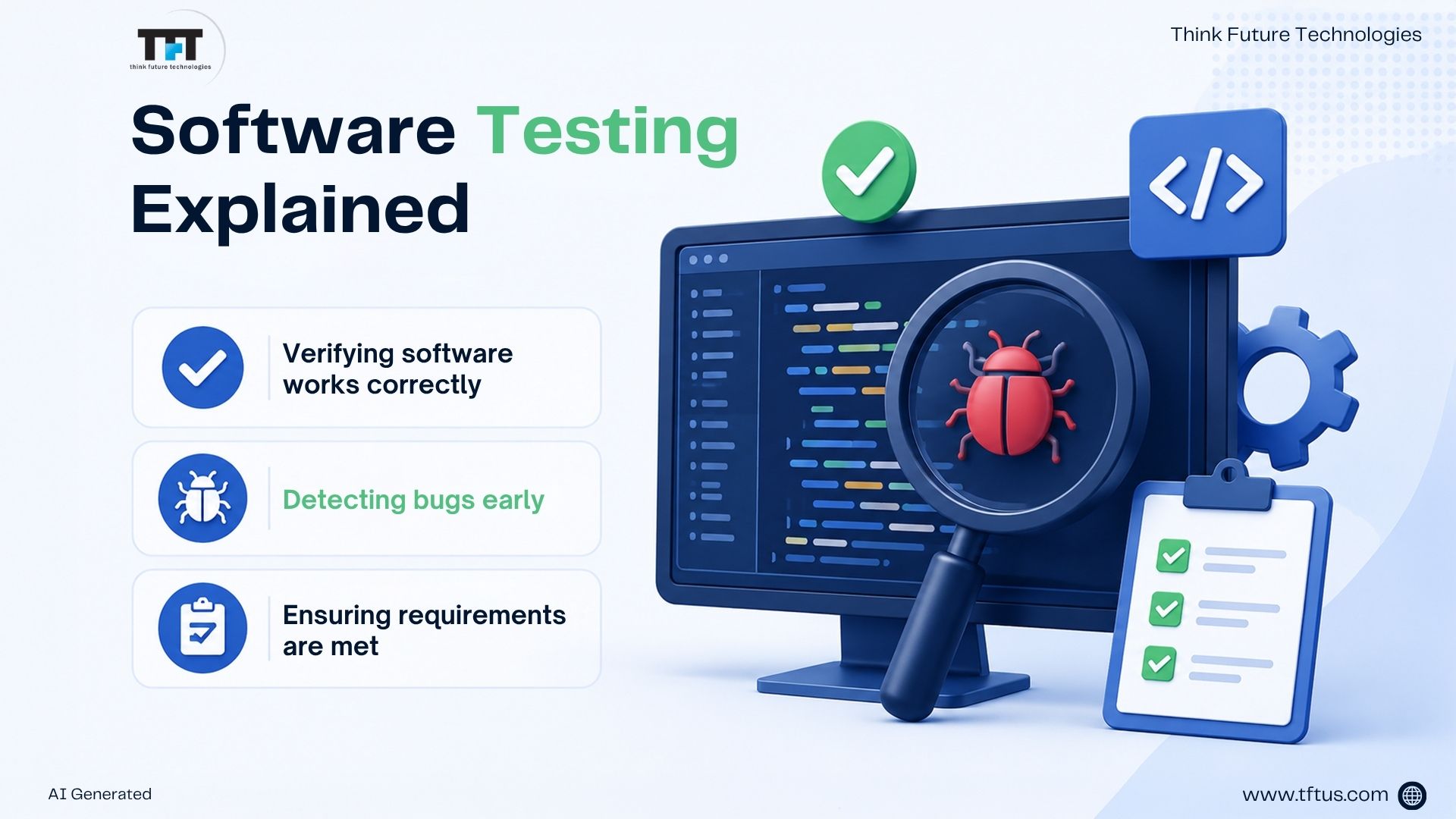
Software testing involves confirming that a software product works correctly, is free of bugs, and meets all requirements. Testing forms part of the processes in application software development to identify defects and implicitly or explicitly confirm that requirements are satisfied as the software is being developed. According to a recent survey, 84% of DevOps teams are now using automated testing tools in their workflows
Software testing is a basic process. When you run a program, you compare the actual behaviour or result against what you expected. Testers are concerned with detecting defects and logging discrepancies for developers to fix before deploying the application to its audience.
“In software testing, the earlier a bug is found, the cheaper it is to fix.” – Karen N. Johnson, independent software test consultant.
3 Major Reasons Why Software Testing Is Important
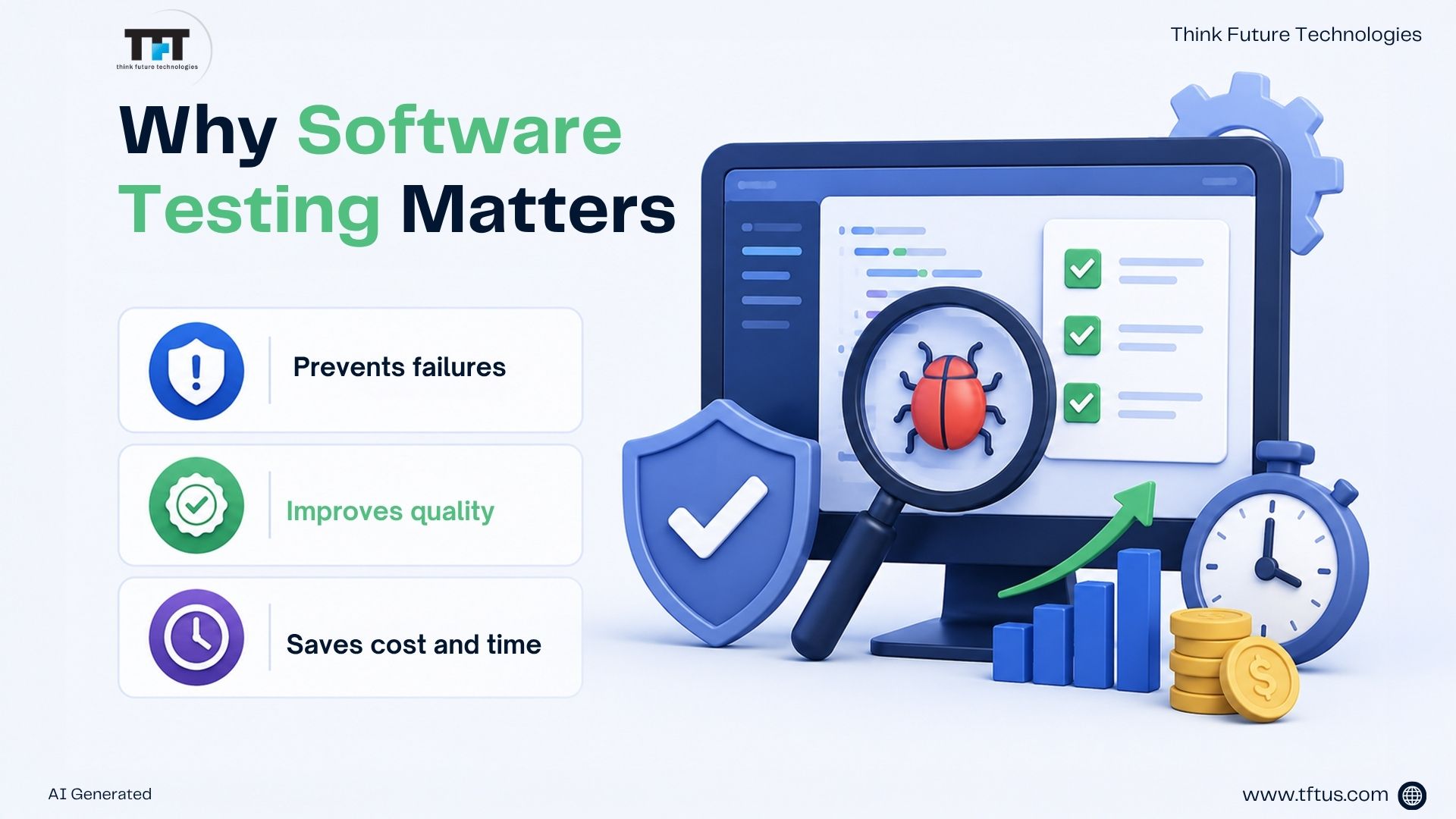
1. Software testing is intended to prevent catastrophic failure of application software. Bugs that make it into an application have financial repercussions, create potential cybersecurity issues, or cause the application to fail altogether.
Many organizations follow standardized testing frameworks defined by the International Software Testing Qualifications Board (ISTQB) to ensure consistent testing practices across development teams.
2. Quality application software will perform safely and efficiently, and the software is likely to meet user satisfaction standards.
3. Quality application software saves time and costs to develop software because testing can be done early in the software development life cycle.
5 Key Benefits of Software Testing
Software testing has various benefits. Below are the advantages of software testing:
- Enhances product quality: Software testing helps detect problems within the code before users experience them. This ensures your application is functional and does what the users expect.
- Saves time and money: Identifying the defects as early as possible in the course of development allows them to be more easily fixed with less effort, which avoids expensive fixes after the product is released.
- Increases user satisfaction: An upward working system without frequent downtimes builds trust with your user base. Users gain confidence in your application and are more likely to continue utilizing the product.
- Improved security: Software testing will catch security weaknesses before they are exploited, which protects user data and the reputation of the product.
- Decrease the risk of failure: Software Testing identifies weaknesses in the system by running through various scenarios so that they can be addressed prior to the launch.
All of the above benefits of software testing show that testing is not simply a step in the software development activity, but a focal activity to contribute to trust, quality, and success.
“Testing is an infinite process of comparing the invisible to the ambiguous in order to avoid the unthinkable happening to the anonymous.” – James Bach, American software tester, author, trainer, and consultant.
What Are the 7 Steps of Software Testing?
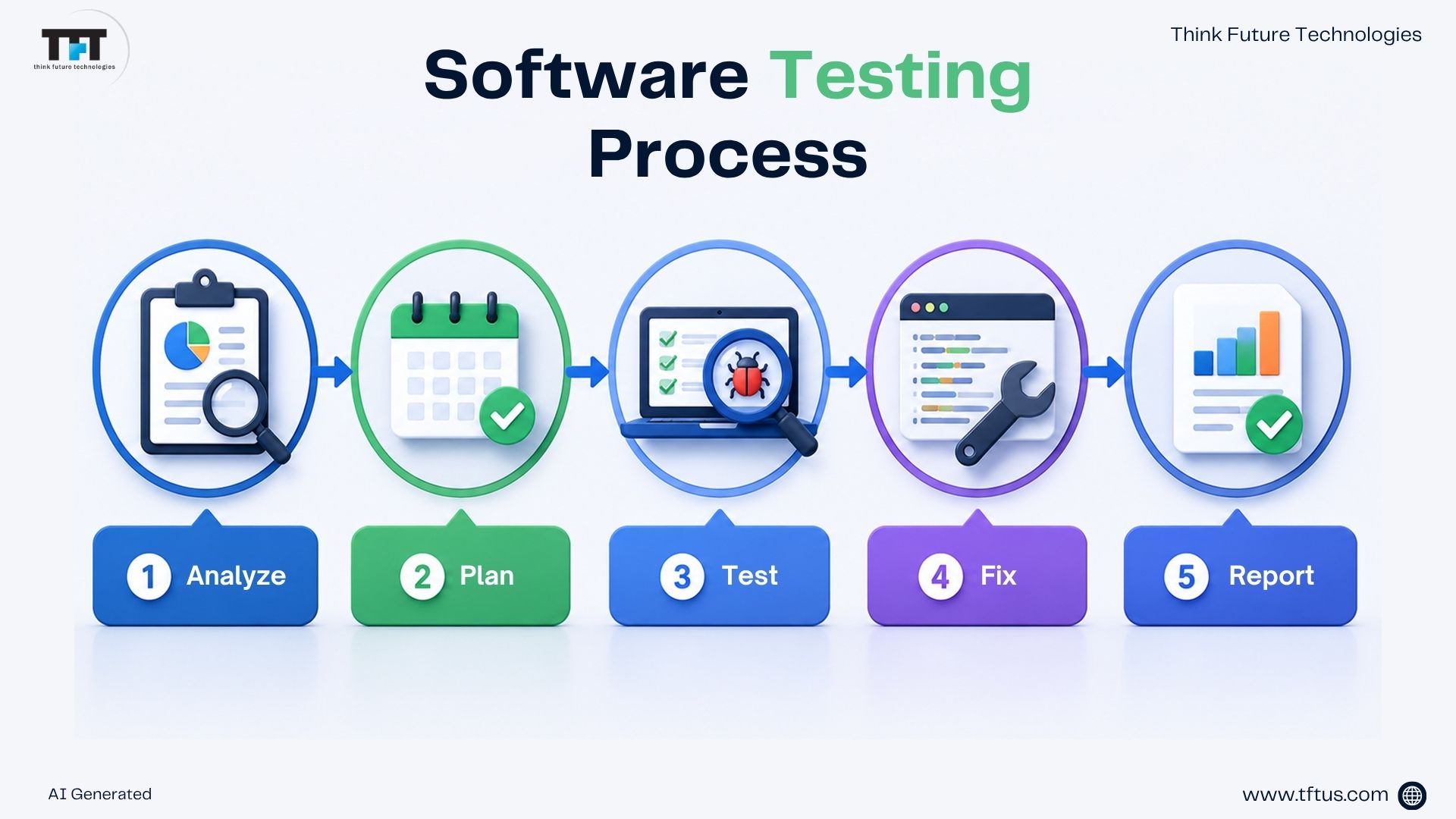
The software testing process has structured steps. The 7 steps of the software testing process are:
1. Analysing Requirements – First, teams analyse requirements, finding and defining test scenarios and conditions.
2. Plans Testing Approach – Next is planning, where teams determine which tests they will run. Planning helps teams come to an agreement on methods and resources. The planning steps lay the groundwork for testing.
3. Creating Detailed Test Cases – Each scenario is documented with specific inputs and expected outputs.
4. Preparing Test Environments – Systems are configured appropriately, and test data is prepared.
5. Executes the Tests – Testers execute the planned test cases and document the test results.
6. Analysing Findings – The team reviews failures and investigates the cause. The team’s objectives are to distinguish real bugs from test conditions and problems with the software.
7. Reporting Results – Clear documentation to support the developers, and good documentation helps to fix problems rapidly.
What Is Software Testing in Software Engineering?
In the field of software engineering, software testing is a systematic process used to provide quality and functionality. Software testing assesses whether the software implements its tasks efficiently under different circumstances. The software market globally is currently valued at $48.17 billion in 2025 and is expected to reach $93.94 billion by 2030, growing by 14.29% CAGR
Testing in software engineering also supports validating compatibility, usability, and performance of the software and confirms overall software stability.
What Does a Software Tester Do?
Software testers create and implement test cases aimed at discovering bugs in the software. Testers also ensure to thoroughly document bugs for developers to understand what the real problem is. Good testers use their imagination to consider all possibilities for how a human user might interact with software. As part of their core job functions, software QA analysts and testers execute and design systems to check software for issues.
Testers also ensure to maintain test scripts and update the test plan as the software changes. Testers work directly with developers to validate fixes. Testers ensure that the test coverage is complete in its ability to test all scenarios across the application.
Levels of the Software Testing Process
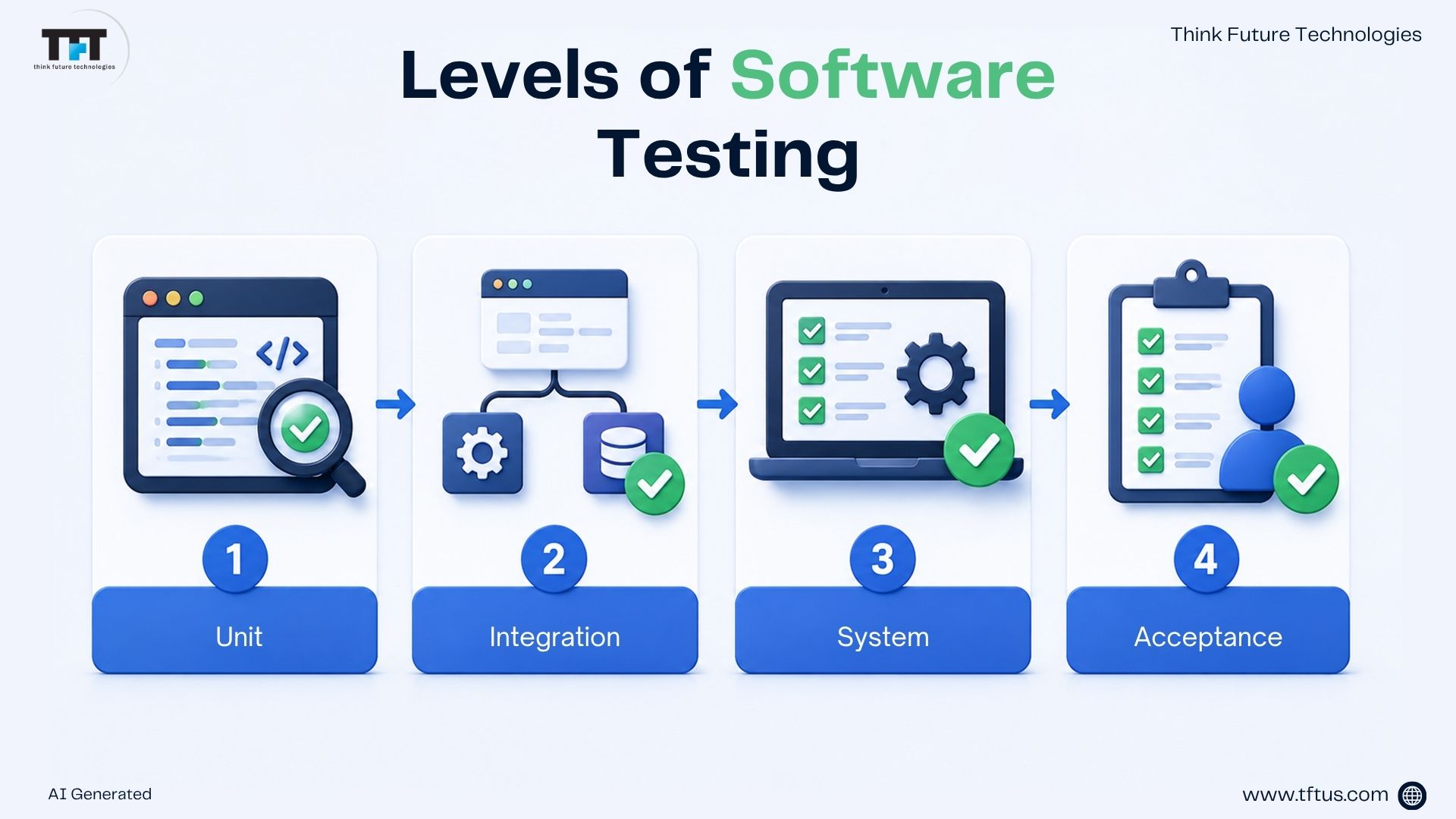
Software development consists of four main levels of testing:
- Unit Testing – Tests individual coding modules.
- Integration Testing – Tests the interaction between components.
- System Testing – Tests the whole application.
- Acceptance Testing – Tests the product from the end-user’s perspective.
These testing levels help ensure that software works correctly from individual components to the complete application before release.
Types of Software Testing – Manual & Automated
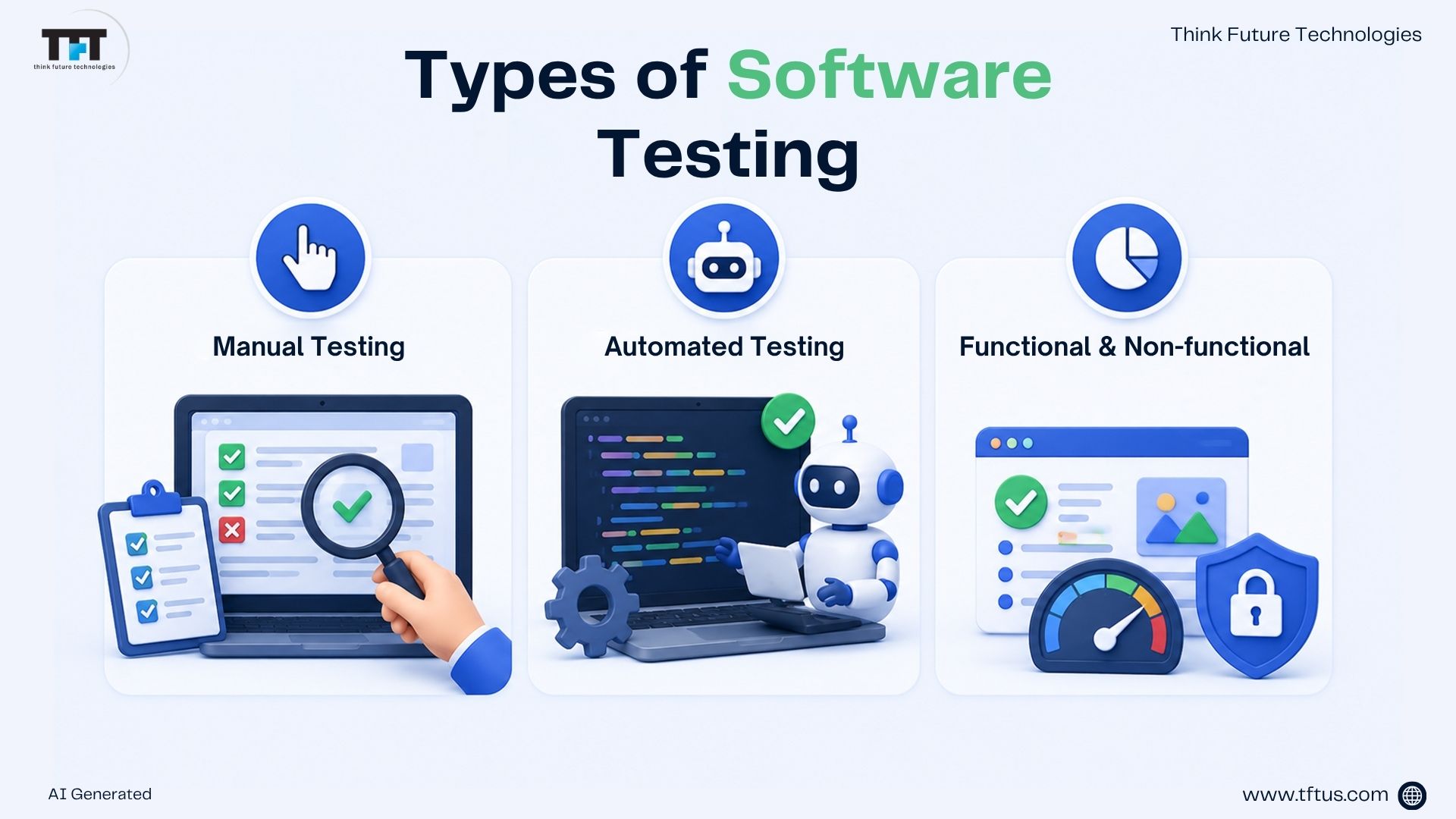
Generally, there are two categories for software testing, i.e., manual testing and automated testing.
1. Manual Testing
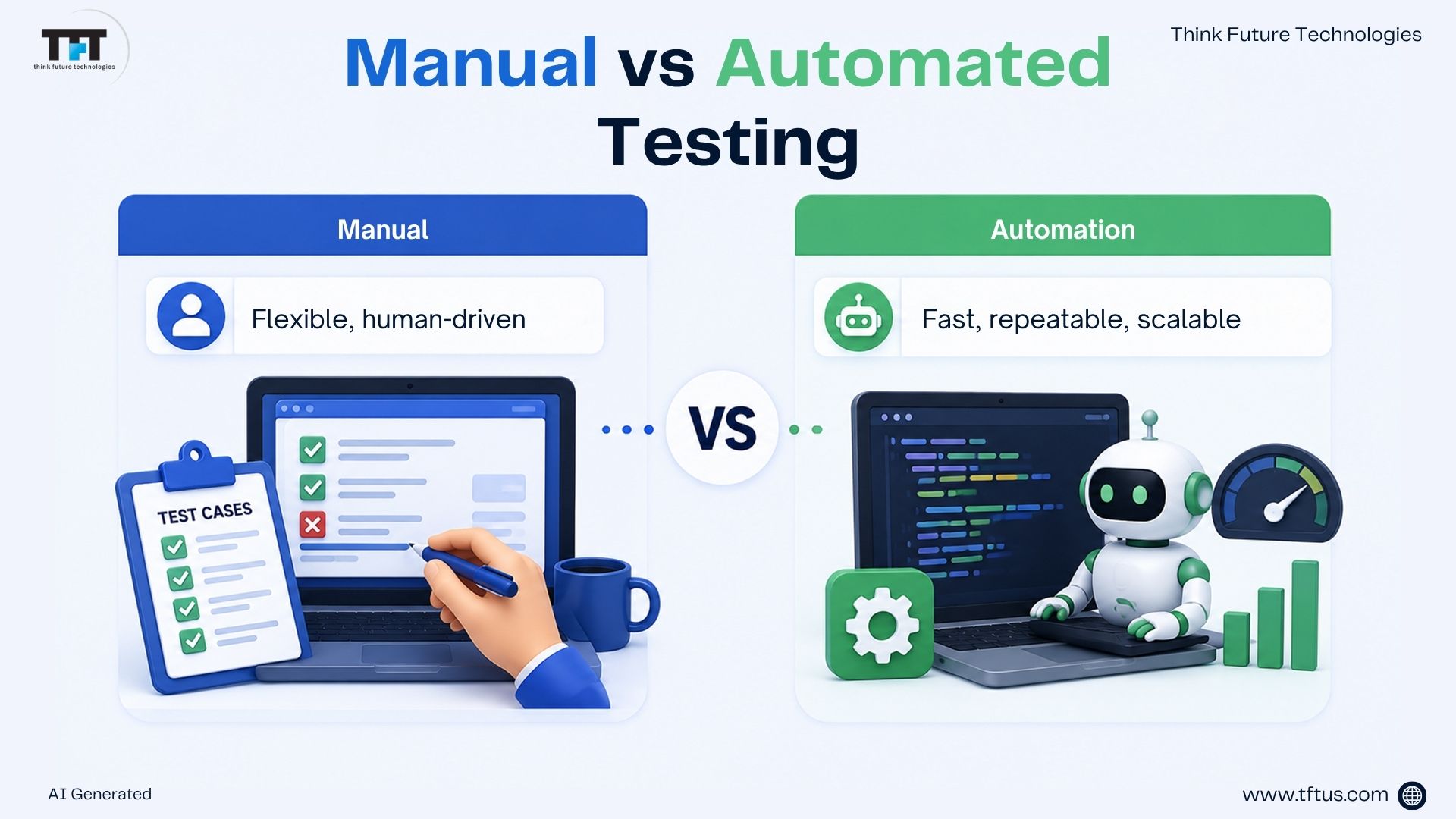
Manual testing is when human testers execute tests by themselves. Testers follow a test case and check the results for themselves. Manual testing is the right approach to use when exploratory testing is needed, since this approach relies on a human’s ability to think creatively to discover bugs.
2. Automated Testing
Automated testing uses tools to run tests automatically. Modern automated testing frameworks allow teams to run thousands of tests continuously as part of CI/CD pipelines. A test script will run again and again without a human to execute the test case. Automated testing reduces the time spent on repetitive work.
Automated testing tools will compare the actual outputs to the expected outputs from the program.
Automated testing will run faster than a human, and it will never get tired. Test automation makes testing possible to run frequently throughout the software development life cycle.
3 Types of Manual Testing
Manual testing is divided into three types of manual testing as follows-
1. White Box Testing
White box testing inspects the code structure as well as the functionality of the code. Testers will have the source code and use it to construct test cases. This is a deep examination of testing code correctness.
All testing will be represented since all code will be tested. White box testing can also be a process of improving the code by finding code errors, as well as lines of code that are unnecessary. It begins early in the process, before any interfaces are completed.
White box testing can identify issues that other forms of testing completely missed. White box testing identifies issues that originate from flow and logic. It will fit well into the process of software development.
2. Black Box Testing
Black box testing tests functionality without the knowledge of any code or specifics of what is inside. Testers verify functionality with only available specifications or requirements and check what the software does, rather than how it accomplishes those tasks.
The tests performed within black box testing require no programming knowledge whatsoever from the testers. Tests are conducted from the perspective of the user, and therefore, the results are real.
Test cases are produced in a way that they can be run again later, and the same functionality can be checked.
3. Gray Box Testing
Gray box testing combines both white box and black box testing. Testers have limited knowledge of the internal structure, but not the whole picture. This may include seeing limited data structures or algorithms, which is a mix of black box and white box testing.
Gray box testing gives the testers a clear focus on their goals while performing the test work. Testing is done from the user’s view with a limited inside perspective.
Expert programming skills are not needed, and gray box testing strengthens the overall quality of the product.
5 Types of White Box Testing
The different types of white box testing are as follows:
1. Path Testing
Path Testing tests each possible route through the code logic, defining each path to ensure that the route is behaving properly and efficiently.
2. Loop Testing
Loop Testing tests code loops (for-loops, while-loops). Loop Testing determines the correct behavior of loops and if the loop’s variables are handled properly without causing an infinite loop or logic error.
3. Unit Testing as White-Box Testing
It focuses on testing individual pieces of code, typically functions or methods, in isolation. It evaluates code’s internal logic, flow, and behaviour. It bears a resemblance to other types of testing, such as black box testing, white box testing, and functional testing, somewhat by nature of overlapping content.
4. Mutation Testing
Mutation testing performs small changes, mutations, to code to check if the existing test cases will find any mutations made to the code. It also helps measure the quality of test cases and determine weaknesses.
5. Integration Testing as White-Box Testing
Integration testing is considered white-box testing when internal knowledge of code is used for integration testing, when modules are tested, and how they work together.
Types of Black Box Testing
There are 3 types of black box testing:
1. Functional Testing
Functional testing verifies that the software adheres to its requirements. The emphasis here is on what the system should do. Functional testing is based on specifications and compares the actual results with the expected results.
2. Non-functional Testing
Non-functional testing verifies how the system behaves under different conditions than basic functions. Testing examines attributes like performance, security, usability, and reliability, all of which functional testing typically does not address.
3. Regression Testing
Types of Functional Testing
Functional testing determines how well the components of the software operate together based on the functionality provided.
1. Unit Testing
It is done to check a single small piece of the software, a function, or a method. Developers create unit tests to determine whether that piece works as expected in isolation. Examples of frameworks for unit testing include JUnit, NUnit, and xUnit.
2. User Acceptance Testing (UAT)
User Acceptance Testing (UAT) is carried out by the end users or clients of the system to validate the system’s anticipated purpose in real time.
3. Regression Testing as Functional Testing
In situations when regression testing is used to check for the functional behaviour of the system after the software has been modified, functional testing is applicable.
4. Integration Testing
5. System Testing
System testing tests the finished, fully integrated software system. It tests the software against the user and other requirements and verifies software performance and readiness for delivery.
6. Smoke Testing
Smoke testing is meant to verify the stability of the build quickly, or if the software being tested is stable enough that the tester can proceed to more in-depth testing.
7. Sanity Testing
Sanity testing is a short form of regression testing, testing a particular area in the build after a change. Sanity testing ensures that a build can be tested non-exhaustively.
8. End-to-End Testing
End-to-end testing is performed by creating a real user scenario, from the beginning to the end. End-to-end testing simulates real users and checks the integration of the software with external systems or interfaces, as well as the data flow, dependencies, or other systems or databases.
Types of Non-Functional Testing
Non-functional testing evaluates the performance of the software for different types of execution, or its behaviour. Here are 8 types of non-functional testing-
-
Performance Testing
Performance testing is used to review that the system executes properly under its anticipated workload, including speed, stability, and responsiveness.
-
Load Testing
Load testing is a part of performance testing. It considers how the system will respond to a high volume of users or transactions at the same time.
-
Security Testing
Security testing identifies vulnerabilities within the application, verifying whether the data or resources are effectively protected from either internal or external threats.
Types of Performance Testing
Performance testing, itself, is not a single activity. Below are 8 different types of performance testing.
-
Load Testing
Load testing measures how well the application behaves under simultaneous users or requests. The primary goal is to detect bottlenecks and possible limits.
-
Stress Testing
Stress testing seeks to put the application beyond its normal operating conditions to manage how it copes with failure or extreme loads, in addition to recovery.
-
Spike Testing
Spike testing aims to gauge how the application behaves when the load suddenly spikes to large levels and tests how resilient it is to a chronic, abrupt spike in activity.
-
Scalability Testing
Scalability testing examines whether the application can tolerate growth, more users, more data, and more load growth, and how it scales both up and down.
-
Endurance Testing
Also known as soak testing. Running the system under sustained load for a long time to find issues like memory leaks or long-term degradation of performance.
-
Soak Testing
Under sustained load, soak testing is similar to endurance testing. It tests the system under sustained load to determine how it performs over time.
-
Volume Testing
Volume testing ensures the system can handle large volumes of data both in the database and through transactional data.
-
Stability Testing
Stability testing simply checks whether the system remains functional over time while being subjected to several different environmental or load conditions.
Stability testing tests robustness and reliability over time.
Other Types of Testing
There are more testing types you should know about:
-
Acceptance Testing
Acceptance testing is performed by the client or end user to meet the criteria of their requirements and to ensure it is acceptable to go into production.
-
Exploratory Testing
Exploratory testing is less scripted than other tests. Testers explore the system and utilize their experience, intuition, and creativity to discover unexpected bugs. Exploratory testing is widely practiced in modern QA teams because it allows testers to use their experience and intuition to uncover unexpected defects.
-
Ad-hoc Testing
Ad-hoc Testing is a form of testing that is informal and random. There is no detailed test plan or documentation involved. It seeks to discover problems that structured tests do not find.
-
Globalization Testing
Globalization testing checks that the system operates correctly in different languages, locales, and cultural settings. It ensures that a product is usable in a global marketplace.
-
Alpha Testing
Alpha testing occurs within the organization, typically by the Quality Assurance department, before releasing software to real users.
-
Beta Testing
Beta testing occurs with a select number of real product users before a final release. Beta testing collects feedback and examines errors that occur within the real-world environment.
-
Object-Oriented Testing
Object-oriented testing research is developed specifically for object-oriented systems. The science of object-oriented testing offers testing of requirements, design, code, integration, system, and user testing in the context of object-oriented software.
-
Recovery Testing
Recovery testing determines how well the software can recover from a failure, such as a crash, an outage of communication, or a loss of power.
-
Compatibility Testing
Compatibility testing checks to see if the product works on different hardware, operating systems, browsers, or environments.
-
Installation Testing
Installation testing tries to verify the installation, upgrade, and uninstall processes of the software product. The installation testing verifies that the installation occurs correctly in the intended environments.
-
Localization Testing
Localization testing verifies whether the localized version of the product works correctly in any industry, region, or culture (including language, formats, time zones, etc.).
-
A/B Testing
A/B testing (or split testing) is a common method of evaluating changes in technology products, particularly digital products or marketing initiatives. You test two versions, A and B, to see which is preferred.
-
Graphical User Interface (GUI) Testing
GUI testing focuses on the visual and interactive components of software. It verifies various aspects of layout, colour, font, button, icon, link, and content variables to ensure they work properly and provide a good user experience.
Manual Testing vs Automated Testing Comparison
Here is how Manual testing and Automated testing compare to each other:
| Parameters | Manual Testing | Automated Testing |
| Definition | Human testers run the test cases by hand | Software tools execute test cases automatically |
| Processing Time | Takes a long time to finish testing | Runs much faster than manual testing |
| Resources Required | Needs human testers to do the work | Needs automation tools and trained people |
| Exploratory Testing | Works great for exploratory testing | Cannot do exploratory testing well |
| Framework Requirement | Does not need testing frameworks | Uses frameworks like Data Drive or Keyword |
| Initial Cost | Cheaper to start with | Costs more money upfront |
| Best Use Cases | Complex scenarios that need thinking | Repetitive tests and checking old features |
| Reliability | Can have human errors sometimes | Consistent and reliable every time |
Conclusion
Software testing is the foundation of every successful digital product. Software testing confirms that the software is running as it should and satisfies standards for reliability, performance, and user satisfaction.
Among all of the testing types, regression testing is of particular importance because it lends stability to the software over the course of the software development life cycle.